A quote workflow that does the math right every time: line items roll into section subtotals, your markup or margin mode prices the job automatically, the client gets a clean printable quote with your costs hidden, and every quote lands in a tracker that shows your win-rate and real margins.
WHO THIS IS FOR
General contractors, remodelers, handymen, painters, landscapers, and specialty trades
Estimators who want markup and margin in one place without confusing them again
Small crews replacing a "vibes spreadsheet" with a system
THE PROBLEM
Most contractor quotes are built on gut feel — a spreadsheet that "looks right," a markup percentage nobody double-checked, and the eternal confusion between markup and margin. A "25% markup" is only a 20% margin; price ten jobs that way and the missing profit adds up to real money. Meanwhile the client sees numbers you never meant to share, and nobody tracks which quotes actually won.
THE SOLUTION
One macro-free workbook: build the estimate line by line (60 rows), price it in markup OR target-margin mode with the formulas branching automatically, generate a client-facing quote sheet that keeps your unit costs private, and log every quote in a tracker that records actual job costs, real margins, and win-rate — so future pricing calibrates itself.
WHAT'S INCLUDED (exact files)
QuoteRight-Estimator.xlsx — the complete workbook (macro-free; Excel, Google Sheets, LibreOffice):
ESTIMATE BUILDER: 60 line-item rows with Section and Unit dropdowns, live line totals, section subtotals, direct-cost total. 14 sample rows from fictional Ridgeway Remodeling's kitchen refresh are preloaded — replace them with your job.
PRICING & MARGIN: Markup or Target-margin mode toggle (formulas branch automatically), contingency %, sales-tax-on-materials toggle, discount field, FINAL QUOTE PRICE, profit $, effective margin %, break-even price, plus comparison rows showing "the other side of the coin."
QUOTE SHEET: client-facing, print-ready (Letter, fit-to-width) — business/client fields, quote #, validity, per-item vs. section-only price toggle (totals identical either way), totals block, deposit/progress/final payment schedule with a 100% check, scope, exclusions, terms, signature line.
MATERIALS LIBRARY: ~40 common items with EXAMPLE unit costs (update to your region) plus example labor rates by trade; XLOOKUP-ready layout with a helper formula in the guide.
JOB TRACKER: quote log with Sent/Won/Lost/Expired status, actual job costs, real margins, win-rate and totals.
Quick-Start-Guide.pdf — build your first quote in 15 minutes; markup vs. margin explained with a verified worked example; overhead, contingency and tax guidance; library XLOOKUP helper; FAQ.
Download the ZIP → open the workbook → replace the sample line items with your job → set your mode, markup/margin %, contingency and tax toggle on PRICING & MARGIN → fill the QUOTE SHEET and print to PDF → log the quote in JOB TRACKER and enter actual costs when the job closes.
IDEAL CUSTOMER
A contractor or estimator who currently prices by gut feel, will localize the materials library to their region once, and will enter actual job costs at close-out so the tracker calibrates future quotes.
WHO IT IS NOT FOR
Contractors who need change-order tracking or accounting: this is an estimating and quoting aid — it prices the job and tracks wins; it is not accounting or tax software.
People who want the materials library usable as-is: the ~40 library prices are labeled EXAMPLE starting points and MUST be localized to your region and suppliers before you quote with them.
Estimators who need more than 60 lines without technique: jobs past 60 line items require the insert-rows method (insert inside rows 3–62 so subtotal formulas keep working) — covered in the FAQ.
Anyone looking for guaranteed wins or profit levels: no income claims are made anywhere.
REQUIREMENTS & LIMITATIONS
Prerequisites: basic spreadsheet use. You supply your own costs, rates, and tax rules.
Compatibility: XLSX — Excel (desktop & 365), Google Sheets, LibreOffice Calc. No macros.
The 14 sample line items and the Ridgeway Remodeling business are fictional examples — replace everything with your own.
Materials library prices are labeled EXAMPLE starting points; localize them to your region and suppliers before quoting.
This is an estimating aid, not accounting or tax advice. Sales-tax treatment varies by state — verify with your accountant.
Licensed for use in your own contracting business; no redistribution.
Known minor artifact: in LibreOffice, the PDF print export of the START HERE sheet may show a page-spill fragment on page 2. This is a print-layout artifact only — all content, values, and formulas are correct in Excel, Sheets, and Calc.
FAQ
Excel or Google Sheets? Both, plus LibreOffice — macro-free formulas work everywhere.
What's the difference between markup and margin? The guide explains with a verified example: 25% markup = 20% margin. This sheet prices by either and shows you both.
Can I add more than 60 line items? Insert rows inside rows 3–62 so the subtotal formulas keep working.
Will clients see my costs? Only if you want them to — the Y/N toggle shows per-item prices or section totals; either way the total is identical.
Do I need to localize the materials library? Yes — the ~40 prices are EXAMPLE starting points. Update them to your region and suppliers before quoting.
What if I need help with the file? Message the seller through the Gumroad product page contact form.
DELIVERY & ACCESS
Instant download as a ZIP file (QuoteRight-Estimator-v1/) after purchase. Yours to keep; free updates to v1.x.
LICENSE
Licensed to you, the buyer, for use in your own contracting business. You may not resell, share, redistribute, or republish these files.
SUPPORT & UPDATES
Questions or problems with the files: contact the seller via the Gumroad product page. All v1.x updates are free for life.
What's included
QuoteRight-Estimator.xlsx — the complete workbook (macro-free; Excel, Google Sheets, LibreOffice):
ESTIMATE BUILDER: 60 line-item rows with Section and Unit dropdowns, live line totals, section subtotals, direct-cost total. 14 sample rows from fictional Ridgeway Remodeling's kitchen refresh are preloaded — replace them with your job.
PRICING & MARGIN: Markup or Target-margin mode toggle (formulas branch automatically), contingency %, sales-tax-on-materials toggle, discount field, FINAL QUOTE PRICE, profit $, effective margin %, break-even price, plus comparison rows showing "the other side of the coin."
QUOTE SHEET: client-facing, print-ready (Letter, fit-to-width) — business/client fields, quote #, validity, per-item vs. section-only price toggle (totals identical either way), totals block, deposit/progress/final payment schedule with a 100% check, scope, exclusions, terms, signature line.
MATERIALS LIBRARY: ~40 common items with EXAMPLE unit costs (update to your region) plus example labor rates by trade; XLOOKUP-ready layout with a helper formula in the guide.
JOB TRACKER: quote log with Sent/Won/Lost/Expired status, actual job costs, real margins, win-rate and totals.
Quick-Start-Guide.pdf — build your first quote in 15 minutes; markup vs. margin explained with a verified worked example; overhead, contingency and tax guidance; library XLOOKUP helper; FAQ.
Markup AND target-margin modes in one sheet — the formulas branch on your toggle; comparison rows show you the other side of the coin — you never confuse the two again (the guide teaches it in one paragraph: 25% markup = 20% margin).
Client quote sheet that keeps your unit costs private (toggle per-item prices Y/N, totals stay identical) — the client sees a clean quote; your margins stay yours.
Payment schedule with a 100% check — deposit + progress + final always sum to the quote total.
Every computed cell is a real formula — verified: 43 automated checks against an independent Python recomputation, both pricing modes and both tax-toggle states tested, zero error cells.
JOB TRACKER turns closed jobs into calibration data: real margins and win-rate tell you whether your pricing is working.
Macro-free: works identically in Excel, Google Sheets, and LibreOffice — nothing to enable, nothing to break.
Frequently asked questions
Excel or Google Sheets?
Both, plus LibreOffice — macro-free formulas work everywhere.
What's the difference between markup and margin?
The guide explains with a verified example: 25% markup = 20% margin. This sheet prices by either and shows you both.
Can I add more than 60 line items?
Insert rows inside rows 3–62 so the subtotal formulas keep working.
Will clients see my costs?
Only if you want them to — the Y/N toggle shows per-item prices or section totals; either way the total is identical.
Do I need to localize the materials library?
Yes — the ~40 prices are EXAMPLE starting points. Update them to your region and suppliers before quoting.
What if I need help with the file?
Message the seller through the Gumroad product page contact form.
QuoteRight — Contractor Quote Estimator
Price every job with confidence: 60-line estimate builder, markup AND target-margin pricing, a client-ready quote sheet that hides your costs, and a win-rate tracker. One macro-free workbook.
Stop guessing your rate. Rate Architect derives your hourly, day & weekly rates from YOUR costs — income target, expenses, tax reserve, billable hours — then builds project quotes and 3-tier packages from them. Excel & Google Sheets. No macros.
Stop losing margin to guesswork bids and unsigned change orders. TradeGuard is a no-macros Excel/Google-Sheets system for residential GCs and remodelers: a 312-item master price book, a markup-protected bid estimator that shows your TRUE gross margin, a client-ready proposal view, per-cost-code job costing with a subcontractor draw tracker, and a change-order log with automatic margin impact — plus 3 fillable change-order sign-off PDFs.
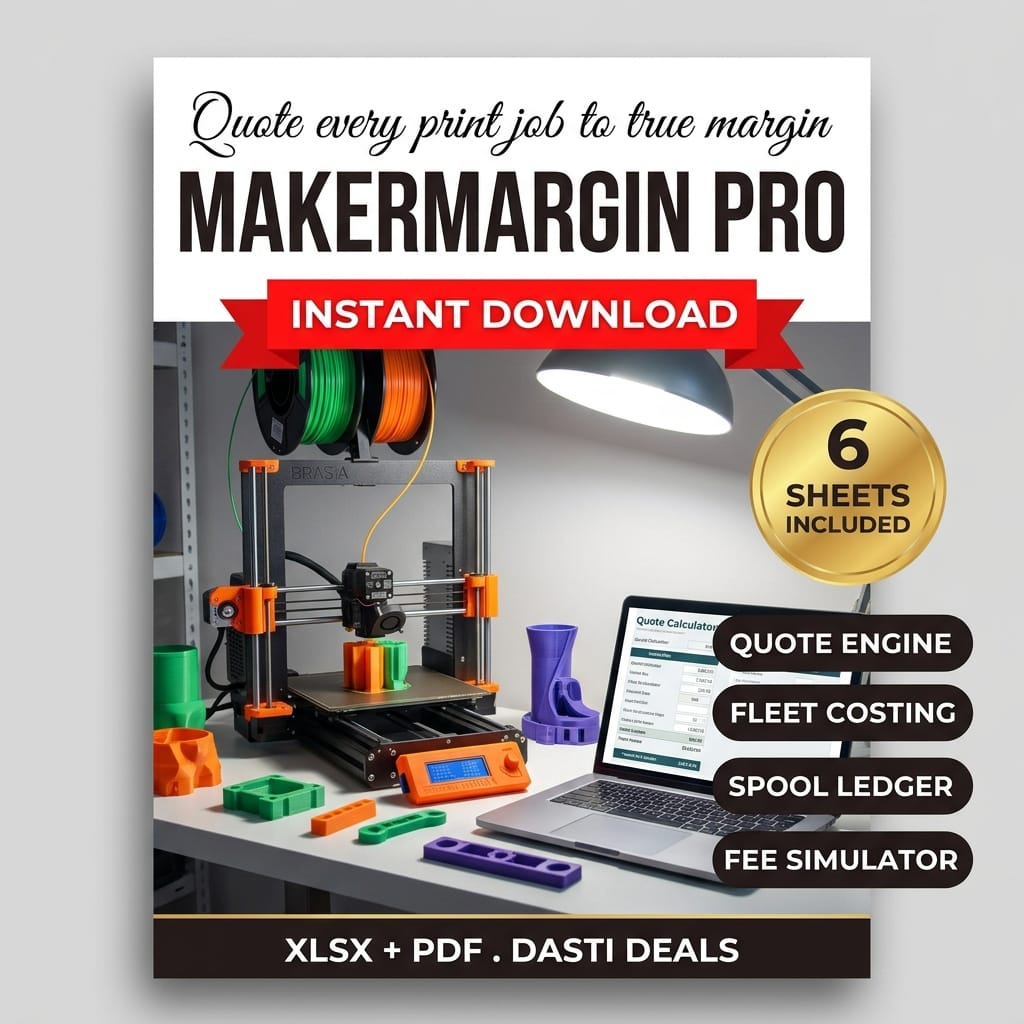
Know your exact net profit on every single-color or multi-color 3D print — before you slice. A no-macros Excel/Google Sheets quote engine for print farms and custom makers: true per-job costing (filament by the gram with purge waste, machine depreciation, electricity, labor, hardware BOM, failure buffer), markup vs true-margin pricing, and a side-by-side fee simulator showing your real net on Etsy Organic, Etsy Offsite Ads, Shopify and Wholesale.
Know exactly what every cookie, loaf, and cake costs you — and what to charge. CottageCalc turns your pantry receipts into true per-item costs, scales any recipe from 0.5x to 10x for market days and wholesale orders, prices custom tiered cakes, and hands you a 15-label allergen & cottage-food label suite. Built for cottage-food home bakers, micro-bakeries, and farmer's-market vendors. No macros, no subscriptions — just honest math.