Most listing presentations are a shaky verbal pitch and a printout. Between appointments, agents burn hours in design tools building one-off flyers and social posts that never quite match. The result: lost listings to agents who look more prepared, and marketing that undersells the home.
THE OUTCOME
Walk into every listing appointment with a 12-slide presentation that sells your marketing plan. Leave a professional CMA summary behind. Launch each listing with coordinated social posts, open-house materials, and guides that keep buyers and sellers coming back to you. One consistent, premium brand across everything.
WHO THIS IS FOR
Solo real estate agents and small teams who want to look like a top producer
Agents tired of rebuilding flyers and posts from scratch for every listing
New agents who need a complete, professional marketing system on day one
WHAT'S INCLUDED (69 pieces total)
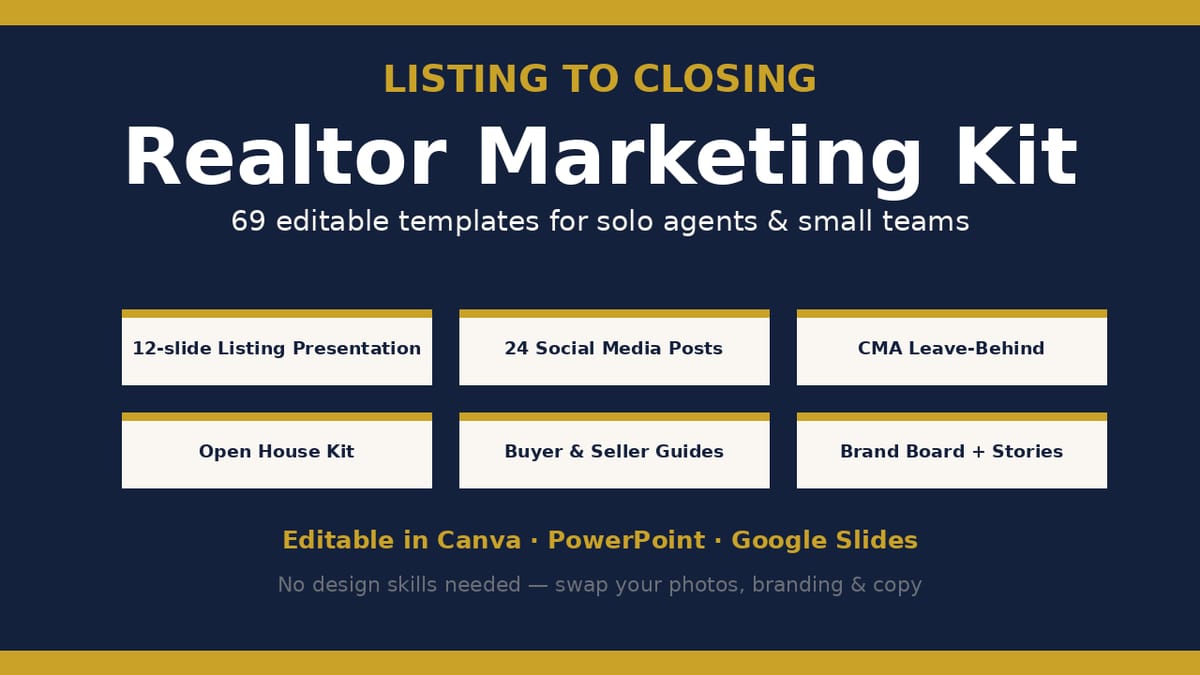
Listing-Presentation.pptx — 12-slide 16:9 listing presentation: cover, about the agent, brokerage/team, marketing plan, pricing strategy (CMA summary), photography & staging, online exposure, social plan, timeline, testimonials, commission & next steps, closing contact
CMA-Leave-Behind.pptx — 4-page comparative market analysis leave-behind: cover with suggested price, 4-comparable sales table with adjustments, three pricing bands, next steps
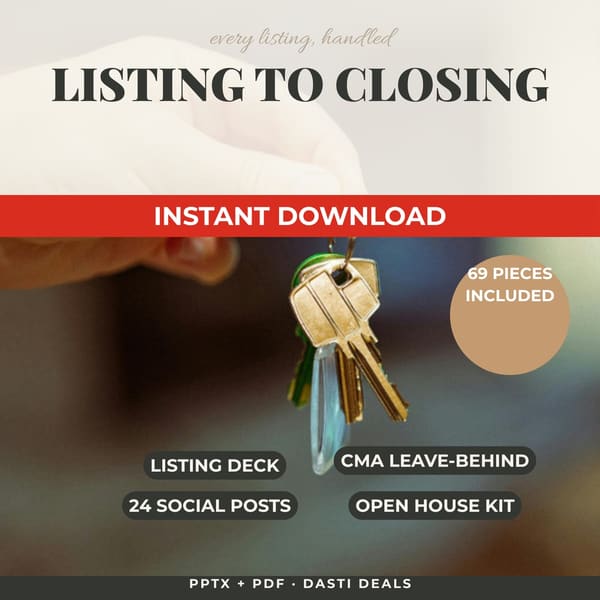
Social-Media-Kit.pptx — 24 square posts (1080x1080-ready): 6 Just Listed, 4 Just Sold, 4 Open House, 4 Market Update/stat, 3 Testimonial quotes, 3 Coming Soon
Open-House-Kit.pptx — 5 pages: open house flyer, property feature sheet, 10-visitor sign-in sheet, directional sign design, welcome table tent
Brand-and-Social-Extras.pptx — 10 pieces: brand board (colors, fonts, do/don't), business card front & back, email header banner, Facebook cover, 2 Instagram story templates, 2 testimonial graphics, bonus sold announcement post
Print-PDFs/ — print-ready PDF versions of every piece (US Letter)
Kit-Guide-and-Canva-Access.pdf — full inventory, editing instructions for Canva / PowerPoint / Google Slides, printing guide, FAQ
README-license.txt — license terms
HOW IT WORKS
Download the ZIP → open the Kit Guide → upload any .pptx into Canva (or open in PowerPoint/Slides) → replace the sample agent name, contact details, property info, and the labeled photo placeholders with your own → export as PDF (print) or PNG (social). Print-ready PDFs are included if you want to use pieces as-is first.
FORMATS & COMPATIBILITY
.pptx: PowerPoint 2016+, Microsoft 365, Google Slides (File > Import), Canva (upload to edit — becomes an editable Canva design), LibreOffice Impress, Apple Keynote (import)
.pdf: any PDF reader; print-ready US Letter
Fonts used: Georgia + Calibri (system fonts, nothing to install)
PREREQUISITES
A free Canva account, or PowerPoint / Google Slides. Basic familiarity with editing text and swapping images.
LIMITATIONS & DISCLOSURES
All agent names, brokerage, property addresses, prices, statistics, and testimonials in the sample content are fictional — replace them with your own before use.
Photo placeholders are labeled rectangles for you to replace with your listing photos.
The statistics shown (days on market, list-to-sale ratios) are sample figures — use your own verified numbers.
Testimonial quotes are illustrative sample copy, not real client reviews.
This kit contains no guarantees of listings, sales, or income.
DELIVERY & ACCESS
Instant download as a ZIP file (Realtor-Marketing-Kit-v1/) after purchase. Yours to keep; free updates to v1.x.
LICENSE
Licensed to you, the buyer, and your team for use in your own real-estate marketing. Use finished pieces (flyers, posts, guides) with your clients and listings as often as you like. You may not resell, share, or redistribute the template files themselves.
FAQ
Do I need Canva Pro? No — everything works with a free Canva account, PowerPoint, or Google Slides.
Can my whole team use this? Yes — the license covers you and your team for your own marketing.
How do I add my own branding? Replace the sample colors, fonts, logo text, and contact blocks — the Kit Guide walks through it step by step.
Are the social posts the right size? Yes — designed at 1080x1080-ready square format; stories at 1080x1920.
What if I need help editing? Reply to your purchase receipt email with questions about using the files.
What's included
Listing Presentation (12 slides, 16:9) — marketing plan, pricing strategy with CMA summary, photography & staging, online exposure, social plan, timeline, next steps
CMA Leave-Behind (4 pages) — suggested price, 4-comparable sales table with adjustments, three pricing bands, next steps
Social Media Kit — 24 square posts: 6 Just Listed, 4 Just Sold, 4 Open House, 4 Market Update, 3 Testimonial quotes, 3 Coming Soon
Open House Kit (5 pages) — flyer, property feature sheet, 10-visitor sign-in sheet, directional sign, welcome table tent
Brand & Social Extras (10 pieces) — brand board, business card front & back, email header banner, Facebook cover, 2 Instagram story templates, 2 testimonial graphics, bonus sold announcement post
Print PDFs — print-ready PDF versions of every piece (US Letter)
Kit Guide & Canva Access (PDF) — full inventory, editing instructions for Canva / PowerPoint / Google Slides, printing guide, FAQ. Includes native Canva access links for all 7 designs — open a link, make your own copy, edit in Canva
README & license file
Key features
Fully editable source files: real text boxes and shapes, not flattened images
Imports into Canva as editable designs (upload the .pptx) — also native in PowerPoint & Google Slides. UPDATE 2026-10-18: native Canva access links for all 7 designs are included in the download's Kit-Guide-and-Canva-Access.pdf (open a link, make your own copy, edit in Canva — no uploading)
Consistent premium brand system: deep navy + warm gold, serif headlines, clean body type
Realistic sample content (fictional agent, property, and stats) you replace with your own
Print PDFs included for every piece — use instantly even before customizing
Frequently asked questions
Do I need Canva Pro?
No — everything works with a free Canva account, PowerPoint, or Google Slides.
Can my whole team use this?
Yes — the license covers you and your team for your own marketing.
How do I add my own branding?
Replace the sample colors, fonts, logo text, and contact blocks — the Kit Guide walks through it step by step.
Are the social posts the right size?
Yes — designed at 1080×1080-ready square format; stories at 1080×1920.
What if I need help editing?
Reply to your purchase receipt email with questions about using the files.
Listing to Closing — Realtor Marketing Kit
A complete 69-piece marketing system for realtors: listing presentation, CMA leave-behind, 24 social posts, open house kit, buyer & seller guides, and brand extras. Fully editable in Canva, PowerPoint & Google Slides.
Everything to price, bill, and organize your first year of freelancing — in one afternoon. Rate calculator, 3 contract templates, invoice tracker + payment emails, client onboarding kit, finance spreadsheet, and a US tax checklist.
Launch a polished, fully-branded 8-week coaching program in a weekend: 28-page workbook, 54-slide deck, client onboarding pack (agreement, intake, emails), testimonial kit & completion certificate. All editable in Canva, PowerPoint & Google Slides.