About this product
THE PROBLEM
Wedding planning scatters across ten spreadsheets, a notes app, screenshots of vendor quotes, and a group chat. Numbers drift, RSVPs get lost, the seating chart lives in someone's head — and the month before the wedding turns into a second job.
THE OUTCOME
One command center where every dollar, vendor, guest, and deadline lives together: a live budget with per-guest cost, vendors with balances due, RSVP counts that feed your seating chart, a 60-task month-by-month timeline, and a day-of schedule with an emergency kit checklist. Open it every Sunday, know exactly where you stand.
WHO THIS IS FOR
- Engaged couples planning their own wedding (especially 50–200 guest weddings)
- Couples who want one system instead of a dozen scattered tools
- Wedding coordinators who want a clean client-planning system (one copy per wedding — see license)
- Notion lovers who want the same system as a Notion workspace
WHAT'S INCLUDED (exact files)
- Wedding-Command-Center-App.html — the complete planner as ONE self-contained file. Opens in any browser, works offline, no account, no install. Your data stays in your browser (localStorage); nothing uploads anywhere.
- DASHBOARD: live countdown, budget snapshot (estimated/paid/remaining/per-guest cost), guest counts, planning progress, "coming up" panel (next vendor balances + due-soon tasks)
- BUDGET: 12 categories, add/edit/delete items with Estimated/Actual/Paid/Balance-due, per-category rollup, automatic over-budget highlighting
- VENDORS: vendor cards with contact, cost, deposit, balance, due date, status pipeline (Researching/Booked/Paid), comparison notes
- GUESTS & RSVP: guest list with side/group/RSVP/meal/plus-one, live counts
- SEATING: tables with capacities, assign guests, unassigned-guest list, per-table seat counts
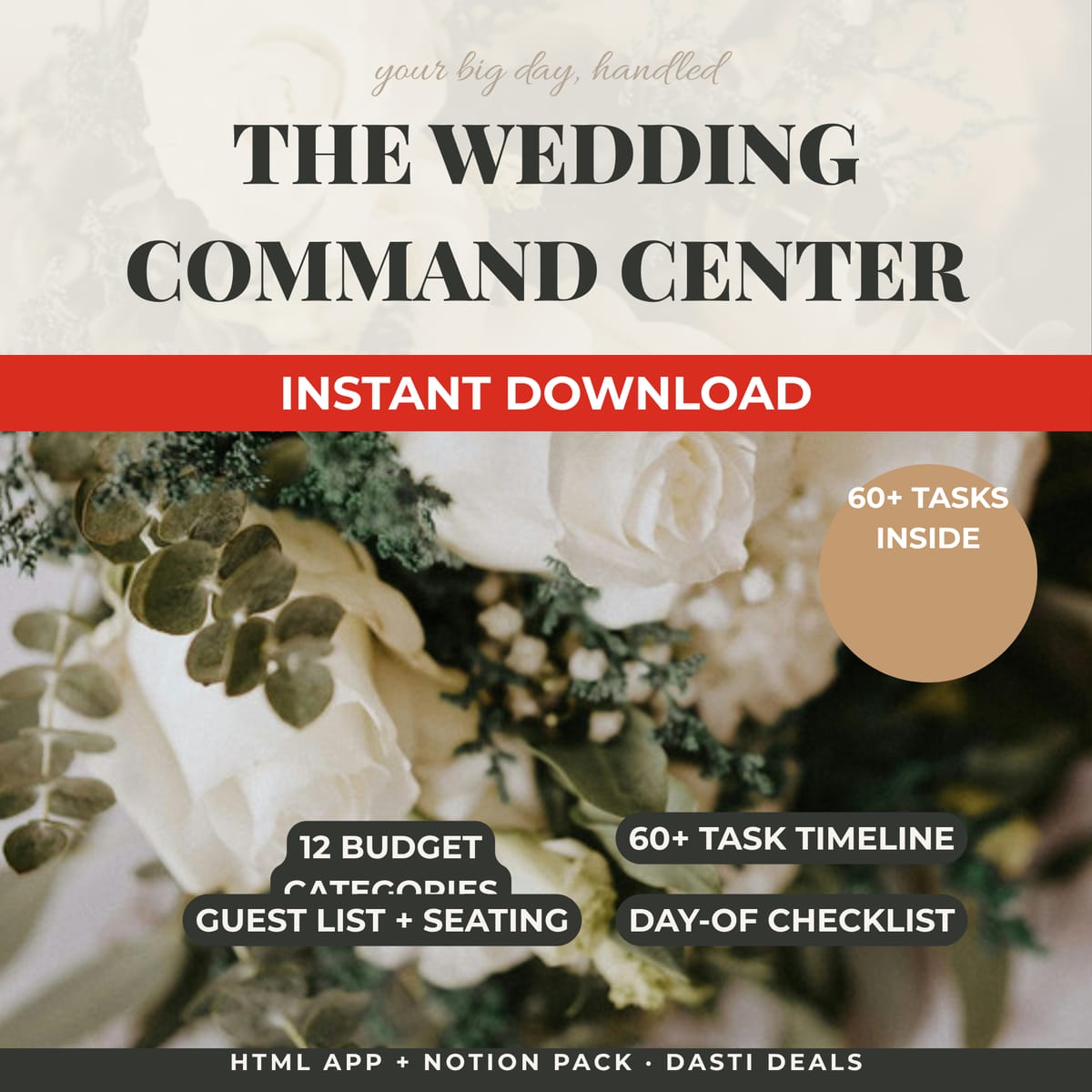
- TIMELINE: ~60 real planning tasks across 8 timing buckets (12+ months → wedding week), check off, add your own, progress %
- DAY-OF: editable hour-by-hour schedule + 14-item emergency kit checklist
- Sample wedding preloaded (fictional), one-tap "Clear sample data", Export/Import JSON backup
- Notion-Rebuild-Pack/Notion-Build-Guide.pdf — rebuild the entire system in Notion in ~30–45 minutes: exact page tree, all 4 database schemas (Budget, Vendors, Guests, Planning Tasks) with every property name/type/options, views with filters and sorts, dashboard layout spec, copy-paste formulas
- Notion-Rebuild-Pack/Tasks-Database-Import.csv — 60 planning tasks ready to import
- Notion-Rebuild-Pack/Budget-Import.csv — 14 sample budget rows
- Notion-Rebuild-Pack/Guest-List-Import.csv — 20 sample guests
- Notion-Rebuild-Pack/Vendors-Import.csv — 8 sample vendors
- Printable-Pack.pdf — budget worksheet, vendor comparison sheet, guest list sheet, day-of timeline sheet, emergency kit checklist (print-ready US Letter)
- Quick-Start-Guide.pdf — your first 30 minutes: setup order, the monthly planning rhythm, how budget/vendors/guests connect, day-of advice, FAQ
- README-license.txt — contents, formats, license, support
HOW IT WORKS
Download the ZIP → double-click Wedding-Command-Center-App.html → type your names and wedding date on the dashboard → clear sample data → add your budget total, venue, and first guests. Sunday routine: glance at the dashboard, check off timeline tasks, update RSVPs. Wedding week: print the day-of sheets and pack the emergency kit.
FORMATS & COMPATIBILITY
- App: any modern browser (Chrome, Safari, Firefox, Edge), desktop or mobile, offline; add to home screen for one-tap access
- Notion pack: requires a free Notion account (only if you want the Notion version)
- PDFs: any PDF reader; print-ready US Letter
PREREQUISITES
None for the app. A free Notion account only if using the Notion rebuild pack.
LIMITATIONS & DISCLOSURES
- The Notion pack is a guided rebuild pack (step-by-step guide + CSV imports), NOT a one-click Notion duplicate link — stated plainly here and in the guide.
- The app and the Notion workspace do not sync with each other — pick one home base.
- App data lives in your browser's localStorage: use Export backup weekly; clearing browser data erases it unless exported.
- The sample wedding (Emma & Liam, June 12, 2027) is entirely fictional — replace everything with your own.
- This is a planning aid only: no guarantees about vendors, prices, availability, or outcomes.
DELIVERY & ACCESS
Instant download as a ZIP file (Wedding-Command-Center-v1/) after purchase. Yours to keep; free updates to v1.x.
LICENSE
Licensed to you, the buyer, for planning YOUR wedding (personal use). A hired coordinator may use this copy for your wedding. Coordinators/planners: one purchased copy per client wedding planned with it. You may not resell, share, redistribute, or republish these files.
FAQ
- App or Notion — which should I use? Pick one home base; they don't sync. The app is instant and offline; Notion is better if you want cloud sharing with your partner and mobile editing.
- Do I need the internet? No — the app is one HTML file that runs offline. (Notion pack needs a free Notion account.)
- Will I lose my data? Only if you clear browser data without exporting. Tap Export backup weekly — it takes ten seconds.
- I'm a wedding coordinator — can I use this with clients? Yes: your clients' weddings are covered one copy per wedding (see license).
- What if I need help with the files? Reply to your purchase receipt email.
QA NOTE
The app passed 35/35 automated functional checks in a headless jsdom harness (boot, sample seeding, dashboard totals vs hand-computed values, guest RSVP counts, seating assignment counts, checklist progress, countdown logic, add/edit/delete flows, sample-data clearing). Two real defects were found and fixed during QA (a budget-totals accumulation bug and a missing function brace), and all checks were re-run green. Preview images are faithful mockups of the app's real interface and copy (headless screenshot rendering was unavailable in the build environment).
What's included
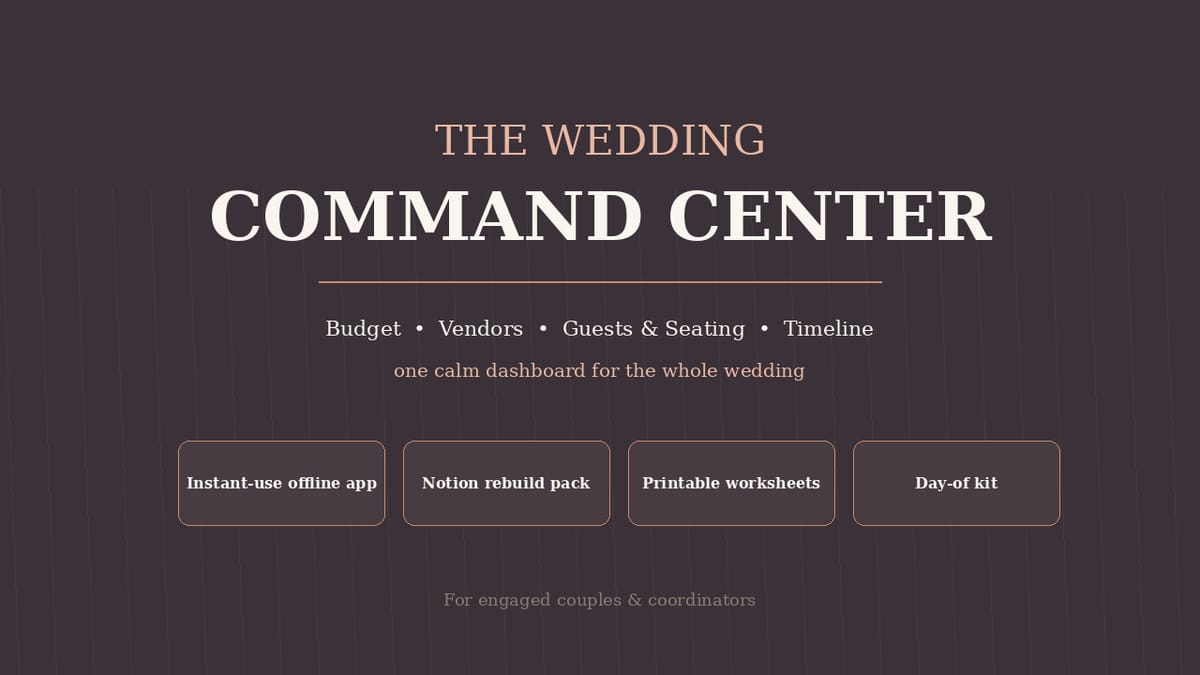
- Wedding Command Center App (single HTML file) — the complete planner in one self-contained file: opens in any browser, works offline, no account, no install; your data stays in your browser. Dashboard (live countdown, budget snapshot, guest counts, planning progress) · Budget (12 categories, estimated/actual/paid/balance, over-budget highlighting) · Vendors (cards with cost, deposit, balance, due date, status pipeline) · Guests & RSVP (side/group/meal/plus-one, live counts) · Seating (tables with capacities, unassigned list) · Timeline (~60 tasks across 8 timing buckets) · Day-of (editable hour-by-hour schedule + 14-item emergency kit checklist) · sample wedding preloaded, one-tap clear, Export/Import backup
- Notion Build Guide (PDF) — rebuild the entire system in Notion in ~30–45 minutes: exact page tree, all 4 database schemas (Budget, Vendors, Guests, Planning Tasks), views with filters and sorts, dashboard layout spec, copy-paste formulas
- Tasks Database Import (CSV) — 60 planning tasks ready to import
- Budget Import (CSV) — 14 sample budget rows
- Guest List Import (CSV) — 20 sample guests
- Vendors Import (CSV) — 8 sample vendors
- Printable Pack (PDF) — budget worksheet, vendor comparison sheet, guest list sheet, day-of timeline sheet, emergency kit checklist (print-ready US Letter)
- Quick-Start Guide (PDF) — your first 30 minutes: setup order, the monthly planning rhythm, how budget/vendors/guests connect, day-of advice, FAQ
- README & license file
Key features
- Genuinely relational: RSVP counts feed seating and per-guest cost; vendor balances surface on the dashboard; the timeline matches the real planning order
- Zero setup friction: sample wedding preloaded so every number renders on first open
- Tested: 35/35 automated functional checks passed (dashboard math, RSVP/seating counts, task progress, countdown, add/edit/delete flows, backup clear)
- Works offline; your data never leaves your device
- Coordinators welcome: license covers a hired coordinator using it for YOUR wedding