About this product
THE OUTCOME
Get your agency's operating knowledge out of the founder's head and into 12 written procedures your team can actually follow — so onboarding isn't improvised, quality doesn't depend on who's in the room, and every hire stops meaning re-teaching everything from scratch.
WHO THIS IS FOR
Founders and operators of marketing, creative, web, or PR agencies (roughly 2–30 people) who are tired of re-explaining everything, missing follow-ups, and having quality depend on who's in the room.
THE PROBLEM
Every agency hits the same wall: all the knowledge lives in the founder's head. Onboarding is improvised, quality depends on who does the work, and every hire means re-teaching everything from scratch.
THE SOLUTION
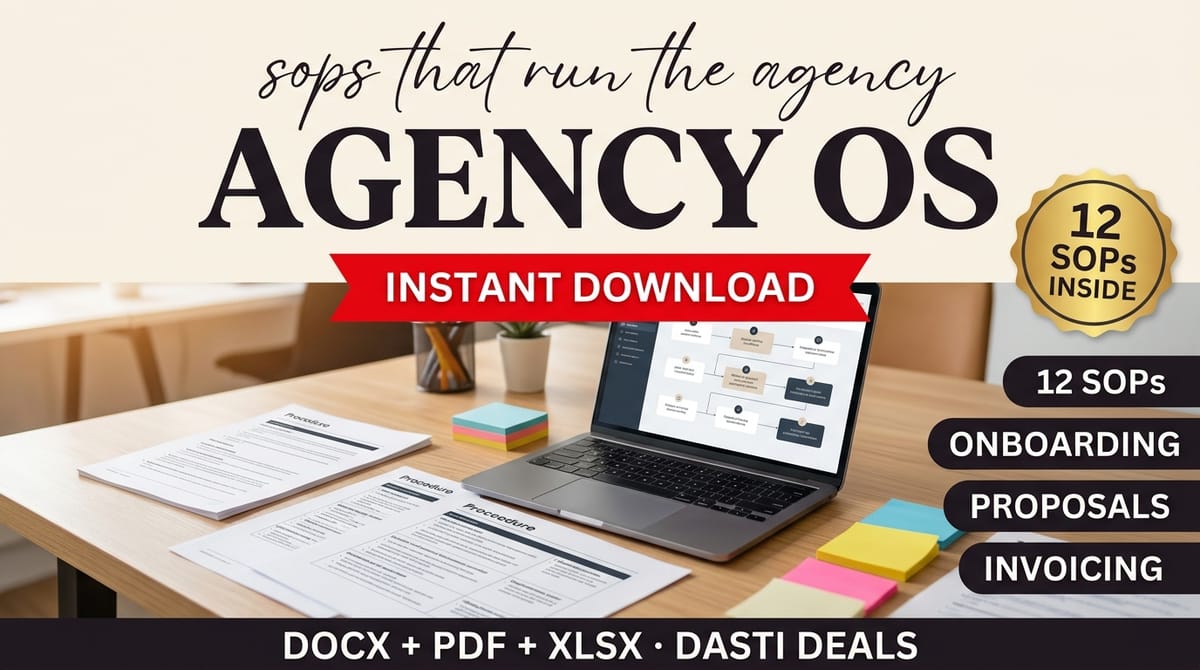
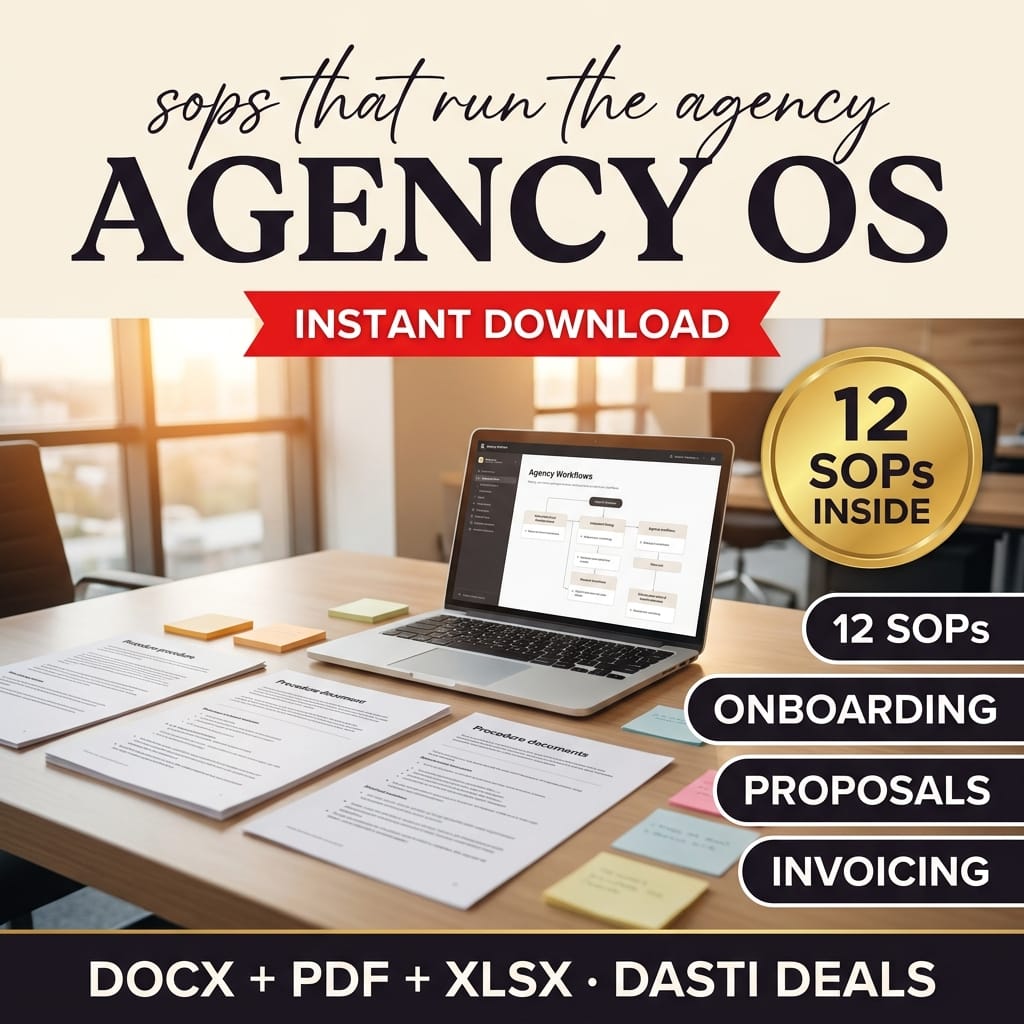
Agency OS is a complete set of 12 standard operating procedures written specifically for small marketing and creative agencies. These aren't outlines with blank headings — each SOP is a genuinely detailed, step-by-step procedure your team can actually follow.
WHAT'S INSIDE (27 files)
- SOP-01 — Client Onboarding (Word + PDF)
- SOP-02 — Discovery Call & Proposal Process (Word + PDF)
- SOP-03 — Project Kickoff (Word + PDF)
- SOP-04 — Creative / Deliverable QA & Review (Word + PDF)
- SOP-05 — Client Communication Cadence (Word + PDF)
- SOP-06 — Content Approval Workflow (Word + PDF)
- SOP-07 — Invoicing & Payment Follow-Up (Word + PDF)
- SOP-08 — Contractor / Vendor Onboarding (Word + PDF)
- SOP-09 — Team Hiring & Onboarding (Word + PDF)
- SOP-10 — Offboarding a Client (Word + PDF)
- SOP-11 — File Management & Naming (Word + PDF)
- SOP-12 — Monthly Retainer Reporting (Word + PDF)
- SOP Index & Setup Guide (PDF) — full index, bracket find-replace table, 30-day rollout plan, review cadence, FAQ
- SOP Tracker (Excel) — register of all 12 SOPs with owners, statuses, and automatic 90-day review reminders
- README with license and getting-started steps
FEATURES → WHAT THEY DO FOR YOU
- Every SOP follows the same 9-section structure: Purpose, Scope, Owner/Roles, Frequency/Trigger, Step-by-Step Procedure, Quality Checklist, Tools & Templates Referenced, Escalation Path, Revision Notes → anyone can pick up any procedure and know exactly where to look.
- Fully written procedures — numbered steps with real detail, not skeletons → your team follows them instead of asking you.
- [Bracketed] customization system: find-and-replace your agency name, tools, roles, and thresholds using the guide's master table → personalized in an afternoon, not written over weeks.
- Includes the SOPs agencies always postpone: invoicing follow-up ladders, client offboarding, file naming, contractor onboarding → the unglamorous work that actually leaks money gets systematized first.
- Quarterly review system built in so SOPs stay alive instead of dying in a folder → the tracker computes 90-day review reminders automatically.
HOW IT WORKS
- Read the Setup Guide (start here — 10 minutes).
- Find-and-replace the [bracketed] fields across the Word docs.
- Follow the 30-day rollout plan: money-first SOPs in week 1, client experience in week 2, delivery quality in week 3, growth in week 4.
- Track progress in the SOP Tracker spreadsheet.
IDEAL CUSTOMER — PICTURE THIS
A 7-person creative agency where the founder still writes every proposal and chases every invoice. Week 1 of the rollout: the invoicing follow-up ladder and file naming go live. By day 30, all 12 SOPs show "Live" in the tracker, and the newest hire onboards from documents instead of shoulder-taps.
WHO IT IS NOT FOR
- Solo freelancers with no team and no plans to hire — these SOPs assume people to hand work to.
- Anyone looking for legal contracts or HR policies — these are workflow procedures, not legal, HR, or financial advice; agreements and employment practices need qualified counsel.
- Buyers who won't customize or enforce — every [bracket] must be filled before a SOP goes to your team, and SOPs only stay alive if someone enforces them.
FORMATS
Editable .docx (Word, Google Docs, Canva Docs) + print-ready PDFs + .xlsx tracker. Nothing to install.
PREREQUISITES
None — just your agency's name, tools, and role assignments to fill the brackets.
LIMITATIONS
- These are starting templates reflecting common agency practice, not legal, HR, or financial advice. Have agreements and employment practices reviewed by qualified counsel in your jurisdiction (noted in SOP-08, SOP-09, and the README).
- Processes differ per agency — you'll adapt timelines, roles, and steps to your reality.
- Every [bracketed] field must be completed before distributing a SOP to your team.
DELIVERY
Instant download as a ZIP file after purchase.
LICENSE
Use within your own single agency; share customized copies with your employees and contractors. No resale or redistribution of the templates. Full terms in README-license.txt.
FAQ
Q: Are these just outlines I have to fill in myself? A: No. Every SOP contains complete, detailed procedures — typically 10+ numbered steps plus checklists. You only fill in the [bracketed] fields (your tools, names, thresholds).
Q: We're a 3-person agency. Is this overkill? A: Start with the week 1–2 rollout (invoicing, file naming, onboarding, communication cadence). Add the rest as you grow. Small agencies benefit most because there's no ops team to write these.
Q: Can we edit these in Google Docs? A: Yes — the DOCX files open in Word, Google Docs, and import into Canva Docs.
Q: Do these work outside the US? A: The processes are tool- and region-neutral by design (your tools go in the brackets). Employment and contract topics are framed as workflow templates — get local counsel review, as the guide explains.
Q: How do we keep SOPs from going stale? A: Each SOP has a Revision Notes section and the tracker computes 90-day review reminders automatically. The guide's rule: when reality contradicts a SOP, update the SOP.
SUPPORT & UPDATES
Questions? Contact us through the Gumroad product page. Free updates to v1.x.
What's included
- 27 files:
- SOP-01 — Client Onboarding (Word + PDF)
- SOP-02 — Discovery Call & Proposal Process (Word + PDF)
- SOP-03 — Project Kickoff (Word + PDF)
- SOP-04 — Creative / Deliverable QA & Review (Word + PDF)
- SOP-05 — Client Communication Cadence (Word + PDF)
- SOP-06 — Content Approval Workflow (Word + PDF)
- SOP-07 — Invoicing & Payment Follow-Up (Word + PDF)
- SOP-08 — Contractor / Vendor Onboarding (Word + PDF)
- SOP-09 — Team Hiring & Onboarding (Word + PDF)
- SOP-10 — Offboarding a Client (Word + PDF)
- SOP-11 — File Management & Naming (Word + PDF)
- SOP-12 — Monthly Retainer Reporting (Word + PDF)
- SOP Index & Setup Guide (PDF) — full index, bracket find-replace table, 30-day rollout plan, review cadence, FAQ
- SOP Tracker (Excel) — register of all 12 SOPs with owners, statuses, and automatic 90-day review reminders
- README with license and getting-started steps
Key features
- Every SOP follows the same 9-section structure: Purpose, Scope, Owner/Roles, Frequency/Trigger, Step-by-Step Procedure, Quality Checklist, Tools & Templates Referenced, Escalation Path, Revision Notes → anyone can pick up any procedure and know exactly where to look
- Fully written procedures — numbered steps with real detail, not skeletons → your team follows them instead of asking you
- [Bracketed] customization system: find-and-replace your agency name, tools, roles, and thresholds using the guide's master table → personalized in an afternoon, not written over weeks
- Includes the SOPs agencies always postpone: invoicing follow-up ladders, client offboarding, file naming, contractor onboarding → the unglamorous work that actually leaks money gets systematized first
- Quarterly review system built in so SOPs stay alive instead of dying in a folder → the tracker computes 90-day review reminders automatically