About this product
THE OUTCOME
Go from no handbook — or a stale PDF nobody reads — to a real, customized employee handbook plus a repeatable onboarding process, in days instead of weeks, without paying an HR consultant thousands.
WHO THIS IS FOR
- Small businesses (5–50 employees) hiring without a dedicated HR team
- Founders and ops managers who need a real handbook fast
- First HR hires who want a solid starting structure, not a blank page
THE PROBLEM
New hires start confused. Most small businesses either have no handbook — or a stale PDF nobody reads. Writing one from scratch takes weeks you don't have, and HR consultants charge thousands.
THE SOLUTION
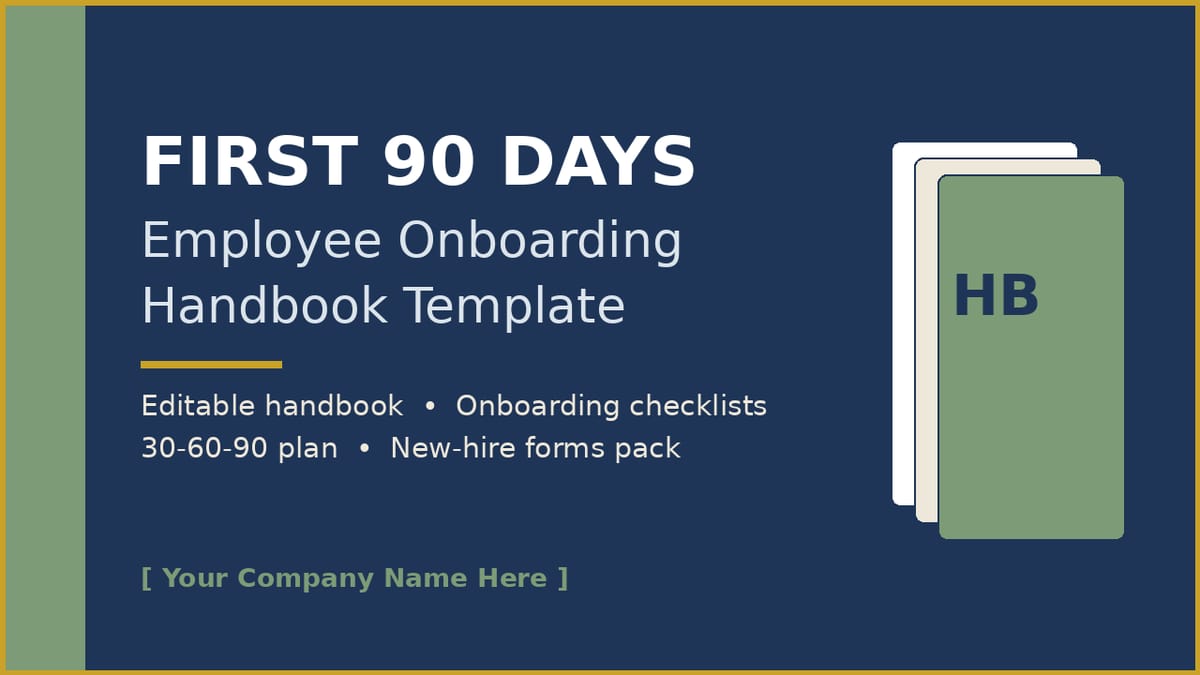
First 90 Days gives you the whole system, done: a professionally designed, fully editable 29-page employee handbook template plus the onboarding machinery around it. Fill in the [bracketed] fields, pick your policy options, get a legal review of the flagged sections, and roll it out.
HOW IT WORKS
- Download and unzip. 2. Open the PPTX and search for "[" — every customization point is a [bracketed] field. 3. Delete the options you don't use. 4. Have employment counsel review the flagged sections. 5. Send the PDF to new hires before day one and collect signed acknowledgments.
FEATURES → WHAT THEY DO FOR YOU
- [Bracketed] fields marking every customization point → you can't miss a spot that needs your company's details.
- Automatic completion % on each checklist phase → managers see onboarding progress at a glance, per hire.
- Pick-one policy options (remote models, dress code variants) → choose your policy, delete the rest — no rewriting from scratch.
- Legal-review table in the guide → you know exactly which sections need counsel and why, before anything goes to employees.
IDEAL CUSTOMER — PICTURE THIS
A 12-person agency hires its third employee this quarter. The founder spends one focused afternoon filling in the brackets, gets the flagged sections reviewed by counsel, and from now on every new hire gets the same professional handbook and the same first-week experience.
WHO IT IS NOT FOR
- Businesses looking for legal or HR advice — this is a template, not a lawyer; counsel review of the flagged sections is required.
- Companies hiring contractors only — the handbook is written for employees (contractors need different documents).
- Buyers who want a finished, done-for-you handbook with zero customization — the kit ships intentionally unfinished and needs your input.
- Anyone unwilling to do the customization work — the bracketed fields must be filled with your company's real details before this goes to employees.
FORMATS
PPTX + PDF + XLSX. Works in Microsoft PowerPoint, Google Slides/Sheets, and Canva (native Canva design link included in the download; the PPTX also imports into Canva). No special software or fonts needed.
LIMITATIONS — PLEASE READ
- This is a template with general guidance, NOT legal or HR advice. Employment law varies by location and changes over time. Review the flagged policy sections with qualified counsel before distributing.
- [Bracketed] fields must be filled in — the kit is intentionally unfinished until you customize it.
- The handbook states it is not an employment contract (see the Acknowledgment page); keep it that way.
- Designed with standard fonts (Calibri/Helvetica); your brand fonts can be applied in one pass.
DELIVERY & LICENSE
Instant download via Gumroad. Your license covers use by your own single business, including distributing the handbook and forms to your employees. You may not resell or redistribute the kit as a template.
FAQ
Q: We have no HR department. Can we still use this? A: Yes — that's exactly who it's for. The Customization Guide walks you through every decision, and the checklists tell managers what to do when.
Q: Does it work in Canva / Google Slides? A: Yes — two ways. The download includes a native Canva access link (open it, make your own copy in Canva, and edit — nothing to upload). The PPTX also opens in PowerPoint and Google Slides, and imports into Canva directly (re-apply your brand fonts with Canva Styles in one pass).
Q: Do we need a lawyer? A: For the flagged sections (leave, overtime, at-will language, harassment policy, final pay) — yes, one review session in each location where you have employees. The guide explains exactly which sections and why.
Q: Can we use it for contractors? A: No — it's written for employees. Contractors need different documents.
Q: Can we share it with another business? A: No. The license covers your own single business. They'll need their own copy.
SUPPORT & UPDATES
Questions? Contact us through the Gumroad product page. Free updates to v1.x.
What's included
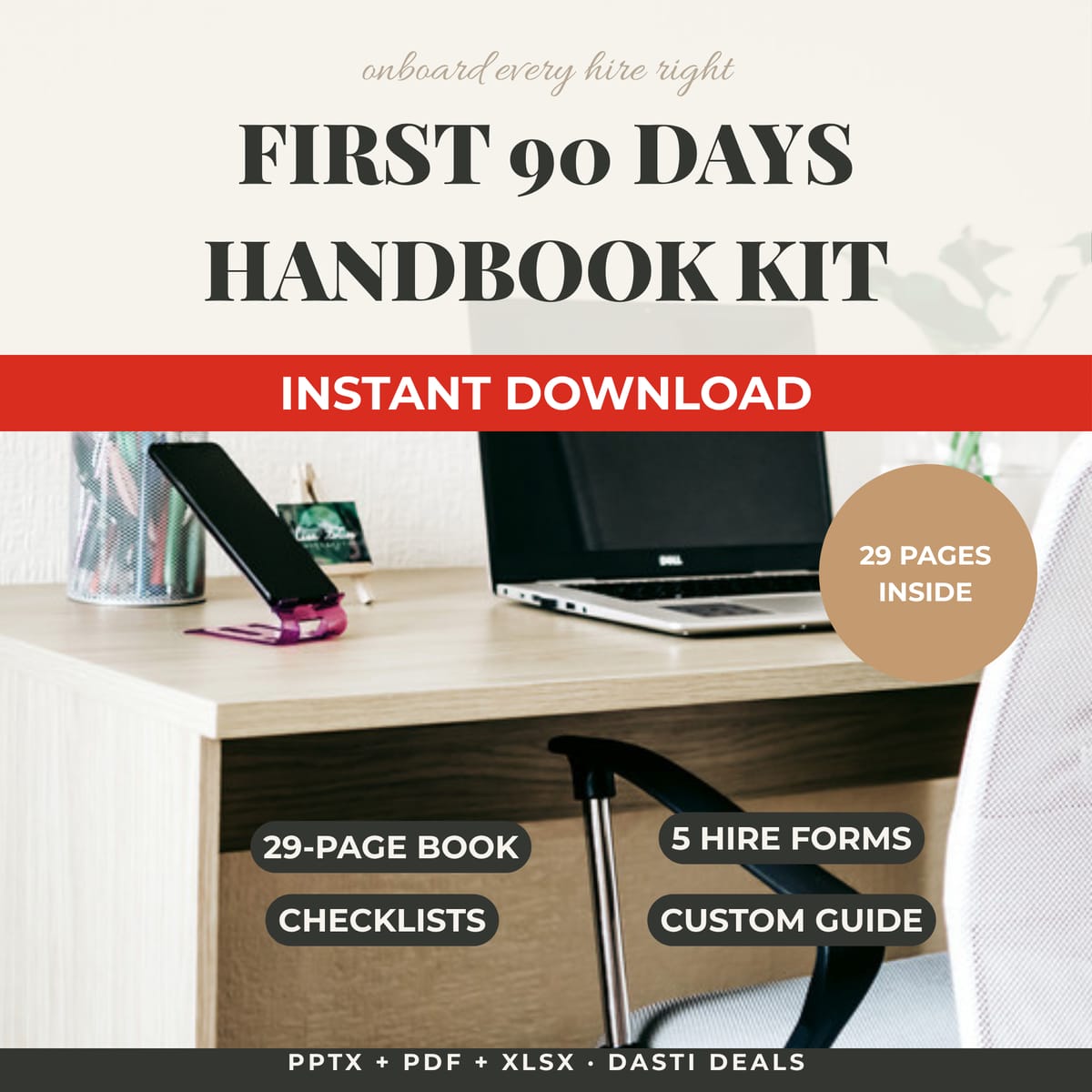
- Employee-Handbook.pptx — 29 fully editable pages (real text, standard fonts; opens in PowerPoint, Google Slides, and imports into Canva — re-apply your brand fonts with Canva Styles in one pass). ALSO INCLUDED: instant native Canva access — a Canva-Access.pdf in this download links you straight to the handbook as a ready-to-edit Canva design (make your own copy in Canva, then edit it — no uploading or converting). Covers: welcome letter, company story & values, first-day logistics, tools checklist, work hours & attendance, remote/hybrid options (pick your model), breaks & timekeeping, pay, PTO/holiday/sick tables, benefits overview, communication norms, dress code, social media, conflicts of interest, anti-harassment, reporting steps, workplace safety, IT & security, confidentiality, reviews & feedback, growth & development, leaving well, acknowledgment signature page, key contacts, version log.
- Employee-Handbook.pdf — print-ready PDF of the same handbook.
- Onboarding-Checklist.xlsx — Pre-boarding, Day 1, Week 1, and First 30-60-90 checklists with owner/status dropdowns and automatic completion % per phase.
- New-Hire-Forms-Pack.pdf — 5 fill-in form templates: offer letter, emergency contact form, equipment issue log, first-week schedule worksheet, buddy assignment sheet.
- Customization-Guide.pdf — editing in PowerPoint/Canva/Slides, which policies need local legal review and why, a policy-decisions worksheet, tone tips, rollout checklist, and FAQ.
- README with license and setup notes.
Key features
- [Bracketed] fields marking every customization point → you can't miss a spot that needs your company's details
- Automatic completion % on each checklist phase → managers see onboarding progress at a glance, per hire
- Pick-one policy options (remote models, dress code variants) → choose your policy, delete the rest — no rewriting from scratch
- Legal-review table in the guide → you know exactly which sections need counsel and why, before anything goes to employees