About this product
THE HEADLINE
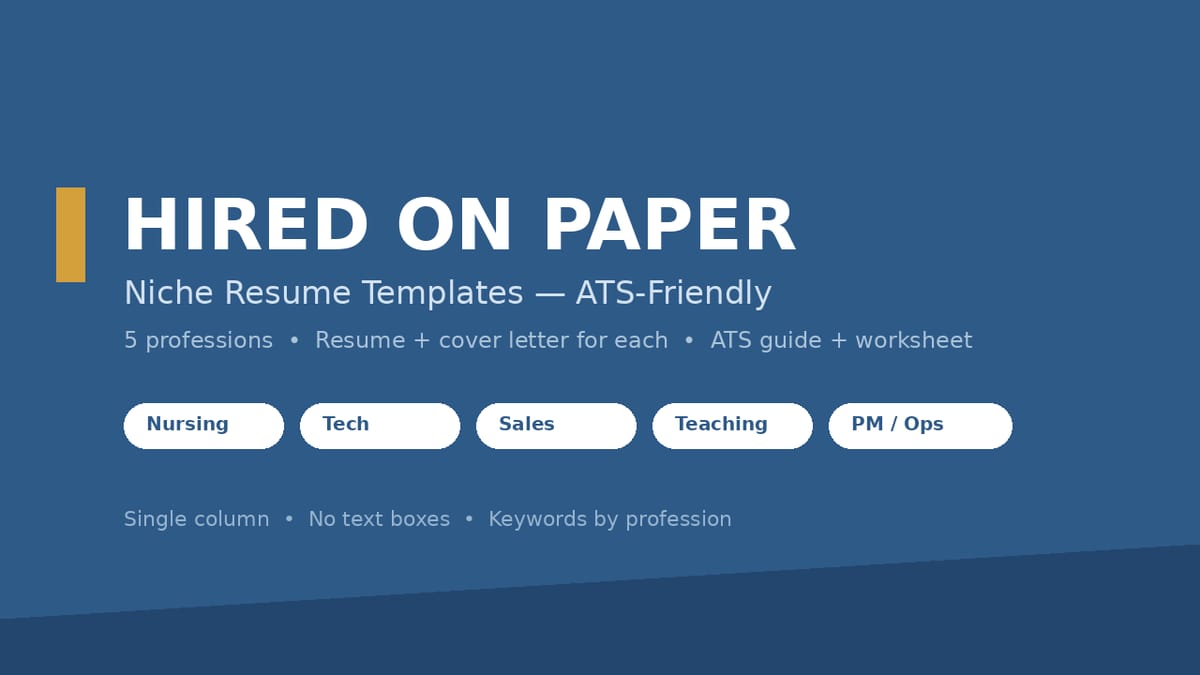
A resume built for the system that reads it first: five profession-specific templates engineered to pass ATS parsing, structured around what hiring managers in each field actually look for.
WHO THIS IS FOR
- Job seekers in nursing, software/tech, sales, teaching, or project management/operations
- Career changers and new graduates who need a professional structure fast
- Anyone whose applications keep disappearing into online portals with no response
THE PROBLEM
Most resume templates are designed to look pretty — two columns, icons, text boxes, graphics. Applicant tracking systems can't parse any of that, so your resume arrives as a jumbled mess and gets filtered out before a human ever sees it. And a generic template doesn't speak your profession's language: a nurse's resume, a developer's resume, and a salesperson's resume are judged on completely different things.
THE SOLUTION
Five templates — one per profession — each engineered to pass ATS parsing (single column, no text boxes, no graphics, contact info in the body, standard headings) and each structured around what that field's hiring managers look for. Fill in the worksheet first, replace the sample content, export to PDF, and submit with confidence.
WHAT'S INCLUDED (exact files)
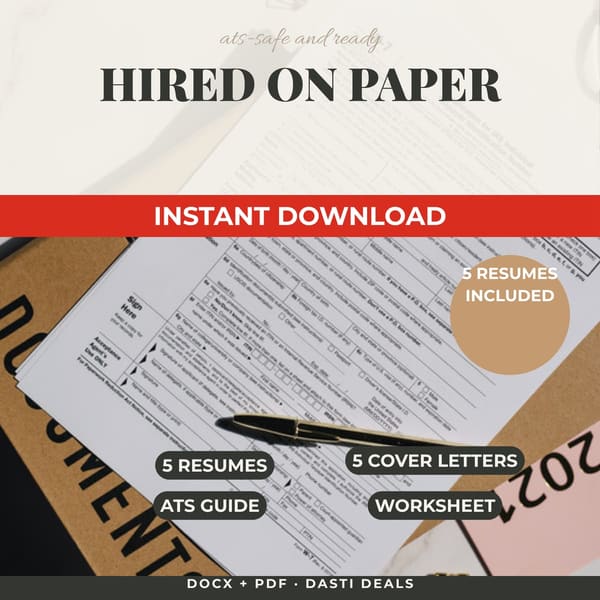
- Nursing-Resume.docx + Nursing-Resume.pdf — RN/BSN template: credentials line (license [brackets]), clinical experience, clinical skills grid, education, certifications (BLS/ACLS sample text). Sample persona: new-grad RN.
- Tech-Resume.docx + Tech-Resume.pdf — junior software developer: technical skills grouped by category, projects with link [brackets], quantified bullets, education. Sample persona: junior developer.
- Sales-Resume.docx + Sales-Resume.pdf — account executive: quota/achievement summary, revenue-metric experience, CRM skills, awards. Sample persona: AE (sample figures labeled as samples).
- Teacher-Resume.docx + Teacher-Resume.pdf — elementary educator: certifications, classroom experience, grade levels/subjects, IEP/ESL specializations. Sample persona: elementary teacher.
- PM-Resume.docx + PM-Resume.pdf — operations project manager: PMP certification [bracket], scope/budget/team metrics, methodologies & tools. Sample persona: operations PM.
- Nursing/Tech/Sales/Teacher/PM-Cover-Letter.docx — 5 matching cover letters (proven 4-paragraph shape: hook, proof, fit, close) with [bracket] customization fields.
- ATS-Resume-Guide.pdf — how ATS parsing works, the 6 non-negotiable layout rules, keyword strategy per profession with starter keyword lists, the Action+Task+Result bullet formula with 23 example bullets, keyword-mapping worked example, cover-letter structure, submission checklist, one-page self-audit, 8 before/after bullet rewrites.
- Resume-Worksheet.docx — fill-in worksheet: experience inventory, metrics hunt, keyword planner, transfer checklist. Do this before touching the templates.
- README-license.txt — contents, formats, license, disclaimers.
HOW IT WORKS
Download the ZIP → complete the Resume Worksheet first (gather your real experience, metrics, and keywords) → open your profession's .docx template → replace ALL sample content with your own → customize the cover letter → export to PDF from Word or Google Docs → submit as FirstName-LastName-Resume.pdf.
IDEAL CUSTOMER
A new-grad nurse, junior developer, AE, teacher, or ops PM who applies through online portals, has real experience to inventory, and will spend an hour on the worksheet before touching the templates.
WHO IT IS NOT FOR
- Job seekers outside the five professions who need a profession-specific template — the templates are built for nursing, tech, sales, teaching, and PM/operations. (The ATS guide, bullet formula, keyword strategy, worksheet, and cover-letter structure are universal and still useful on their own.)
- Anyone unwilling to replace all sample content: every template ships full of a fictional sample persona. Submitting with sample content intact is the fastest way to get rejected — the guide and worksheet both warn you.
- People who believe formatting alone gets jobs: these templates improve how your experience is presented and parsed. No interview, job-offer, or salary guarantee — nobody can promise that.
- Buyers who need one copy for a whole household or team: the license covers your own personal job search (one person).
REQUIREMENTS & LIMITATIONS
- Prerequisites: none — no design skills needed. Basic familiarity with Word or Google Docs helps.
- .docx: Microsoft Word, Google Docs, Apple Pages, LibreOffice Writer. Imports into Canva for editing — but submit the Word/Docs-exported PDF for applications, since Canva is a design tool.
- .pdf: the finished look of each template, any PDF reader.
- The designed .pdfs show the finished look; for online applications, export your filled-in .docx to PDF (identical layout, ATS-safe structure).
- Sample metrics (quotas, reading gains, project budgets) are fictional placeholders for you to replace with your own true figures. Never claim skills or numbers you don't have.
FAQ
- Will this really pass an ATS? The templates follow every structural rule parsers need — verified: single column, no text boxes, no graphics, body contact info, standard headings. Content quality and keyword matching are up to you (the guide teaches both).
- Can I use these if I'm changing careers? Yes — pick the template for the field you're entering and lean on the worksheet's transferable-skills framing.
- Do I submit the .docx or the .pdf? Export your filled-in .docx to PDF from Word or Google Docs and submit that. The layout is identical and the structure stays ATS-safe.
- I'm not in one of the 5 professions. Is this still useful? The ATS guide, bullet formula, keyword strategy, worksheet, and cover-letter structure are universal — the templates themselves are profession-specific.
- What if I need help? Message the seller through the Gumroad product page contact form.
DELIVERY & ACCESS
Instant download as a ZIP file (Hired-on-Paper-Resumes-v1/) after purchase. Yours to keep; free updates to v1.x.
LICENSE
Licensed to you, the buyer, for your own personal job search (one person). You may not resell, share, redistribute, or republish these files or derivatives.
SUPPORT & UPDATES
Questions or problems with the files: contact the seller via the Gumroad product page. All v1.x updates are free for life.
What's included
- Nursing-Resume.docx + Nursing-Resume.pdf — RN/BSN template: credentials line, clinical experience, clinical skills grid, education, certifications. Sample persona: new-grad RN.
- Tech-Resume.docx + Tech-Resume.pdf — junior software developer: technical skills grouped by category, projects, quantified bullets, education. Sample persona: junior developer.
- Sales-Resume.docx + Sales-Resume.pdf — account executive: quota/achievement summary, revenue-metric experience, CRM skills, awards. Sample persona: AE (sample figures labeled as samples).
- Teacher-Resume.docx + Teacher-Resume.pdf — elementary educator: certifications, classroom experience, grade levels/subjects, IEP/ESL specializations. Sample persona: elementary teacher.
- PM-Resume.docx + PM-Resume.pdf — operations project manager: PMP certification, scope/budget/team metrics, methodologies & tools. Sample persona: operations PM.
- Five matching cover letters (Nursing/Tech/Sales/Teacher/PM), each in the proven 4-paragraph shape — hook, proof, fit, close — with [bracket] customization fields.
- ATS-Resume-Guide.pdf — how ATS parsing works, the 6 non-negotiable layout rules, keyword strategy per profession with starter keyword lists, the Action+Task+Result bullet formula with 23 example bullets, a keyword-mapping worked example, cover-letter structure, submission checklist, one-page self-audit, and 8 before/after bullet rewrites.
- Resume-Worksheet.docx — fill-in worksheet: experience inventory, metrics hunt, keyword planner, transfer checklist. Do this before touching the templates.
- README-license.txt — contents, formats, license, disclaimers.
Key features
- Single-column layout, top to bottom — the parse order every ATS expects — so your resume isn't silently mangled before a human sees it.
- Zero text boxes, graphics, icons, or layout tables in the .docx files (machine-verified across all 10 files) — parsers read what you wrote, not a jumbled extraction.
- Contact info in the body, never the header/footer — because parsers can skip headers entirely.
- Standard section headings and common fonts only — no creative formatting that breaks the parser.
- Keyword lists and mirroring guidance per profession — you speak each job posting's language, not a generic one.
- The 4-paragraph cover-letter shape (hook, proof, fit, close) with [bracket] fields — the letter writes itself once your worksheet is done.