Never scramble a screenshots-in-a-doc mess again: pick one of three polished designs, replace the worked example with your real numbers, set your rates from your own assumptions, and export a professional PDF — so "send me your media kit" gets answered in minutes, not days.
WHO THIS IS FOR
Content creators and influencers (any platform) who are asked — or expect to be asked — by brands for a media kit: follower stats, audience demographics, rates, and contact info in one polished document.
THE PROBLEM
A brand asks for your media kit and you have nothing — so you scramble a screenshots-in-a-doc mess that undersells you.
THE SOLUTION
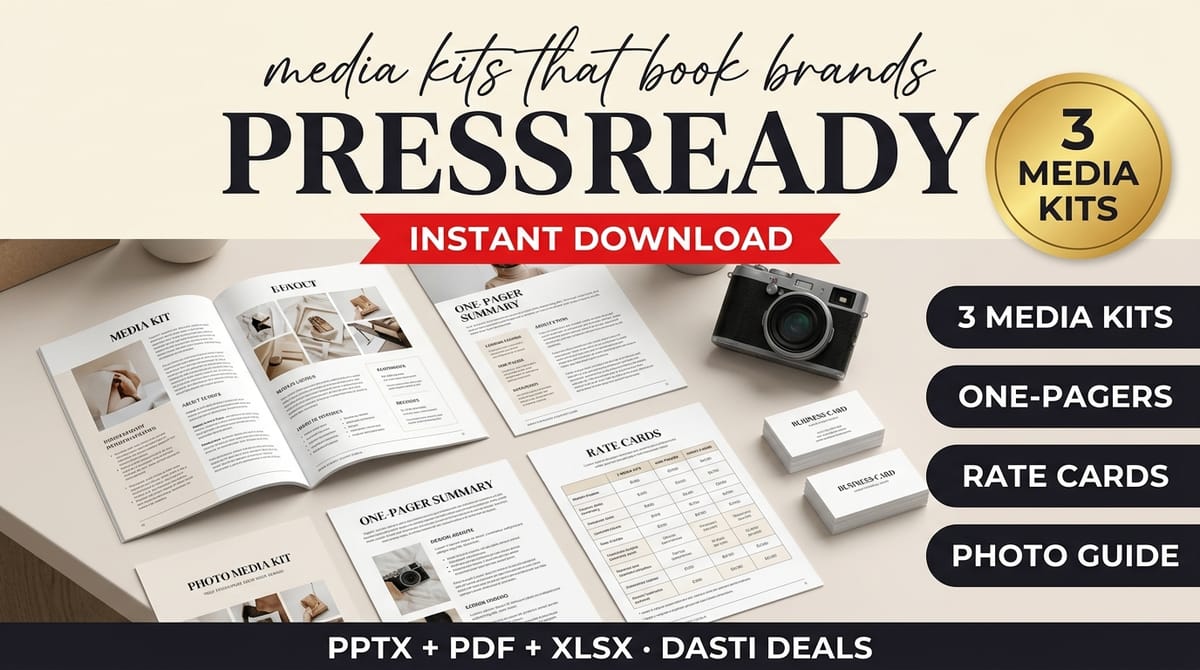
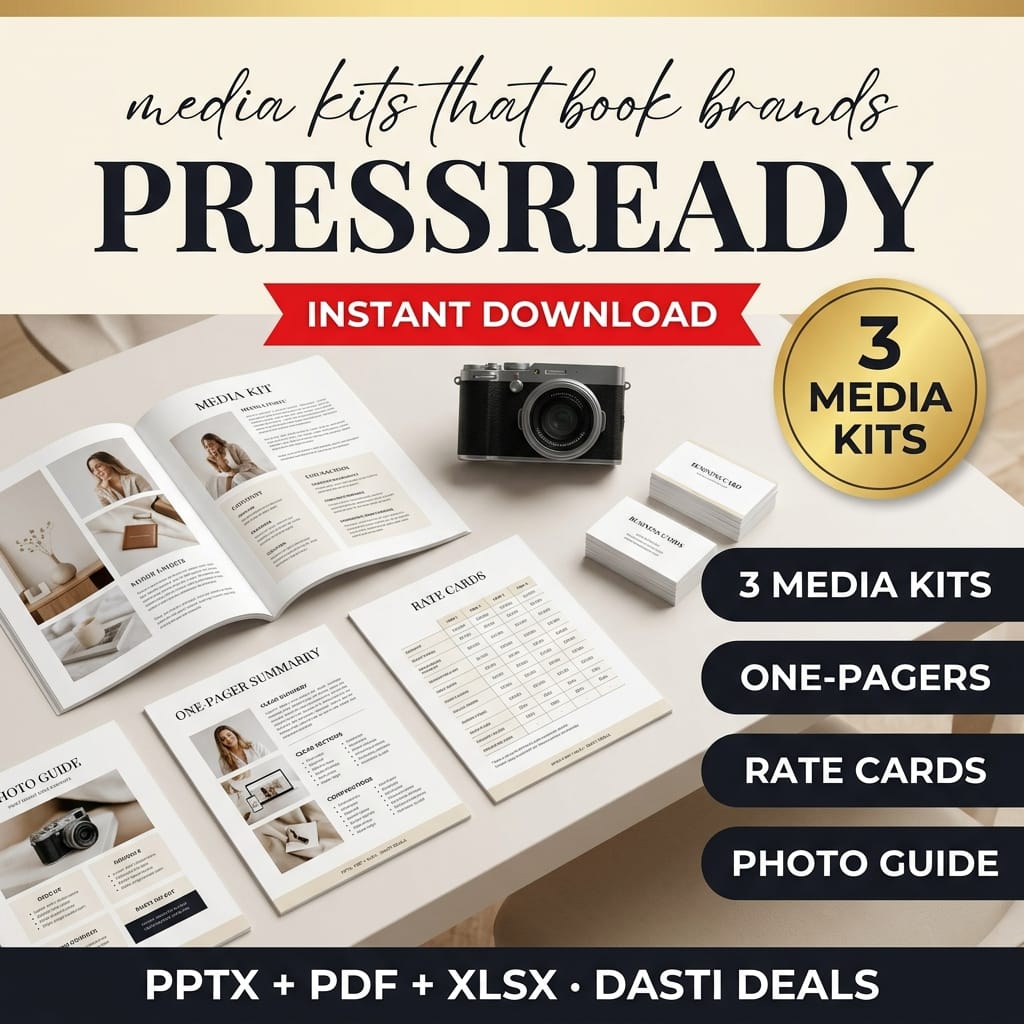
PressReady gives you three polished, fully editable media kit designs in distinct styles, all built around the same proven content architecture: cover, about + audience demographics, platform stats, offerings & past work, packages & rate card, contact & policies.
FEATURES → WHAT THEY DO FOR YOU
Every slide is real editable text and shapes — native Canva access links for all 6 designs are included in the download (Canva-Access.pdf: open a link, make your own copy, edit — no uploading); the files also import into Canva, Google Slides and PowerPoint as editable → rebrand it in an afternoon, not a design sprint.
All three designs filled with the same consistent worked example → you see exactly how each section should be filled before you touch your own numbers.
Platform stats page with follower / avg-view / engagement blocks and editable stat bars → your numbers presented the way brands actually read them.
Rate worksheet with transparent formulas: per-1k rates, engagement multiplier bands and low/base/high ranges you control → starting-point rates you can defend, not mystery numbers.
One-pagers for DMs and quick intros → the short version when a full kit is too much.
HOW IT WORKS
Pick the design that matches your content's energy.
Replace the sample creator, numbers and photo with your own real data (the guide walks you through it).
Set your assumptions in the worksheet, fill in your package prices.
Export the PDF and send it — never send the .pptx to brands.
IDEAL CUSTOMER — PICTURE THIS
A mid-size creator gets a DM from a brand: "love your content — can you send your media kit and rates?" Instead of panicking, she opens the Bold kit, drops in her real analytics, sets her package prices from the worksheet, and replies with a polished PDF the same evening.
WHO IT IS NOT FOR
Creators who won't replace the sample data — the fictional "Maya Rivers" creator and all figures must be fully replaced with your real numbers and photo before anything goes to a brand.
Anyone expecting the kit to win brand deals by itself — it opens the conversation; your content closes it. No media kit guarantees brand deals or income.
Non-creators — the architecture, stats pages, and rate worksheet are built for creator–brand partnerships.
FORMATS
.pptx (editable) + .pdf for every design and one-pager; .xlsx worksheet (macro-free); .pdf guide.
PREREQUISITES
Basic familiarity with PowerPoint, Google Slides or Canva. Your real analytics numbers (followers, views, engagement).
LIMITATIONS
The sample creator "Maya Rivers" and all figures are fictional examples — replace ALL numbers and the photo with your own real data before sending to anyone.
The rate worksheet computes suggested starting points from YOUR assumptions; it is not market data and not financial advice.
No media kit guarantees brand deals or income — it opens the conversation; your content closes it.
Standard fonts; exact rendering can vary between PowerPoint, Google Slides and Canva.
Previews 1–3 are real renders of the actual designs.
LICENSE
Use the templates for your own creator business, including sending your finished kit to brands. No redistribution or resale of the templates themselves.
FAQ
Can I edit these in Canva? Yes — two ways: the download includes native Canva access links for all 6 designs (open, make your own copy, edit — nothing to upload), or import the .pptx yourself (Uploads > Import); text and shapes stay editable either way.
Which design should I use? Match your content's energy: minimal (Studio), bold creator (Bold), lifestyle/magazine (Editorial).
How do I set my prices? Use the worksheet's suggested ranges as a starting point, then fill the [YOUR PRICE] fields with your decision.
How often should I update my kit? Monthly — the guide includes an update cadence; stale numbers erode trust.
Can I use this for a client or another creator? The license covers your own business only.
SUPPORT & UPDATES
Questions? Contact us through the Gumroad product page. Free updates to v1.x.
PressReady-Bold-Kit (6 pages) — vibrant creator-energy design, .pptx + PDF
PressReady-Editorial-Kit (6 pages) — magazine-serif design, .pptx + PDF
Three one-pagers — condensed media sheets for DMs and quick intros, .pptx + PDF
Rate-Card-Worksheet.xlsx — suggested single-post rate ranges per platform from your own editable assumptions, plus a 3-package builder (Excel & Google Sheets)
Media-Kit-Guide.pdf — assembling your kit, which stats brands ask for, keeping numbers honest, photo prep, a send + follow-up email template, FAQ
README-license.txt — contents, formats, license
Key features
Every slide is real editable text and shapes — native Canva access links for all 6 designs are included in the download (Canva-Access.pdf: open a link, make your own copy, edit — no uploading); the files also import into Canva, Google Slides and PowerPoint as editable → rebrand it in an afternoon, not a design sprint
All three designs filled with the same consistent worked example → you see exactly how each section should be filled before you touch your own numbers
Platform stats page with follower / avg-view / engagement blocks and editable stat bars → your numbers presented the way brands actually read them
Rate worksheet with transparent formulas: per-1k rates, engagement multiplier bands and low/base/high ranges you control → starting-point rates you can defend, not mystery numbers
One-pagers for DMs and quick intros → the short version when a full kit is too much
Frequently asked questions
Can I edit these in Canva?
Yes — two ways: the download includes native Canva access links for all 6 designs (open, make your own copy, edit — nothing to upload), or import the .pptx yourself (Uploads > Import); text and shapes stay editable either way.
Which design should I use?
Match your content's energy: minimal (Studio), bold creator (Bold), lifestyle/magazine (Editorial).
How do I set my prices?
Use the worksheet's suggested ranges as a starting point, then fill the [YOUR PRICE] fields with your decision.
How often should I update my kit?
Monthly — the guide includes an update cadence; stale numbers erode trust.
Can I use this for a client or another creator?
The license covers your own business only.
What if I need help with the files?
Message the seller through the Gumroad product page contact form.
PressReady — Creator Media Kit Templates
Three fully editable media kit designs (6 pages each) + one-pagers, a rate-card worksheet, and a brand-pitch guide. Replace the sample, export the PDF, and answer "send me your media kit" in minutes.
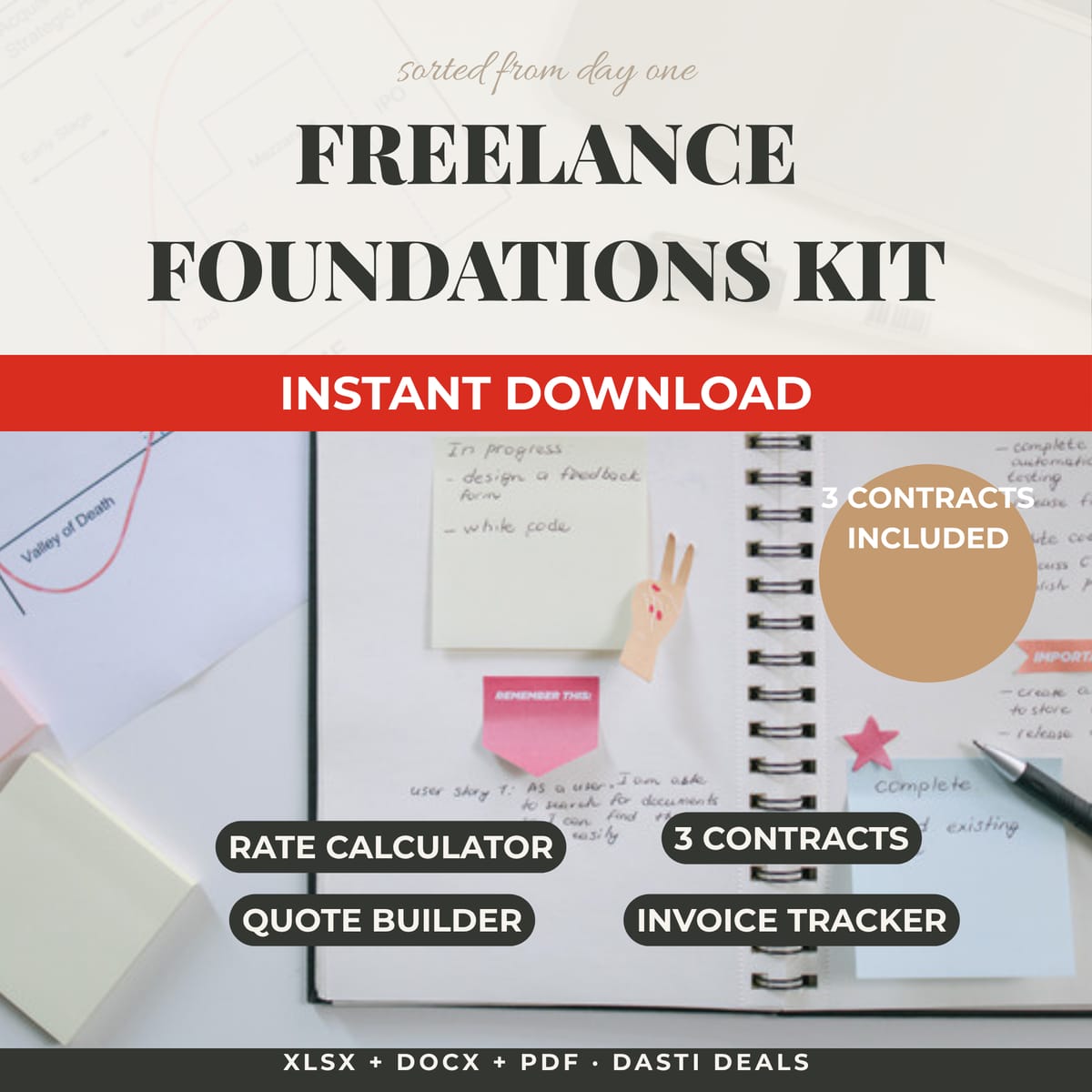
Everything to price, bill, and organize your first year of freelancing — in one afternoon. Rate calculator, 3 contract templates, invoice tracker + payment emails, client onboarding kit, finance spreadsheet, and a US tax checklist.
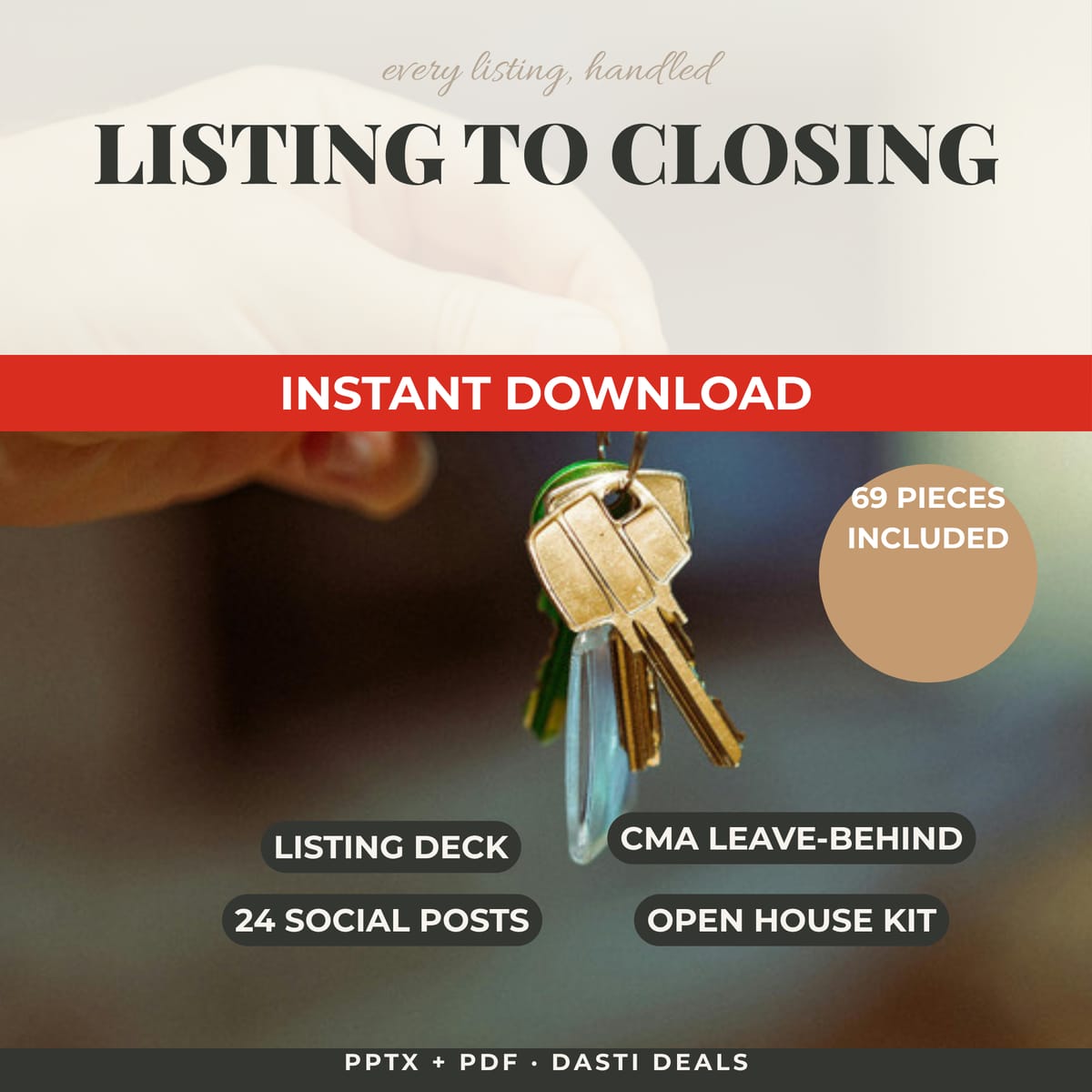
A complete 69-piece marketing system for realtors: listing presentation, CMA leave-behind, 24 social posts, open house kit, buyer & seller guides, and brand extras. Fully editable in Canva, PowerPoint & Google Slides.
Launch a polished, fully-branded 8-week coaching program in a weekend: 28-page workbook, 54-slide deck, client onboarding pack (agreement, intake, emails), testimonial kit & completion certificate. All editable in Canva, PowerPoint & Google Slides.