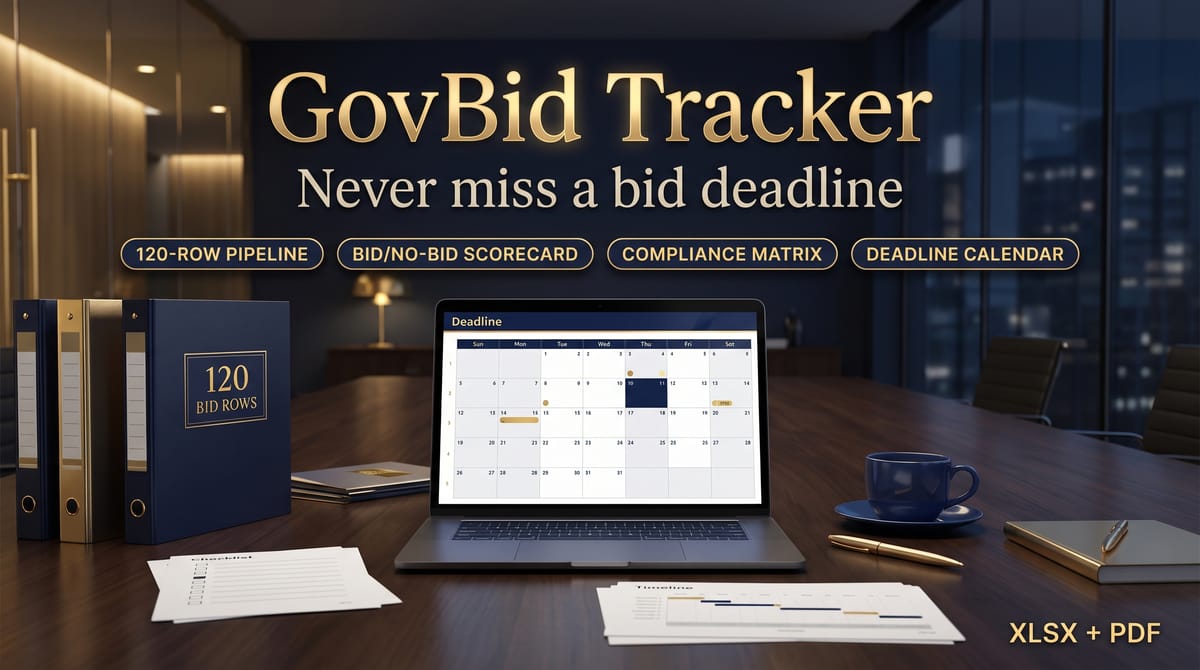
Chasing government work means juggling solicitation numbers, Q&A deadlines, site visits, submission dates, and a dozen compliance items per bid — in spreadsheets that don't talk to each other. GovBid Tracker puts the whole pursuit in one native-formula workbook (no macros, works in Excel and Google Sheets).
WHAT'S INSIDE (7 sheets):
START HERE — setup walkthrough, how to clear the sample data, and disclosures.
BID PIPELINE — 120 rows: opportunity, agency/buyer, type (RFP/RFQ/ITB), solicitation #, posted / Q&A / site-visit / submission dates, estimated value, status (Watching → Won/Lost), owner, link. Days-until-deadline and urgency flags compute automatically (RED ZONE at 7 days or less, PAST DUE, DUE WITHIN 30d, ON TRACK), plus score, recommendation, and the compliance gate per bid.
SCORECARD — 60 slots: score Fit, Win probability, Capacity, Competition, and Margin 1–10 per opportunity. The weighted total rebalances from weights you set yourself; 70+ = GO — PURSUE, 50–69 = MAYBE — REVIEW RISKS, below 50 = NO-BID — DEPRIORITIZE. A decision aid, not a prediction.
COMPLIANCE — 6 bid slots × 14 requirements (cover letter, technical + price proposals, SAM.gov registration, insurance, bonds, references, past performance, formatting, page limits, copies, delivery, forms, addenda). Mark each Required (Y/N) and Done / Pending / N-A. The pipeline gate turns READY TO SUBMIT only when every required item is done.
CALENDAR — the next 30 upcoming Q&A, site-visit, and submission dates pulled automatically, nearest first.
DASHBOARD — active opportunities, submitted count, win rate across decided bids, active pipeline value, red-zone and overdue counts, value by stage, and a 10-row debrief log (what worked / lesson learned).
SETTINGS — the anchor date (defaults to today), scorecard weights, recommendation thresholds, and dropdown lists.
ALSO INCLUDED: Quick-Start Guide (PDF) and README with license and disclosures.
DISCLOSURES:
GovBid Tracker organizes your pursuit work; it does not improve your odds of winning a bid, and nothing in it is legal, procurement, tax, or financial advice. Always verify every deadline, requirement, form, and term against the agency's official posting before submitting. All sample agencies, bids, values, and owners in the workbook are fictional and labeled SAMPLE — replace them with your real pipeline.
START HERE — setup walkthrough, how to clear the sample data, and disclosures
BID PIPELINE — 120 rows: opportunity, agency/buyer, type (RFP/RFQ/ITB), solicitation #, posted / Q&A / site-visit / submission dates, estimated value, status (Watching → Won/Lost), owner, link. Days-until-deadline and urgency flags compute automatically (RED ZONE at 7 days or less, PAST DUE, DUE WITHIN 30d, ON TRACK), plus score, recommendation, and the compliance gate per bid
SCORECARD — 60 slots: score Fit, Win probability, Capacity, Competition, and Margin 1–10 per opportunity. The weighted total rebalances from weights you set yourself; 70+ = GO — PURSUE, 50–69 = MAYBE — REVIEW RISKS, below 50 = NO-BID — DEPRIORITIZE. A decision aid, not a prediction
COMPLIANCE — 6 bid slots × 14 requirements (cover letter, technical + price proposals, SAM.gov registration, insurance, bonds, references, past performance, formatting, page limits, copies, delivery, forms, addenda). Mark each Required (Y/N) and Done / Pending / N-A. The pipeline gate turns READY TO SUBMIT only when every required item is done
CALENDAR — the next 30 upcoming Q&A, site-visit, and submission dates pulled automatically, nearest first
DASHBOARD — active opportunities, submitted count, win rate across decided bids, active pipeline value, red-zone and overdue counts, value by stage, and a 10-row debrief log (what worked / lesson learned)
SETTINGS — the anchor date (defaults to today), scorecard weights, recommendation thresholds, and dropdown lists
Quick-Start-Guide.pdf — setup and workflow guide
README-license.txt — license and disclosures
Key features
120-row pipeline with urgency built in → days-until-deadline and flags (RED ZONE at 7 days or less, PAST DUE, DUE WITHIN 30d, ON TRACK) compute automatically per bid
Bid/no-bid scorecard with your own weights → 60 slots, 5 criteria scored 1–10, weighted total from weights you set; 70+ = GO — PURSUE, below 50 = NO-BID — DEPRIORITIZE
A compliance gate that means it → 6 bid slots × 14 requirements; the pipeline turns READY TO SUBMIT only when every required item is Done
Deadline calendar that builds itself → the next 30 upcoming Q&A, site-visit, and submission dates, nearest first
Dashboard + debrief log → active opportunities, submitted count, win rate across decided bids, pipeline value, red-zone and overdue counts, value by stage, and a 10-row what-worked/lesson-learned log
Native formulas, no macros → works in Excel and Google Sheets; dropdown lists, weights and thresholds all live on SETTINGS
Frequently asked questions
Does the workbook work in Google Sheets?
Yes — it is built on native Excel/Google Sheets formulas with no macros, so nothing needs enabling.
Will this improve my chances of winning bids?
No. GovBid Tracker organizes your pursuit work; it does not improve your odds of winning a bid, and the scorecard is a decision aid, not a prediction.
How does the ready-to-submit gate work?
On COMPLIANCE, each bid has 14 requirements you mark Required (Y/N) and Done / Pending / N-A. The pipeline gate turns READY TO SUBMIT only when every required item is done.
Can I change the scorecard weights and thresholds?
Yes — the anchor date, scorecard weights, recommendation thresholds, and dropdown lists all live on the SETTINGS sheet. Don't delete that sheet.
Is the sample data real?
No — all sample agencies, bids, values, owners, and links are fictional and labeled SAMPLE. Replace them with your real pipeline.
Do I still need to check the official posting?
Yes — always verify every deadline, requirement, form, and term against the agency's official posting before submitting. Solicitation terms change; the source of truth is the agency.
A 7-sheet Excel/Google Sheets system for small businesses pursuing government and institutional contracts: a 120-row bid pipeline with automatic urgency flags, a weighted bid/no-bid scorecard, a per-bid compliance checklist with a ready-to-submit gate, an auto-built deadline calendar, and a dashboard with win rate and a debrief log.
Know your numbers in 15 minutes a month. A formula-driven spreadsheet tracking the 9 KPIs that matter — revenue, margins, CAC, conversion, cash runway — with trend charts and a target scorecard. Sample data preloaded.
Run your seller-lead pipeline in one workbook: lead tracking, follow-up DUE counters, automatic 70%-rule MAO math, deal analyzer, dashboard, and buyer list. Excel & Google Sheets.
A formula-driven spreadsheet that finds the subscriptions quietly draining your money. Track 30 subs, see your true monthly & annual burn, get an auto-flagged cancel queue, and estimate your savings. Excel, Google Sheets & LibreOffice.
Track 100+ students across up to 5 school sites with automatic IEP/triennial countdown alerts, monthly service-minute deficit flags, and a trial-accuracy auto-chart — one Excel/Google Sheets workbook.