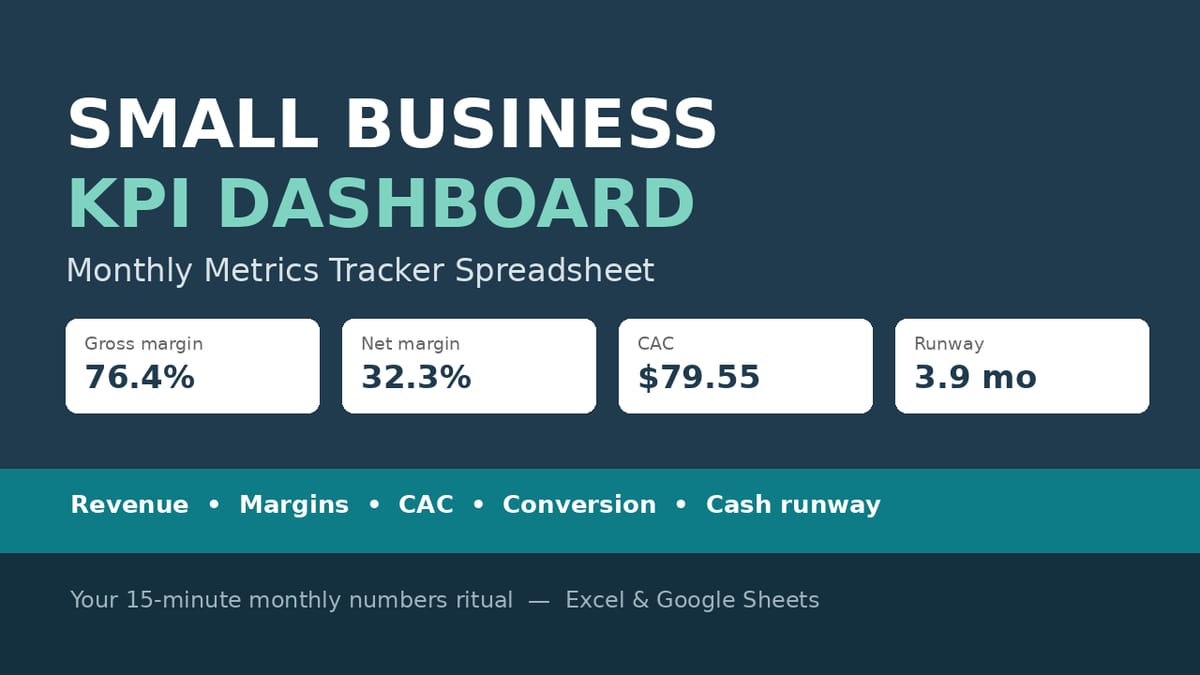
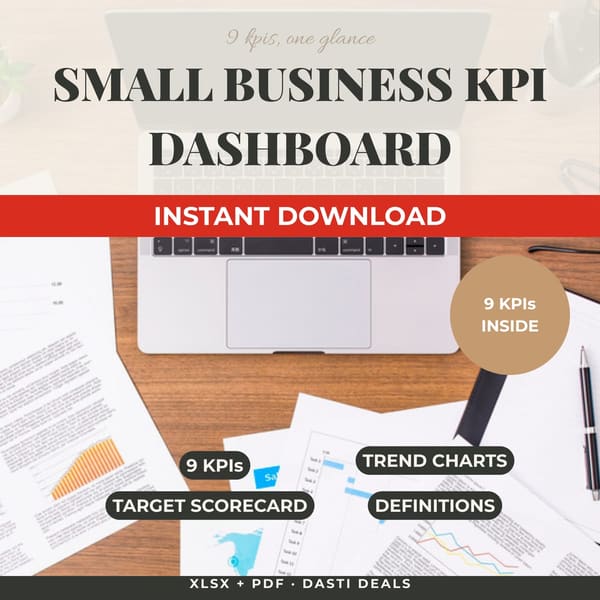
One 15-minute monthly ritual that keeps you honest: enter 10 numbers, read 9 KPIs with trend arrows, check your scorecard against annual targets, and pick ONE action for next month.
WHO THIS IS FOR
Small business owners (service businesses, agencies, shops, e-commerce) who want a numbers ritual without bookkeeping software
Freelancers and solopreneurs graduating from gut feel to real metrics
Business consultants and coaches who want a simple client dashboard (one copy per client business — see license)
THE PROBLEM
Most small business owners fly blind: the accounting reports arrive too late, are too dense, or never get opened at all. Revenue might be growing while margins quietly shrink. Ad spend climbs while nobody notices the cost per customer. And the scariest question — "how many months can I survive with no sales?" — has no answer.
THE SOLUTION
A discipline tool: a formula-driven workbook that turns 10 monthly inputs into 9 KPIs, trend charts, and a target scorecard. It reveals margin erosion, rising CAC, and shrinking runway while you can still act on them.
WHAT'S INCLUDED (exact files)
KPI-Dashboard.xlsx — the complete workbook, every computed cell a live formula, no macros:
START HERE: purpose, the 15-minute routine, which cells are inputs, how targets work
MONTHLY INPUTS: 10 raw metrics × 12 months (Revenue, COGS/Direct costs, Operating expenses, Ad spend, New customers, Total orders, Website sessions, Email subscribers, Owner hours, Cash balance) — 6 months of fictional sample data preloaded
DASHBOARD: 9 KPIs for the latest entered month — Gross profit, Gross margin %, Net profit, Net margin %, Revenue per order (AOV), Customer acquisition cost, Conversion rate, Revenue per owner-hour, Cash runway — each with trend vs previous month and a "what good looks like" note
KPI TRENDS: 12-month computed tables for the 6 headline KPIs + native Excel charts (revenue trend, margins trend, new customers)
TARGETS & SCORECARD: 6 annual targets vs year-to-date actuals, % of target, and On track / Watch / Behind status
DEFINITIONS: every KPI's exact formula in words plus interpretation guidance
Quick-Start-Guide.pdf — setup in 5 minutes, entering your first month, reading the dashboard, the monthly ritual, target-setting advice, Excel vs Google Sheets notes, FAQ, limitations
Download the ZIP → open the workbook → set your 6 annual targets → type your numbers over the yellow sample cells (guide walks you through the first month) → read the Quick-Start Guide for the 15-minute monthly ritual. Month 2 takes 15 minutes.
IDEAL CUSTOMER
A service-business owner or freelancer doing 10 numbers a month without bookkeeping software, who will set six annual targets once and keep a 15-minute monthly ritual.
WHO IT IS NOT FOR
Anyone looking for bookkeeping or accounting software: this is a management tracking tool, not a ledger. Keep your real books elsewhere.
Multi-business owners wanting one file: one workbook per business — track additional businesses in separate copies.
People who need industry-specific benchmarks: the "what good looks like" notes are general guidance, not financial advice or tailored targets.
Buyers who won't enter data monthly: the workbook is honest, but it only works if you feed it.
REQUIREMENTS & LIMITATIONS
Prerequisites: basic spreadsheet use (typing numbers into cells). No accounting knowledge needed.
Compatibility: .xlsx — Microsoft Excel, Google Sheets (upload to Drive), LibreOffice. No macros. PDF guide: any PDF reader.
This is a management tracking tool, not accounting or bookkeeping software — keep your real books elsewhere.
Benchmarks and "what good looks like" notes are general guidance, not financial advice.
Sample data ("Brightline Studio") is entirely fictional — replace it with your own numbers.
One workbook per business; track additional businesses in separate copies.
Your data stays in your own copy of the file; nothing is transmitted anywhere.
FAQ
I don't have a website / don't run ads — will it still work? Yes. Leave those cells blank; KPIs that need them show a dash and everything else keeps working.
Excel or Google Sheets? Both. Upload the .xlsx to Google Drive and open with Sheets — formulas, charts, and formatting carry over.
Can this replace my bookkeeping? No — this is a management dashboard, not a ledger. Keep your real books in accounting software.
What if I overwrite a formula by accident? Re-download the file or restore your monthly backup. Only type in yellow-shaded cells.
Can I add my own KPIs? Yes — add a row on MONTHLY INPUTS and copy an existing DASHBOARD formula to reference it; the DEFINITIONS sheet shows the pattern.
What if I need help with the file? Message the seller through the Gumroad product page contact form.
DELIVERY & ACCESS
Instant download as a ZIP file (Small-Biz-KPI-Dashboard-v1/) after purchase. Yours to keep; free updates to v1.x.
LICENSE
Licensed to you, the buyer, for use in your own business. Consultants/coaches: one purchased copy per business tracked with it. You may not resell, share, redistribute, or republish these files.
SUPPORT & UPDATES
Questions or problems with the files: contact the seller via the Gumroad product page. All v1.x updates are free for life.
What's included
KPI-Dashboard.xlsx — the complete workbook, every computed cell a live formula, no macros:
START HERE: purpose, the 15-minute routine, which cells are inputs, how targets work
MONTHLY INPUTS: 10 raw metrics × 12 months (Revenue, COGS/Direct costs, Operating expenses, Ad spend, New customers, Total orders, Website sessions, Email subscribers, Owner hours, Cash balance) — 6 months of fictional sample data preloaded
DASHBOARD: 9 KPIs for the latest entered month — Gross profit, Gross margin %, Net profit, Net margin %, Revenue per order (AOV), Customer acquisition cost, Conversion rate, Revenue per owner-hour, Cash runway — each with trend vs previous month and a "what good looks like" note
KPI TRENDS: 12-month computed tables for the 6 headline KPIs + native Excel charts (revenue trend, margins trend, new customers)
TARGETS & SCORECARD: 6 annual targets vs year-to-date actuals, % of target, and On track / Watch / Behind status
DEFINITIONS: every KPI's exact formula in words plus interpretation guidance
Quick-Start-Guide.pdf — setup in 5 minutes, entering your first month, reading the dashboard, the monthly ritual, target-setting advice, Excel vs Google Sheets notes, FAQ, limitations
Every computed cell is a real formula — verified by independent recalculation (15/15 dashboard and scorecard figures matched) — so the numbers you act on are actually right.
Sample data preloaded: every chart and KPI works the moment you open it — you learn the layout on live numbers before entering your own.
Latest-month auto-detection: the dashboard always shows your most recent entered month; blank months never break it — a gap in your data doesn't corrupt the view.
Native Excel charts and conditional RAG formatting (On track / Watch / Behind) — the scorecard reads at a glance, no interpretation required.
Businesses without a website or ads are handled gracefully: leave those cells blank and the KPIs that need them show a dash — everything else keeps working.
No macros, no add-ins, no internet — works in Excel, Google Sheets, and LibreOffice; your data stays in your own copy of the file.
Frequently asked questions
I don't have a website / don't run ads — will it still work?
Yes. Leave those cells blank; KPIs that need them show a dash and everything else keeps working.
Excel or Google Sheets?
Both. Upload the .xlsx to Google Drive and open with Sheets — formulas, charts, and formatting carry over.
Can this replace my bookkeeping?
No — this is a management dashboard, not a ledger. Keep your real books in accounting software.
What if I overwrite a formula by accident?
Re-download the file or restore your monthly backup. Only type in yellow-shaded cells.
Can I add my own KPIs?
Yes — add a row on MONTHLY INPUTS and copy an existing DASHBOARD formula to reference it; the DEFINITIONS sheet shows the pattern.
What if I need help with the file?
Message the seller through the Gumroad product page contact form.
Small Business KPI Dashboard
Know your numbers in 15 minutes a month. A formula-driven spreadsheet tracking the 9 KPIs that matter — revenue, margins, CAC, conversion, cash runway — with trend charts and a target scorecard. Sample data preloaded.
Run your seller-lead pipeline in one workbook: lead tracking, follow-up DUE counters, automatic 70%-rule MAO math, deal analyzer, dashboard, and buyer list. Excel & Google Sheets.
A formula-driven spreadsheet that finds the subscriptions quietly draining your money. Track 30 subs, see your true monthly & annual burn, get an auto-flagged cancel queue, and estimate your savings. Excel, Google Sheets & LibreOffice.
Track 100+ students across up to 5 school sites with automatic IEP/triennial countdown alerts, monthly service-minute deficit flags, and a trial-accuracy auto-chart — one Excel/Google Sheets workbook.
A 7-sheet Excel/Google Sheets system for small businesses pursuing government and institutional contracts: a 120-row bid pipeline with automatic urgency flags, a weighted bid/no-bid scorecard, a per-bid compliance checklist with a ready-to-submit gate, an auto-built deadline calendar, and a dashboard with win rate and a debrief log.