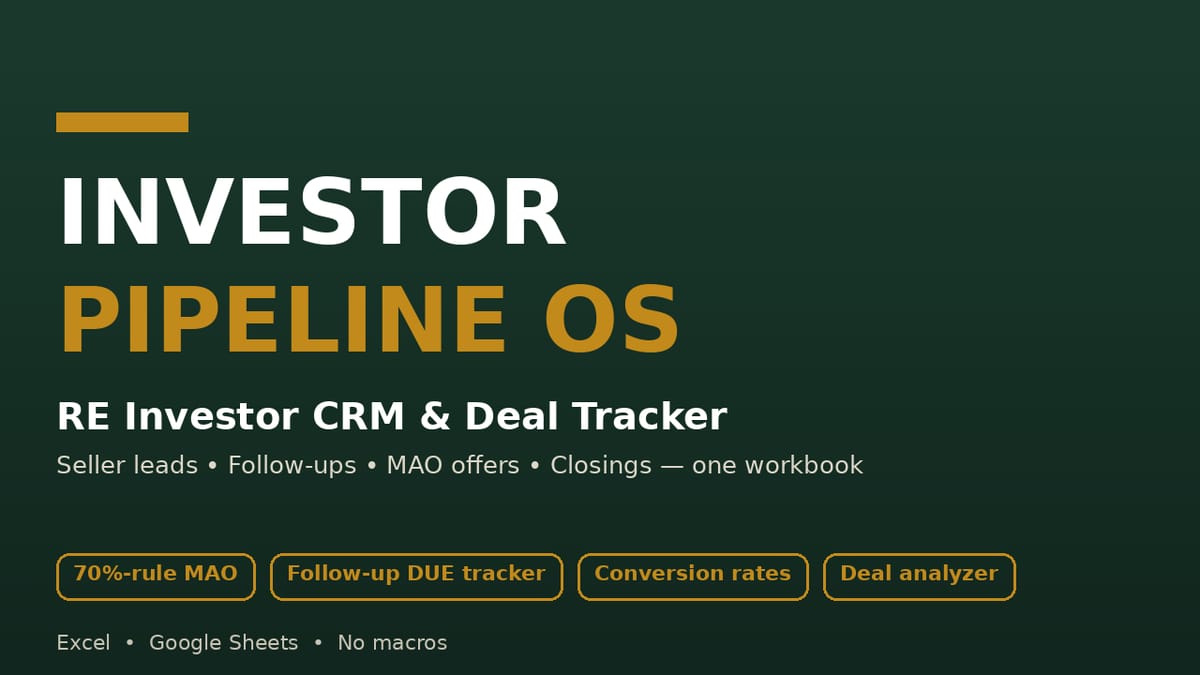
One workbook that runs the whole machine: every lead logged with its stage and next follow-up date, a DUE block that tells you each morning what is due today and what is overdue, and automatic 70%-rule offer math — so deals stop dying from forgotten follow-ups.
WHO THIS IS FOR
Wholesalers running direct-to-seller lead flow
Flippers screening acquisition deals
Buy-and-hold investors who want a disciplined offer process
Anyone managing seller leads in spreadsheets and losing track of follow-ups
THE PROBLEM
Seller deals don't die because the numbers were wrong — they die because nobody followed up. The lead sits in a spreadsheet with no next date. The seller's number is on a sticky note. The offer math gets done three different ways on three different scraps of paper. Meanwhile the motivated seller you called in September sells to the investor who followed up in October.
THE SOLUTION
A lead-management discipline machine: every lead carries a stage and a next follow-up date, the DUE block surfaces what's due today and overdue every morning, the 70%-rule Maximum Allowable Offer computes the moment you enter ARV and repairs, a red OVER-MAO flag catches offers that exceed your math, and the dashboard shows stage counts, outstanding offers, under-contract value, and conversion rates.
WHAT'S INCLUDED (exact files)
Investor-Pipeline.xlsx — 6 sheets, 100% live formulas, no macros:
START HERE: purpose, the lead-to-closing workflow, input-cell color key, pipeline stage definitions
LEAD PIPELINE: 15 fictional sample leads + formatted rows to row 120 — lead date, seller, phone, address, lead source, motivation (1–5), stage dropdown (New → Contacted → Appointment set → Offer made → Under contract → Closed / Dead), beds/baths/sqft, asking price, ARV, estimated repairs, MAO auto-computed (ARV×70% − repairs), offer amount, red OVER-MAO flag, contract price, assignment/exit value, next follow-up date, days-in-pipeline
FOLLOW-UPS: touch log (date, lead, type, outcome, next step, next date, status) with computed DUE block — due today, overdue, touches in last 7 days
DEAL ANALYZER: one-deal screening — MAO at 70% and 75%, flip profit estimate (ARV − contract − repairs − carrying − selling), rental quick-check (rent-to-price ratio, rough monthly cashflow estimate)
DASHBOARD: pipeline counts by stage, active leads, total potential MAO value, offers outstanding (count + value), under-contract value, closed count + exit value, follow-ups due/overdue, conversion rates (leads→appointments→offers→contracts, error-guarded)
Quick-Start-Guide.pdf — 15-minute setup, how the 70%-rule MAO works and its limits, the follow-up cadence, weekly dashboard review, Excel vs Sheets notes, FAQ
Download the ZIP → open the workbook → set DASHBOARD cell B2 to today's date (every session) → replace the 15 fictional sample leads with your own (or keep them while you explore) → log every touch in FOLLOW-UPS with a next date → screen each deal in the DEAL ANALYZER → review the DASHBOARD weekly.
IDEAL CUSTOMER
A wholesaler or flipper running direct-to-seller lead flow who will log every lead with a next follow-up date, set the TODAY cell each session, and review the dashboard weekly.
WHO IT IS NOT FOR
Investors who want automated lead feeds, valuations, or comp lookups: this is a lead-management tool — you supply the leads and the numbers; all computed figures are screening estimates, not valuations, appraisals, or financial advice.
Anyone who expects a spreadsheet to clear legal questions: wholesaling and assignment rules vary by state — check your state law and consult a licensed real estate attorney. Direct-to-seller marketing is subject to do-not-call and solicitation rules.
People who won't keep the TODAY cell current: the due/overdue math depends on it, every session.
REQUIREMENTS & LIMITATIONS
Prerequisites: basic spreadsheet comfort (typing, dropdowns). Set the TODAY cell (DASHBOARD B2) each session.
Compatibility: XLSX — Microsoft Excel, Google Sheets, LibreOffice — no macros, no add-ins. PDF: any PDF reader.
A lead-management tool: all computed numbers are screening estimates, not valuations, appraisals, or financial advice.
The 70% rule is a common screening rule of thumb — it does not determine what a property is worth. (The MAO formula is M×0.7−N; edit 0.7 for your own rule and the dashboard follows — the guide explains how.)
Wholesaling and assignment rules vary by state; check your state law and consult a licensed real estate attorney. Direct-to-seller marketing is subject to do-not-call and solicitation rules.
Sample leads, follow-ups, and buyers are entirely fictional — replace with your own.
Excel rendering of dropdowns/conditional formatting carries to Sheets with minor visual differences.
FAQ
I don't wholesale — I flip/buy rentals. Does this still work? Yes. The pipeline stages work the same; the DEAL ANALYZER covers both flip and rental quick-checks.
Can I change the 70% rule to my number? Yes — the MAO formula is M×0.7−N; edit 0.7 and the dashboard follows. The guide explains how.
Excel or Google Sheets? Both. Standard formulas, no macros; dropdowns and flags work in both.
How many leads fit? Formulas pre-filled to row 120 on LEAD PIPELINE and row 200 on FOLLOW-UPS.
What if the numbers look wrong? Set DASHBOARD!B2 (TODAY) to today's date first, then check ARV/repairs are numbers, not text.
What if I need help with the files? Message the seller through the Gumroad product page contact form.
DELIVERY & ACCESS
Instant download as a ZIP file (Investor-Pipeline-OS-v1/) after purchase. Yours to keep; free updates to v1.x.
LICENSE
Licensed to you, the buyer, for use in your own real-estate investing business. You may not resell, share, redistribute, or republish these files.
SUPPORT & UPDATES
Questions or problems with the files: contact the seller via the Gumroad product page. All v1.x updates are free for life.
What's included
Investor-Pipeline.xlsx — 6 sheets, 100% live formulas, no macros:
START HERE: purpose, the lead-to-closing workflow, input-cell color key, pipeline stage definitions
LEAD PIPELINE: 15 fictional sample leads + formatted rows to row 120 — lead date, seller, phone, address, lead source, motivation (1–5), stage dropdown (New → Contacted → Appointment set → Offer made → Under contract → Closed / Dead), beds/baths/sqft, asking price, ARV, estimated repairs, MAO auto-computed (ARV×70% − repairs), offer amount, red OVER-MAO flag, contract price, assignment/exit value, next follow-up date, days-in-pipeline
FOLLOW-UPS: touch log (date, lead, type, outcome, next step, next date, status) with computed DUE block — due today, overdue, touches in last 7 days
DEAL ANALYZER: one-deal screening — MAO at 70% and 75%, flip profit estimate (ARV − contract − repairs − carrying − selling), rental quick-check (rent-to-price ratio, rough monthly cashflow estimate)
DASHBOARD: pipeline counts by stage, active leads, total potential MAO value, offers outstanding (count + value), under-contract value, closed count + exit value, follow-ups due/overdue, conversion rates (leads→appointments→offers→contracts, error-guarded)
Quick-Start-Guide.pdf — 15-minute setup, how the 70%-rule MAO works and its limits, the follow-up cadence, weekly dashboard review, Excel vs Sheets notes, FAQ
MAO computes itself: type ARV and repairs, get the 70%-rule number instantly — your offer math is identical on every deal, every time.
The OVER-MAO flag catches offers that exceed your math — a pause button, not a prohibition — so overpaying requires a conscious decision.
The DUE block does the remembering: due-today and overdue follow-ups surface every morning — the exact failure mode that kills deals is designed out.
Tested: every computed figure verified against independent calculations (MAO per lead, stage counts, dashboard aggregates, conversion rates, follow-up counters, deal analyzer math); zero formula errors after recalculation; blank-stage copies produce no errors.
The cash-buyer bench means a contract never dies without a buyer list to call.
Frequently asked questions
I don't wholesale — I flip/buy rentals. Does this still work?
Yes. The pipeline stages work the same; the DEAL ANALYZER covers both flip and rental quick-checks.
Can I change the 70% rule to my number?
Yes — the MAO formula is M×0.7−N; edit 0.7 and the dashboard follows. The guide explains how.
Excel or Google Sheets?
Both. Standard formulas, no macros; dropdowns and flags work in both.
How many leads fit?
Formulas pre-filled to row 120 on LEAD PIPELINE and row 200 on FOLLOW-UPS.
What if the numbers look wrong?
Set DASHBOARD!B2 (TODAY) to today's date first, then check ARV/repairs are numbers, not text.
What if I need help with the files?
Message the seller through the Gumroad product page contact form.
Investor Pipeline OS — RE Investor CRM & Deal Tracker
Run your seller-lead pipeline in one workbook: lead tracking, follow-up DUE counters, automatic 70%-rule MAO math, deal analyzer, dashboard, and buyer list. Excel & Google Sheets.
Know your numbers in 15 minutes a month. A formula-driven spreadsheet tracking the 9 KPIs that matter — revenue, margins, CAC, conversion, cash runway — with trend charts and a target scorecard. Sample data preloaded.
A formula-driven spreadsheet that finds the subscriptions quietly draining your money. Track 30 subs, see your true monthly & annual burn, get an auto-flagged cancel queue, and estimate your savings. Excel, Google Sheets & LibreOffice.
Track 100+ students across up to 5 school sites with automatic IEP/triennial countdown alerts, monthly service-minute deficit flags, and a trial-accuracy auto-chart — one Excel/Google Sheets workbook.
A 7-sheet Excel/Google Sheets system for small businesses pursuing government and institutional contracts: a 120-row bid pipeline with automatic urgency flags, a weighted bid/no-bid scorecard, a per-bid compliance checklist with a ready-to-submit gate, an auto-built deadline calendar, and a dashboard with win rate and a debrief log.