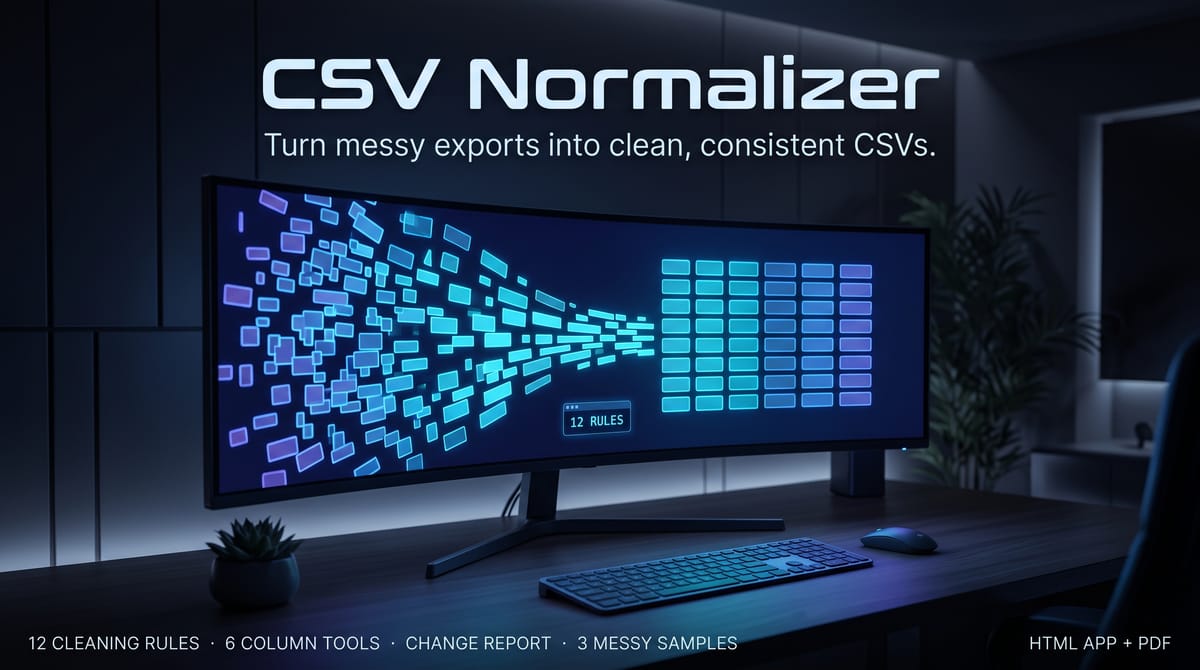
Messy CSVs cost hours: mixed date formats, $ and € symbols, "yes"/"Y"/"TRUE"/"1" in the same column, duplicate headers, ragged rows, stray whitespace. CSV Normalizer fixes all of it with 12 toggleable cleaning rules, 6 column tools, and a full change report so you can audit exactly what changed.
THE HONEST DATE POLICY
Ambiguous dates like 03/04/2026 (March 4 or April 3?) are NEVER guessed. If the column proves its convention (e.g. another cell reads 03/15/2026), all cells convert to ISO. If not, they're left untouched, highlighted, and flagged in the report.
PRIVACY — READ THIS
This tool runs entirely in your browser. There is no server, no upload, no tracking, and no network activity — verified zero http/https requests during testing. Your files never leave your device. You can disconnect from the internet and it keeps working.
REQUIREMENTS
Any modern browser (Chrome, Edge, Firefox, Safari). No installation. No spreadsheet app needed.
LICENSE
Single-user license. Use for your own business and client work (cleaning client CSVs is fine). You may not resell, redistribute, or share the files.
What's included
CSV-Normalizer.html — the utility itself. One self-contained file, no installation, no account, works offline in Chrome/Edge/Firefox/Safari.
12 cleaning rules (each toggleable, each counted in the report): smart delimiter detection (comma/semicolon/tab/pipe), quoted-field & embedded-newline parsing, BOM cleanup, ragged-row repair, whitespace trimming, header normalization (snake_case or Title Case) with duplicate-header renaming, number normalization (US + EU formats, currency symbols, parentheses-negatives), ISO date unification, boolean standardization (→ true/false, yes/no, 1/0, or Y/N), empty row/column removal, row deduplication (exact or by key columns).
Change report: rules applied with per-rule counts, cells changed, rows/columns dropped, duplicates removed, warnings — shown on screen and downloadable as .txt/.md.
Cleaned CSV export with delimiter and quoting options.
3 fictional messy sample CSVs so you see it work instantly: a bank export, store orders, and a contacts list.
CSV-Normalizer-User-Guide.pdf — the 12 rules explained, the ambiguity policy, FAQ, troubleshooting.
Key features
12 toggleable cleaning rules → delimiters, quoting, BOM, ragged rows, whitespace, headers, numbers, dates, booleans, empty rows/columns, and deduplication — each one counted in the report
6 column tools → rename, reorder, drop, split, merge, and find-replace (plain or regex)
A change report you can audit → per-rule counts, cells changed, rows/columns dropped, duplicates removed, and warnings, on screen and downloadable as .txt/.md
The honest date policy → ambiguous dates are NEVER guessed (see Honest limitations) — they are left untouched, highlighted, and flagged in the report
100% local, verified zero network → no server, no upload, no tracking; verified zero http/https requests during testing. Disconnect from the internet and it keeps working
Nothing to install → one self-contained HTML file, no account, no spreadsheet app needed
Frequently asked questions
Is my data uploaded anywhere?
No. This tool runs entirely in your browser — there is no server, no upload, no tracking, and no network activity, verified zero http/https requests during testing. Your files never leave your device.
Do I need an internet connection or a spreadsheet app?
Neither. You can disconnect from the internet and it keeps working, and no spreadsheet app is needed — just a modern browser (Chrome, Edge, Firefox, Safari).
What happens to an ambiguous date like 03/04/2026?
It is NEVER guessed. If the column proves its convention (e.g. another cell reads 03/15/2026), all cells convert to ISO. If not, they're left untouched, highlighted, and flagged in the report.
What kinds of files is it for?
Bank exports, Shopify/Stripe/CRM exports, supplier catalogs, and hand-made sheets — any messy CSV with mixed dates, currency symbols, inconsistent booleans, duplicate headers, ragged rows or stray whitespace.
Can I use it on client work?
Yes — the single-user license covers your own business and client work (cleaning client CSVs is fine). You may not resell, redistribute, or share the files.
How do I know what it changed?
The change report lists the rules applied with per-rule counts, cells changed, rows/columns dropped, duplicates removed, and warnings — on screen and downloadable as .txt/.md, so you can audit exactly what changed before you use the cleaned file.
CSV Normalizer — Messy CSV Cleanup Utility
Drop in a messy CSV — bank exports, Shopify/Stripe/CRM exports, supplier catalogs, hand-made sheets — and get a clean, consistent CSV back. Everything runs 100% locally in your browser: your data never uploads anywhere. Verified zero network requests.
Stop losing track of applications. Pipeline Pro is an offline job-hunt tracker: kanban board, follow-up reminders, interview log, and pipeline stats — plus a guided pack to rebuild it in Notion. Your data stays on your device.
Paste design-token JSON exported from Figma and get production-ready CSS, SCSS, or a Tailwind config — in one offline file. A standalone local web utility, not a Figma plugin.
Never lose a deal to a forgotten follow-up. A simple CRM for freelancers: kanban pipeline, client directory, and a due/overdue follow-up tracker. Instant offline app + Notion rebuild pack.
Professional invoices in minutes — one self-contained file, no subscription, works offline. Live totals, 3 themes, discounts, taxes, multi-currency, print to PDF, and a saved-invoice manager.