Open one file and invoice like a pro: your business details auto-fill, line items total themselves live, discounts and taxes compute correctly to the cent, and the result prints to a clean PDF in three professional themes. Saved invoices, duplicate-for-repeat-clients, one-click "mark paid," and automatic overdue flags keep your money organized.
WHO IT IS FOR
Freelancers and solopreneurs who invoice clients regularly
Small businesses tired of subscription invoicing tools
Anyone who wants invoices that live on their own computer, not in someone else's cloud
THE PROBLEM
Invoicing software wants a monthly subscription for the privilege of sending your own bills. The alternative is rebuilding invoices in Word every time — no running totals, no saved clients, no idea what's overdue. For a freelancer or small business sending a handful of invoices a month, both options are bad deals.
THE SOLUTION
One self-contained file you own forever — no subscription, no account, no server, works offline. Your business profile auto-fills; line items, discounts (percent or flat), two configurable taxes, and balance-due compute live to the cent; you pick one of 3 professional themes and print to PDF. A saved-invoice manager tracks statuses, duplicates repeat invoices, and flags what's overdue.
WHAT'S INCLUDED (exact files)
InvoiceForge.html — the complete invoicing app in ONE self-contained file. Zero external requests; works offline in any modern browser.
Invoice editor: business profile auto-fill, client fields, auto-incrementing invoice numbers with editable prefix, issue/due dates with Net 7/14/30/60 quick terms, 6 currencies (USD, EUR, GBP, CAD, AUD, JPY) with correct formatting everywhere
Line items: description, quantity, rate, auto amounts; add, remove, and reorder rows
Live totals: subtotal, percent OR flat discount, two configurable taxes (applied to the discounted subtotal), shipping/flat fee, total, amount paid, balance due — all rounded to cents
3 one-click invoice themes: Modern, Classic, Minimal — the preview updates live in an A4-proportioned render
Print / Save as PDF via the browser print dialog with a dedicated invoice-only stylesheet (no app chrome in the output)
Saved-invoice manager: save, list, search, duplicate, delete, mark paid; summary bar with outstanding balance and overdue count; statuses (Draft / Sent / Paid / Overdue) update automatically
Sample invoice preloaded (fictional) with Load sample / Clear controls; business profile saved in-browser
Backup: export/import everything as JSON
Quick-Start-Guide.pdf — your first invoice in 5 minutes, themes and printing, managing saved invoices, the backup habit, an honest list of what the app does NOT do, and FAQ
README-license.txt — contents, formats, license, support
HOW IT WORKS
Download the ZIP → double-click InvoiceForge.html → fill in your business profile once → create an invoice (or load the sample to explore) → pick a theme → Print / Save as PDF → send the PDF to your client however you like.
IDEAL CUSTOMER
You're a freelancer or solopreneur (or a small business owner) who sends a handful of invoices a month and is tired of either paying a monthly fee for billing software or rebuilding invoices in Word. You want professional-looking invoices in minutes, correctly computed, that live on your own computer. You'll send the PDF yourself, collect payment your usual way, and export a backup regularly.
WHO IT IS NOT FOR
Businesses that need payment processing — the app creates invoices; it does not charge credit cards or move money (you send the PDF and get paid your usual way)
Buyers who want automated email sending, recurring-invoice automation, or multi-device sync — this is a single-user offline tool; you'll attach PDFs to your own emails and keep backups yourself
Anyone who needs full accounting software — InvoiceForge is an invoicing tool, not accounting, tax, or legal software (verify tax treatment for your jurisdiction with a qualified professional)
REQUIREMENTS & LIMITATIONS
None — if you can use a web form, you can use InvoiceForge.
The app: any modern browser — Chrome, Edge, Safari, Firefox — desktop or mobile; works offline
Guides: PDF, any reader
No payment processing: the app creates invoices; it does not charge credit cards or move money. You send the PDF and get paid your usual way.
No automatic email sending: you attach the PDF to your own email or messages.
Data lives in your browser's localStorage on one device: use the built-in Export backup regularly; clearing browser data erases local data unless exported. It does not sync between devices.
Single-user tool; no multi-user or team features in v1.
Invoice numbers auto-increment from a counter; gaps can occur if you start an invoice without saving it.
This is an invoicing tool, not accounting, tax, or legal software. Verify tax treatment for your jurisdiction with a qualified professional.
FAQ
Do I need the internet? No. The file has zero external dependencies and works fully offline once saved on your computer.
Where is my data stored? Privately in your browser's localStorage. Nothing is uploaded to any server. Export backups from the Backup tab.
Can I use it on my phone? Yes — it runs in any modern mobile browser and the layout is responsive.
How do taxes work? Two configurable tax rates, both applied to the discounted subtotal (the standard treatment). Rename the labels to match your jurisdiction.
Can I add my logo image? v1 shows your logo text from your business profile; image-logo upload is not included. The printed invoice still looks clean and professional.
SUPPORT & UPDATES
Questions? Contact me through this Gumroad product page. Instant download as a ZIP (InvoiceForge-v1/); yours to keep; free updates to v1.x.
What's included
InvoiceForge App (single HTML file) — the complete invoicing app in ONE self-contained file. Zero external requests; works offline in any modern browser.
Invoice editor: business profile auto-fill, client fields, auto-incrementing invoice numbers with editable prefix, issue/due dates with Net 7/14/30/60 quick terms, 6 currencies (USD, EUR, GBP, CAD, AUD, JPY) with correct formatting everywhere
Line items: description, quantity, rate, auto amounts; add, remove, and reorder rows
Live totals: subtotal, percent OR flat discount, two configurable taxes (applied to the discounted subtotal), shipping/flat fee, total, amount paid, balance due — all rounded to cents
3 one-click invoice themes: Modern, Classic, Minimal — the preview updates live in an A4-proportioned render
Print / Save as PDF via the browser print dialog with a dedicated invoice-only stylesheet (no app chrome in the output)
Saved-invoice manager: save, list, search, duplicate, delete, mark paid; summary bar with outstanding balance and overdue count; statuses (Draft / Sent / Paid / Overdue) update automatically
Sample invoice preloaded (fictional) with Load sample / Clear controls; business profile saved in-browser
Backup: export/import everything as JSON
Quick-Start Guide (PDF) — your first invoice in 5 minutes, themes and printing, managing saved invoices, the backup habit, an honest list of what the app does NOT do, and FAQ
README & license file
Key features
Every calculation tested: 63 automated checks covering multi-item totals, percent vs flat discounts, dual taxes on the discounted subtotal, partial-payment balances, currency switching, auto-numbering, and overdue logic — zero failures — so your invoices are always correct to the cent
No macros, no plugins, no account, no server — one HTML file you own forever — so there's no subscription, no login, and no one else's cloud holding your billing data
Your data stays in your browser (localStorage); nothing uploads anywhere — so your client list and invoices never leave your computer
Frequently asked questions
Do I need the internet?
No. The file has zero external dependencies and works fully offline once saved on your computer.
Where is my data stored?
Privately in your browser's storage. Nothing is uploaded to any server. Export backups from the Backup tab.
Can I use it on my phone?
Yes — it runs in any modern mobile browser and the layout is responsive.
How do taxes work?
Two configurable tax rates, both applied to the discounted subtotal (the standard treatment). Rename the labels to match your jurisdiction.
Can I add my logo image?
v1 shows your logo text from your business profile; image-logo upload is not included. The printed invoice still looks clean and professional.
InvoiceForge — Single-File Invoice Generator
Professional invoices in minutes — one self-contained file, no subscription, works offline. Live totals, 3 themes, discounts, taxes, multi-currency, print to PDF, and a saved-invoice manager.
Never lose a deal to a forgotten follow-up. A simple CRM for freelancers: kanban pipeline, client directory, and a due/overdue follow-up tracker. Instant offline app + Notion rebuild pack.
Seating is the most political wedding task. SeatSmith gives it a home: drag guests onto tables, flag keep-apart pairs, and print a clean chart plus guest directory. One offline file, no account.
Stop dreading paperwork. ContractCraft is a single offline HTML tool that turns fill-in-the-blank forms into clean, printable contracts — services agreements, contractor agreements, NDAs, loan notes — with live preview and one-click PDF export.
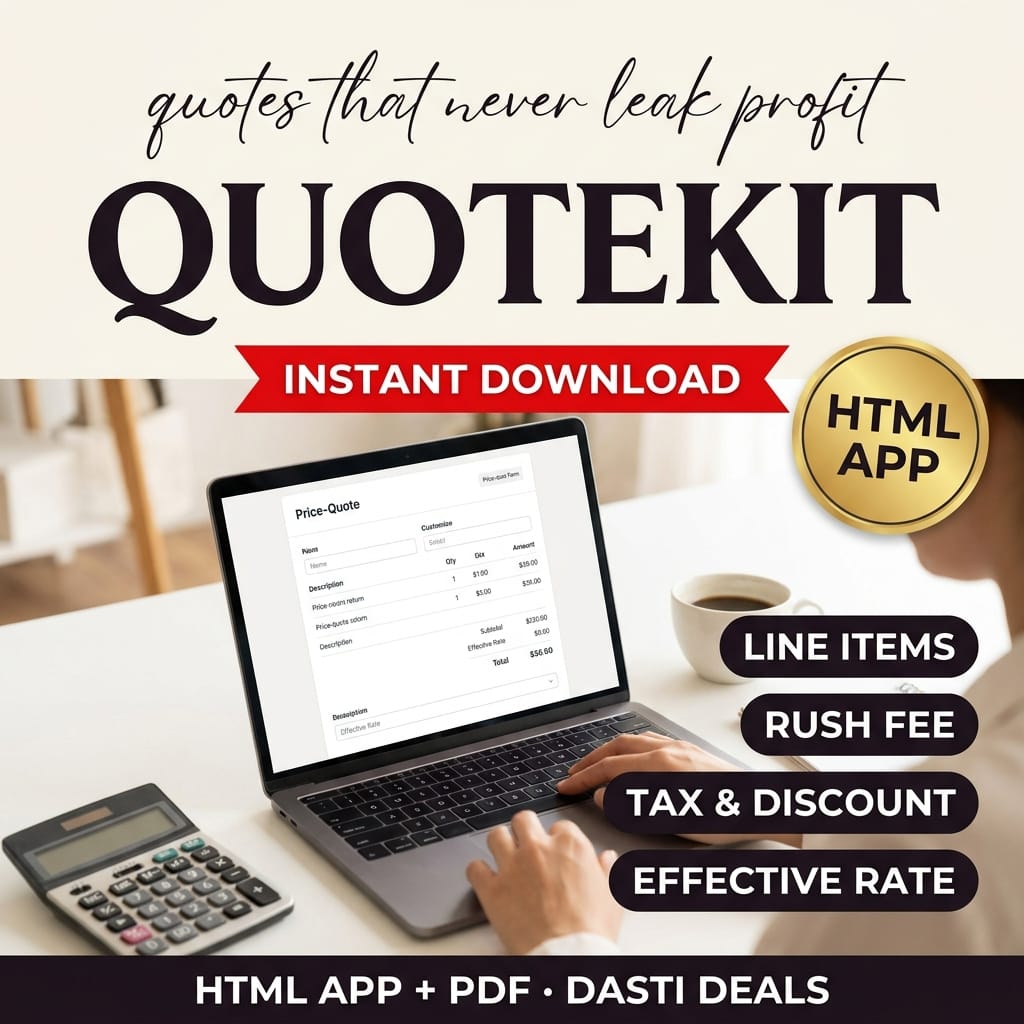
Stop guessing at prices. QuoteKit turns your hours, rates, expenses, rush fees, discounts and tax into a live itemized quote — with a guardrail that warns if you price below your minimum rate. Print client-ready quotes or copy a summary. Works offline.