One tool that owns the seating plan end to end: guests in, tables built with real capacities, conflicts flagged before they become day-of drama, and a printed chart plus alphabetical guest directory your coordinator can actually use.
WHO THIS IS FOR
Engaged couples planning their own seating (especially 40–200 guest weddings)
Wedding coordinators who want a clean, reusable seating system (one copy per client wedding — see license)
Anyone who has a "do NOT seat these two together" list
THE PROBLEM
Seating charts are where weddings get political — divorced parents, feuding cousins, the friend group that must sit together. Couples manage it with spreadsheets and sticky notes: no capacity limits, no conflict tracking, and a seating plan that silently breaks every time someone's RSVP changes. The week before the wedding, it all gets redone from memory.
THE SOLUTION
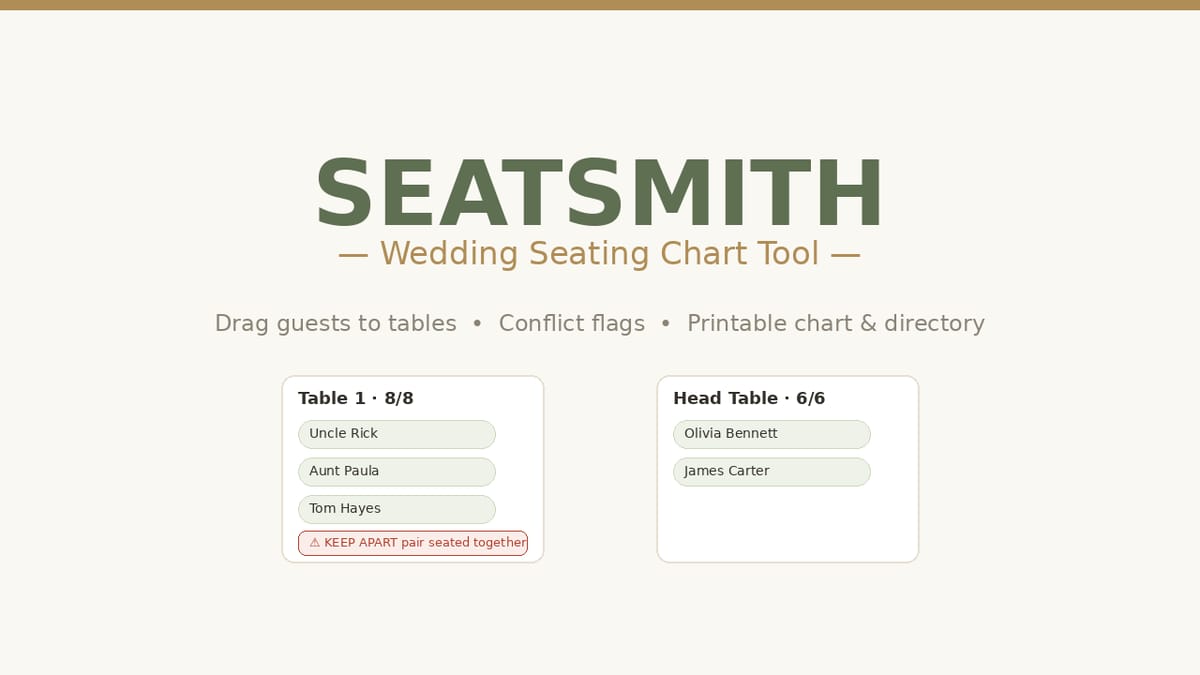
A single offline file with two things spreadsheets structurally can't do: hard capacity enforcement (full tables refuse new guests with a clear message) and conflict flags (mark any pair KEEP APART for a red warning when seated together, or SEAT TOGETHER for an amber nudge when split). Change a seating decision and the warnings update instantly. Declined guests are excluded everywhere, and marking a seated guest Declined frees their seat automatically.
WHAT'S INCLUDED (exact files)
SeatSmith.html — the complete seating planner as ONE self-contained file. Opens in any browser, works offline, no account, no install. Your data stays in your browser (localStorage); nothing uploads anywhere.
GUESTS: add/edit/delete, bulk-paste a whole list, search, RSVP tracking (Confirmed/Maybe/Declined), group tags, sides, meal choices, plus-one flags, notes
TABLES: named tables with shapes (round/rectangle/head) and capacities; visual cards with guest chips; hard capacity enforcement — full tables refuse new guests with a clear message
ASSIGNING: drag-and-drop onto table cards, or click-to-place Seat/Move buttons; "seat whole group together" helper finds the table with the most free seats
CONFLICT FLAGS: mark any pair KEEP APART (red warning when seated together) or SEAT TOGETHER (amber nudge when split) — warnings appear on the table cards and in a dedicated Flags tab
STATS: seats needed, seated, unseated, tables used, seats free, with a "Count Maybe RSVPs" planning toggle
Sample wedding preloaded (24 fictional guests, 4 tables — one keep-apart pair demonstrating a warning), one-tap clear
Quick-Start-Guide.pdf — your first 15 minutes: import → tables → assign → resolve flags → print; seating etiquette strategies (head table, singles & kids, group energy); printing; FAQ; limitations.
README-license.txt — contents, formats, license, support
HOW IT WORKS
Download the ZIP → double-click SeatSmith.html → paste your guest list into Bulk add → create your tables → add conflict flags FIRST (before seating) → drag guests onto tables → resolve every red warning → print the chart and directory for your coordinator.
IDEAL CUSTOMER
An engaged couple with a 40–200 guest wedding and at least one "do NOT seat these two together" pair, who will add flags before seating, resolve every red warning, and export a backup before printing.
WHO IT IS NOT FOR
Multi-event planners in one file: SeatSmith plans one event per file — copy the file for a second event; each stays independent. (Coordinators: one purchased copy per client wedding.)
Anyone expecting RSVP collection or invitations: this is a planning tool only — it does not collect RSVPs or send invitations.
Teams needing simultaneous multi-user editing: this is a single-file, single-user tool with data in your browser's localStorage.
People who skip backups: clearing browser data erases your plan unless exported — the Data tab's Export backup is part of the workflow, not optional.
REQUIREMENTS & LIMITATIONS
Prerequisites: none — a guest list is all you need. Any modern browser (Chrome, Safari, Firefox, Edge), desktop or mobile; works offline.
SeatSmith plans one event per file. Copy the file for a second event; each stays independent.
Guest lists come in via bulk paste (or manual entry) — there is no CSV import in v1.x. (CSV export of assignments is included.)
App data lives in your browser's localStorage: use Export backup weekly; clearing browser data erases it unless exported.
The sample wedding (24 guests) is entirely fictional — clear it and start fresh.
Meal choices are recorded and counted for you to share with your caterer; nothing is sent anywhere automatically.
This is a planning tool only — it does not collect RSVPs or send invitations.
FAQ
Does it work offline? Yes — one HTML file, no internet, no account. Your data never leaves your device.
Drag-and-drop or buttons? Both. Drag names onto table cards, or use Seat/Move buttons — every path enforces capacity.
How do the conflict flags work? Pick two guests and mark them KEEP APART or SEAT TOGETHER. Violations show as red/amber warnings on the table cards and in the Flags tab.
What happens when someone declines? Mark them Declined — they're excluded from counts and their seat is freed automatically.
Can I import my guest list from a spreadsheet? Bulk-paste your list into the app (copy the whole column). There is no CSV import in v1.x — CSV export is included.
What if I need help with the files? Message the seller through the Gumroad product page contact form.
DELIVERY & ACCESS
Instant download as a ZIP file (SeatSmith-v1/) after purchase. Yours to keep; free updates to v1.x.
LICENSE
Licensed to you, the buyer, for planning YOUR wedding (personal use). Wedding coordinators/planners: one purchased copy per client wedding planned with it. You may not resell, share, redistribute, or republish these files.
SUPPORT & UPDATES
Questions or problems with the files: contact the seller via the Gumroad product page. All v1.x updates are free for life.
What's included
SeatSmith.html — the complete seating planner as ONE self-contained file. Opens in any browser, works offline, no account, no install. Your data stays in your browser (localStorage); nothing uploads anywhere.
GUESTS: add/edit/delete, bulk-paste a whole list, search, RSVP tracking (Confirmed/Maybe/Declined), group tags, sides, meal choices, plus-one flags, notes.
TABLES: named tables with shapes (round/rectangle/head) and capacities; visual cards with guest chips; hard capacity enforcement — full tables refuse new guests with a clear message.
ASSIGNING: drag-and-drop onto table cards, or click-to-place Seat/Move buttons; "seat whole group together" helper finds the table with the most free seats.
CONFLICT FLAGS: mark any pair KEEP APART (red warning when seated together) or SEAT TOGETHER (amber nudge when split) — warnings appear on the table cards and in a dedicated Flags tab.
STATS: seats needed, seated, unseated, tables used, seats free, with a "Count Maybe RSVPs" planning toggle.
The conflict flags are the differentiator: keep-apart and seat-together pairs are enforced by warnings, not memory — the politics get planned, not discovered at the reception.
Capacities are hard limits — overfilling is impossible by design; no more "table of 10 with 13 names."
Declined guests are excluded everywhere; marking a seated guest Declined frees their seat automatically — RSVP changes update the plan instead of breaking it.
Per-table meal counts on the printed chart — hand it to your caterer directly.
Zero setup: double-click the file and start; works fully offline; add to home screen for one-tap access.
Yes — one HTML file, no internet, no account. Your data never leaves your device.
Drag-and-drop or buttons?
Both. Drag names onto table cards, or use Seat/Move buttons — every path enforces capacity.
How do the conflict flags work?
Pick two guests and mark them KEEP APART or SEAT TOGETHER. Violations show as red/amber warnings on the table cards and in the Flags tab.
What happens when someone declines?
Mark them Declined — they're excluded from counts and their seat is freed automatically.
Can I import my guest list from a spreadsheet?
Bulk-paste your list into the app (copy the whole column). There is no CSV import in v1.x — CSV export is included.
What if I need help with the files?
Message the seller through the Gumroad product page contact form.
SeatSmith — Wedding Seating Chart Tool
Seating is the most political wedding task. SeatSmith gives it a home: drag guests onto tables, flag keep-apart pairs, and print a clean chart plus guest directory. One offline file, no account.
Never lose a deal to a forgotten follow-up. A simple CRM for freelancers: kanban pipeline, client directory, and a due/overdue follow-up tracker. Instant offline app + Notion rebuild pack.
Professional invoices in minutes — one self-contained file, no subscription, works offline. Live totals, 3 themes, discounts, taxes, multi-currency, print to PDF, and a saved-invoice manager.
Stop dreading paperwork. ContractCraft is a single offline HTML tool that turns fill-in-the-blank forms into clean, printable contracts — services agreements, contractor agreements, NDAs, loan notes — with live preview and one-click PDF export.
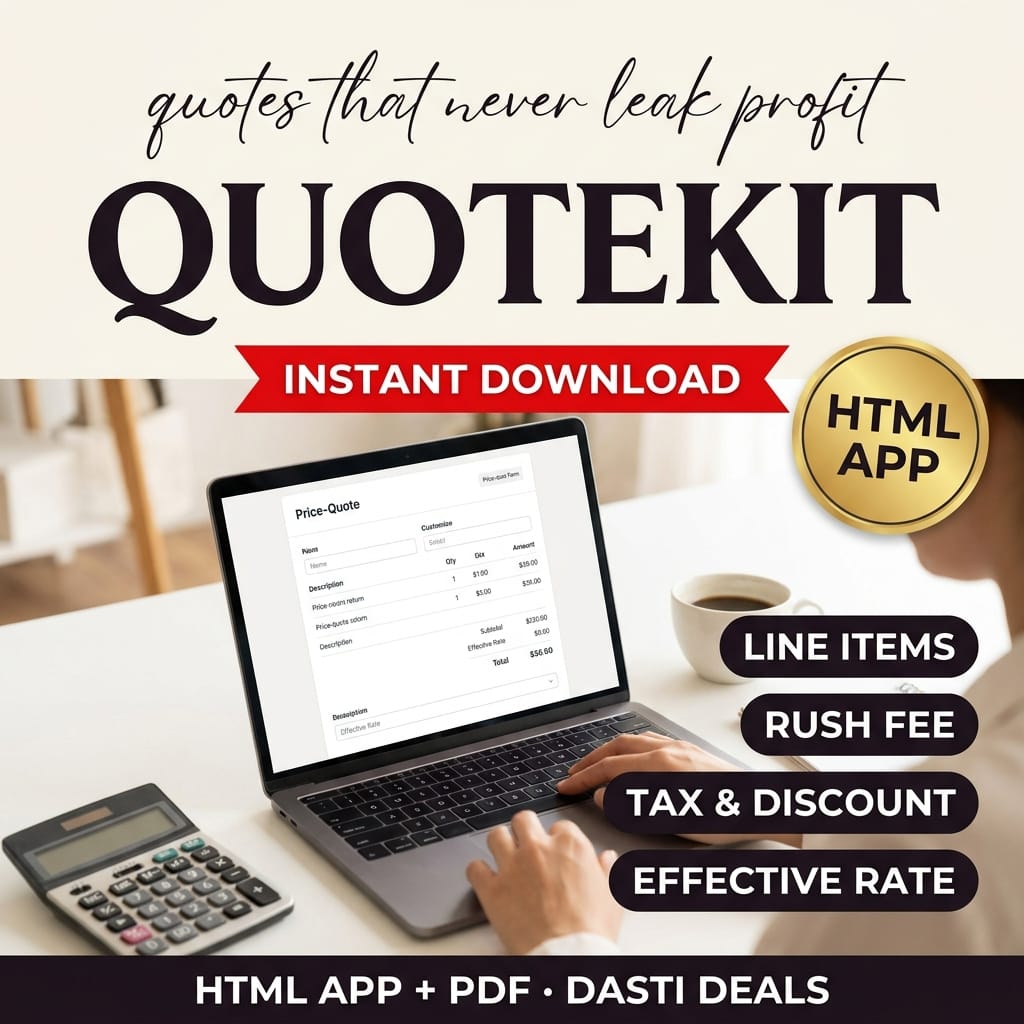
Stop guessing at prices. QuoteKit turns your hours, rates, expenses, rush fees, discounts and tax into a live itemized quote — with a guardrail that warns if you price below your minimum rate. Print client-ready quotes or copy a summary. Works offline.