About this product
THE HEADLINE
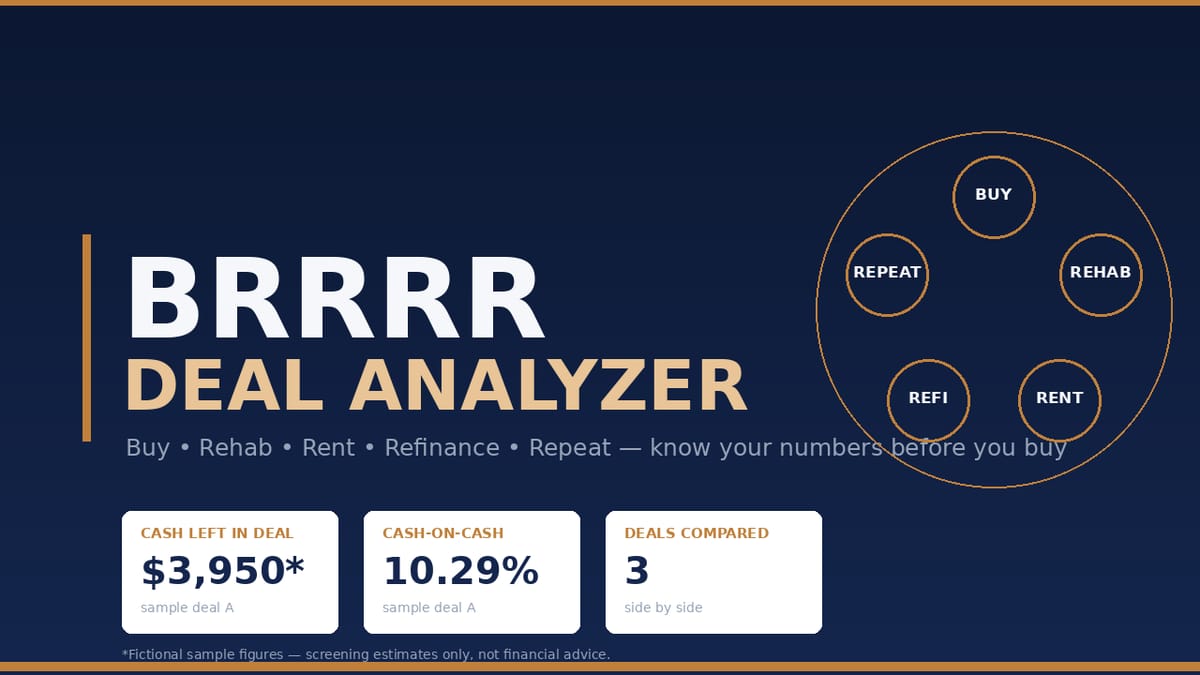
Know your numbers before you buy: the BRRRR sequence — buy, rehab, rent, refinance, repeat — modeled honestly, with "cash left in the deal" as the headline figure and three deals compared side by side.
WHO THIS IS FOR
- New and intermediate real estate investors evaluating BRRRR deals
- Anyone who wants a structured way to screen deals before talking to a lender
- You need basic spreadsheet comfort — if you can type a number in a cell, you can use this. No real estate experience required to understand it, but you are expected to verify your own local numbers (comps, contractor bids, rents, taxes, insurance, loan terms) independently
THE PROBLEM
You found a property that looks like a BRRRR deal: buy below value, rehab, rent, refinance, pull your cash out, repeat. But does the refinance math actually work? How much cash will you really have left in the deal? What is the monthly payment after the refi, and what cashflow remains after taxes, insurance, vacancy, maintenance, capex, and management?
Guessing is how investors get stuck. Spreadsheets built for one generic rental don't model the BRRRR sequence — the itemized rehab budget, the holding costs during renovation, the payoff of your initial financing, and the cash-back calculation at refinance. This workbook does.
THE SOLUTION
Type your numbers into the yellow input cells and get the full BRRRR picture instantly: all-in cash needed, refinance proceeds, cash left in the deal, amortized monthly payment, cashflow, and returns — for up to 3 deals side by side. The preloaded samples include a typical deal, a thin deal (watch the infinite-return flag fire), and a risky deal (negative cashflow) — so you see what failure looks like before you risk your own money.
HOW IT WORKS
- Open the workbook and read START HERE (2 minutes).
- Go to DEAL INPUTS and type your numbers in the yellow cells — or study the preloaded sample Deal A first.
- Read ANALYSIS for the full picture: cash position, refinance math, cashflow, returns.
- Put up to 3 deals in columns B–D and use COMPARE DEALS to pick the strongest one.
IDEAL CUSTOMER
A new-to-intermediate investor screening BRRRR deals who will bring honest local numbers (comps, rehab bids, rents, loan terms) and wants a screening verdict — does the refi math work? — before talking to a lender.
WHO IT IS NOT FOR
- Investors expecting a data feed: the workbook does not look up comps, rents, ARVs, or loan terms for you — you supply the deal data; it computes.
- Anyone treating screening math as advice or a commitment: this answers whether the math works, not whether a lender will fund it. It does not check lender requirements (seasoning, appraisal outcome, DSCR, credit).
- Investors needing interest-only or adjustable-rate modeling: P&I assumes a fixed-rate, fully amortizing refinance loan; interest-only or ARMs are not modeled.
- People shopping for return guarantees: there are none here. Sample deals are fictional illustrations of the math, not examples of real or typical results.
REQUIREMENTS & LIMITATIONS
- XLSX file: opens in Microsoft Excel (2016+), Google Sheets (File > Import > Upload), and LibreOffice Calc. No macros.
- Quick-start guide: PDF (any reader).
- Prerequisite: you supply the deal data. The workbook computes from your numbers; it does not look up comps, rents, ARVs, or loan terms for you.
- Screening estimates only — not investment, financial, tax, or legal advice.
- P&I assumes a fixed-rate, fully amortizing refinance loan; interest-only or adjustable-rate loans are not modeled.
- Cap rate is computed on total all-in cash (price + closing + rehab + holding), which is deliberate for BRRRR screening but differs from purchase-price-based cap rates.
- The model does not check lender requirements (seasoning, appraisal outcome, DSCR, credit) — it answers whether the math works, not whether a lender will fund it.
- Sample deals are fictional illustrations of the math, not examples of real or typical results.
FAQ
- Do I need Excel? Any of Excel, Google Sheets, or LibreOffice Calc works — the formulas are standard functions.
- Are there macros or plugins? No. Pure formulas; nothing to install or enable.
- Can I analyze more than 3 deals? The workbook compares 3 side by side. For more, duplicate the file per deal batch or overwrite columns — takes seconds.
- What if the refinance returns all my cash? The sheet flags "INFINITE RETURN" and explains the cash-on-cash percentage doesn't apply — instead of dividing by zero.
- Is this financial advice? No. It's a screening calculator. Verify your numbers locally and talk to qualified professionals before investing.
- What if I need help with the files? Message the seller through the Gumroad product page contact form.
DELIVERY
Instant download from Gumroad after purchase: the XLSX workbook, the PDF quick-start guide, and the README/license file. Yours to keep; free updates to v1.x.
LICENSE
Single-user license for your own investing analysis. No redistribution, resale, or sharing of the files.
SUPPORT & UPDATES
Questions or problems with the files: contact the seller via the Gumroad product page. All v1.x updates are free for life.
What's included
- BRRRR-Deal-Analyzer.xlsx (4 sheets)
- START HERE: plain-English BRRRR explainer, 5-step usage walkthrough, cell shading key, disclaimer
- DEAL INPUTS: yellow input cells for purchase price, closing costs, itemized rehab budget (kitchen, bathrooms, roof, flooring, exterior, other) + contingency %, holding months × monthly carrying cost, ARV, monthly rent, monthly operating expenses (taxes, insurance, vacancy/maintenance/capex/management as % of rent), initial financing payoff, refinance terms (LTV, rate, term, closing costs). Preloaded with 3 fictional sample deals (typical / thin / risky) you overwrite.
- ANALYSIS: 120 live formula cells — cash position, refinance math, monthly cashflow breakdown, return metrics, infinite-return flag
- COMPARE DEALS: the 3 deals side by side with automatic LOWEST / HIGHEST / BEST flags
- Quick-Start-Guide.pdf — 4-page illustrated guide: BRRRR explained simply, entering your first deal, what each metric means and its limits, a refinance math walkthrough with the sample numbers, common mistakes (underestimating rehab, ARV optimism), FAQ, and disclaimers
- README-license.txt — contents, formats, license, disclaimers
Key features
- 120 real formula cells — no hard-coded totals; change any yellow input and everything recalculates — so scenario testing takes seconds, not a rebuild.
- PMT-based monthly payment from a real amortization formula (guarded against divide-by-zero errors) — your refi payment is math, not a guess.
- IFERROR guards throughout — clean "—" instead of #DIV/0! when inputs are incomplete — incomplete data never looks like a broken file.
- Infinite-return flag: when the refinance returns all (or more) of your cash, the sheet tells you plainly instead of showing a nonsense percentage.
- One bad-deal sample preloaded so you can see what negative cashflow looks like before you risk your own money.
- No macros, no add-ins, nothing to install.
- Tested: 45/45 headline figures matched an independent Python recompute (tolerance $0.02); 0 error cells.