About this product
THE HEADLINE
See both futures in dollars: the true net cost of buying against the true net cost of renting, with verdicts at 3, 5, 7, 10, 15, 20 and 30 years — with your numbers, not rules of thumb.
WHO THIS IS FOR
- Renters weighing whether to buy (and at what price point it starts to make sense)
- Buyers sanity-checking an offer before committing
- Couples and families who want the argument settled with arithmetic
- Anyone who suspects "just buy" advice might not survive contact with their actual numbers
THE PROBLEM
Most rent-vs-buy advice is a slogan: "renting is throwing money away." What it ignores is opportunity cost — a buyer locks tens of thousands into a down payment and closing costs, and often pays more per month for years. Meanwhile the renter keeps that same cash invested. Without modeling both sides, you're deciding with half the picture.
THE SOLUTION
A scenario tool that models BOTH paths fairly over 30 years: ownership costs year by year against the renter's invested down payment and monthly savings with compound growth (floored at $0). PMI applies only while loan-to-value is above 80%. The break-even year computes automatically. And the model isn't rigged: results can favor renting for decades — the sample scenario's verdict reads "Beyond 30 years" with renting ahead at every horizon. This tool is not a sales pitch for buying.
WHAT'S INCLUDED (exact files)
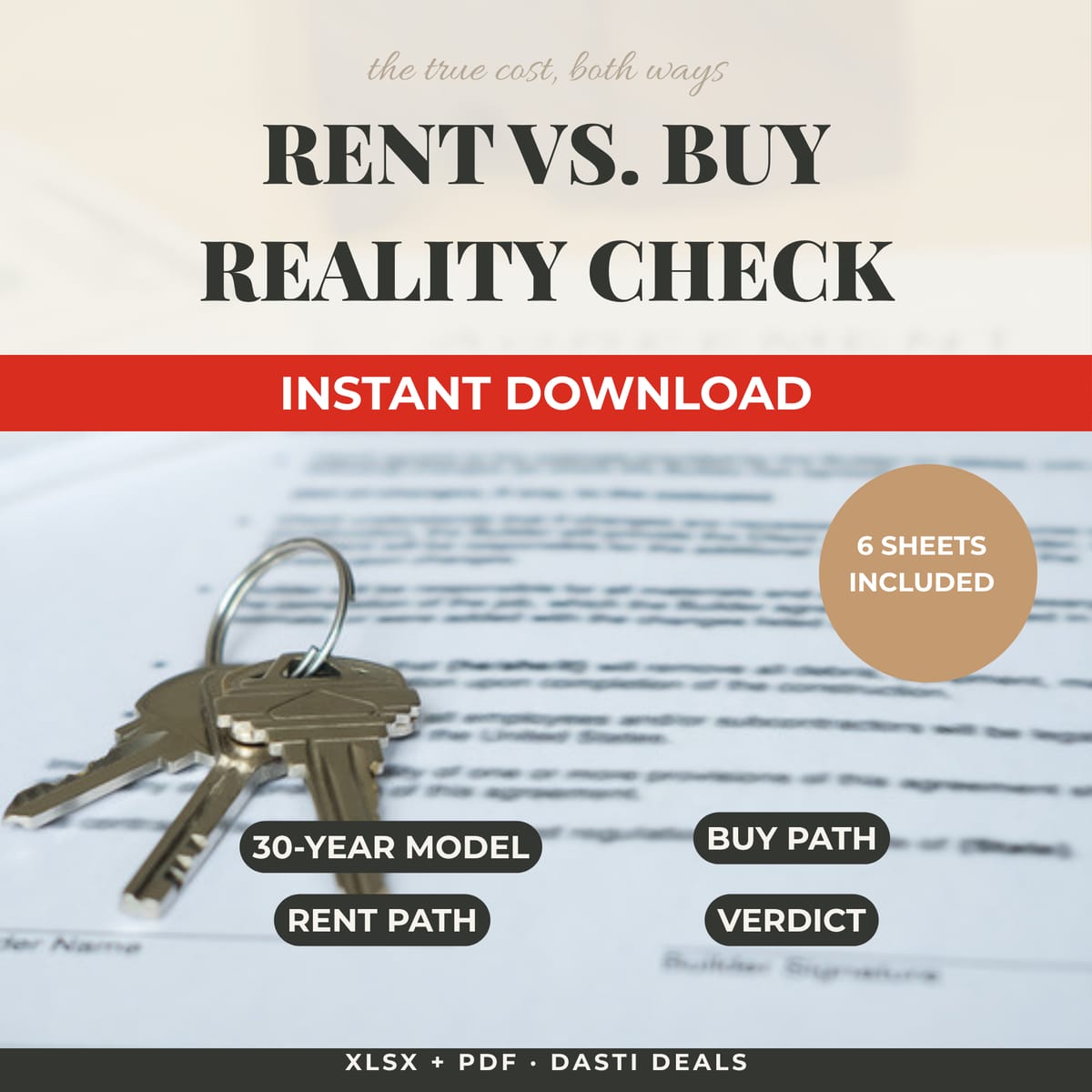
- Rent-vs-Buy.xlsx (macro-free, Excel & Google Sheets compatible) — 6 sheets:
- START HERE: orientation, how to read results, and a live snapshot of your verdicts
- INPUTS: your scenario — price, down payment, rate, taxes, HOA, maintenance, PMI, rent, rent growth, investment return (EXAMPLE figures preloaded; you replace them all)
- BUY_PATH: year-by-year for 30 years — mortgage balance, home value, equity, cumulative interest/tax/insurance/HOA/maintenance/PMI, net cost of buying if sold each year
- RENT_PATH: year-by-year — rent paid, renter insurance, the invested difference (down payment + monthly savings invested with compound growth, floored at $0)
- VERDICT: head-to-head at 3/5/7/10/15/20/30 years — net cost each path, wealth built each path, a plain-English verdict, and the break-even year
- DEFINITIONS: every formula in words, and every simplification listed
- Quick-Start-Guide.pdf — 10-minute setup, reading the verdict, sensitivity habits that matter, limitations, FAQ
- README-license.txt — contents, formats, license, disclaimer
HOW IT WORKS
Download the ZIP → open the workbook → on INPUTS, replace the EXAMPLE numbers with your own → read VERDICT at each horizon → stress-test by changing appreciation and investment return ±1%. If the winner flips, your decision is assumption-sensitive — know that before you sign anything.
IDEAL CUSTOMER
A renter deciding whether to buy (or a buyer sanity-checking an offer) who will enter honest local numbers, run the ±1% sensitivity check, and accept that renting can legitimately win — this is arithmetic, not validation.
WHO IT IS NOT FOR
- People who want tax effects modeled: no tax effects are modeled (mortgage-interest deduction, capital gains) — a deliberate, disclosed simplification that usually favors buyers in the US, making the workbook conservative toward buying.
- Anyone looking for a recommendation: this does not tell you whether you should buy — and that is the point. It shows you both futures in dollars so you decide.
- People who want a forecast: rates are assumed constant over 30 years — real markets move in cycles. This is a scenario tool, not a forecast.
REQUIREMENTS & LIMITATIONS
- Prerequisites: basic spreadsheet comfort (typing into yellow cells). No finance background needed — the guide explains every term.
- Compatibility: XLSX — Microsoft Excel (desktop/web) and Google Sheets (File → Import → Upload). No macros, no add-ins, no external data. Standard formulas only (PMT, IF, INDEX, MATCH). LibreOffice recalculates correctly (verified), though chart rendering may differ.
- Scenario math from your inputs, not financial, tax, legal, or real-estate advice. Talk to a licensed professional before decisions of this size.
- No tax effects are modeled (mortgage-interest deduction, capital gains) — flagged as a deliberate simplification; these usually favor buyers in the US.
- Rates are assumed constant over 30 years — real markets move in cycles. This is a scenario tool, not a forecast.
- PMI, moving costs, and refinancing are simplified or excluded; every simplification is listed on DEFINITIONS.
- Sample figures are EXAMPLES (a $425,000 home, 10% down, $2,100 rent) — not market data, not a recommendation.
- Results can favor renting for decades. This tool is not a sales pitch for buying.
FAQ
- Does this tell me whether I should buy? No — and that is the point. It shows you both futures in dollars so you decide. Change the inputs and the answer can change.
- Why can "renting ahead" happen? Because renters keep their down payment invested and often pay less monthly early on. With strong investment returns and weak appreciation, renting can win for a long time.
- Excel, Google Sheets, or LibreOffice? Excel and Google Sheets officially. LibreOffice recalculates it correctly too (verified), though chart rendering may differ.
- What if I already own? Set home price to today's value, down payment % to your current equity ÷ value, and read it as a forward-looking scenario.
- Why is there no mortgage-interest tax deduction? It's deliberately excluded and disclosed — it usually helps buyers, so the workbook is conservative toward buying. Add it separately if taxes dominate your decision.
- What if I need help with the files? Message the seller through the Gumroad product page contact form.
DELIVERY & ACCESS
Instant download as a ZIP file (Rent-vs-Buy-Reality-Check-v1/) after purchase. Yours to keep; free updates to v1.x.
LICENSE
Licensed to you, the buyer, for personal use. You may not resell, share, redistribute, or republish these files.
SUPPORT & UPDATES
Questions or problems with the files: contact the seller via the Gumroad product page. All v1.x updates are free for life.
What's included
- Rent-vs-Buy.xlsx (macro-free, Excel & Google Sheets compatible) — 6 sheets:
- START HERE: orientation, how to read results, and a live snapshot of your verdicts.
- INPUTS: your scenario — price, down payment, rate, taxes, HOA, maintenance, PMI, rent, rent growth, investment return (EXAMPLE figures preloaded; you replace them all).
- BUY_PATH: year-by-year for 30 years — mortgage balance, home value, equity, cumulative interest/tax/insurance/HOA/maintenance/PMI, net cost of buying if sold each year.
- RENT_PATH: year-by-year — rent paid, renter insurance, the invested difference (down payment + monthly savings invested with compound growth, floored at $0).
- VERDICT: head-to-head at 3/5/7/10/15/20/30 years — net cost each path, wealth built each path, a plain-English verdict, and the break-even year.
- DEFINITIONS: every formula in words, and every simplification listed.
- Quick-Start-Guide.pdf — 10-minute setup, reading the verdict, sensitivity habits that matter, limitations, FAQ.
- README-license.txt — contents, formats, license, disclaimer.
Key features
- The renter is modeled FAIRLY: invested down payment + invested monthly savings with compound growth — opportunity cost is not hand-waved, which is what makes the comparison honest.
- PMI handled properly (applies only while loan-to-value is above 80%) — no silent overcharging of buyers.
- Break-even year computed automatically — no eyeballing charts.
- Sensitivity built in: change appreciation, investment return, or rent growth and watch the winner flip — you learn how assumption-sensitive your decision is.
- Tested: every computed figure independently recomputed against a separate model (63 comparisons, all matched; year-10 mortgage balance matched to the cent) plus 5 edge-case scenarios with zero error cells.
- The DEFINITIONS sheet lists every formula in words and every simplification — you always know what the model does and doesn't do.