One system that carries a piece from spark to published to repurposed five ways. Open the dashboard every Monday and know exactly what to do.
WHO THIS IS FOR
Newsletter writers who want a publishing rhythm without project-management bloat
Solo creators (posts, video, podcast) juggling multiple formats
Anyone whose "content system" is currently a notes app and good intentions
THE PROBLEM
Ideas live in five different apps. Publishing happens "whenever." Good pieces get posted once and forgotten — never repurposed. Metrics get a glance the day you send, then nothing. The result: inconsistent output, wasted effort, and no idea what's actually working.
THE SOLUTION
A single creator operating system: capture ideas and score them so the best float up, move pieces through a kanban pipeline, see the week on a calendar, log each issue's metrics in 60 seconds, and track every repurposed format so nothing stalls halfway. Choose the instant offline app or rebuild it in Notion — but pick one home.
WHAT'S INCLUDED (exact files)
Creator-HQ-App.html — the complete system as ONE self-contained file. Opens in any browser, works offline, no account, no install. Your data stays in your browser (localStorage); nothing uploads anywhere.
DASHBOARD: pipeline counts by stage, items scheduled this week, top 5 ideas by score, latest issue snapshot, repurpose backlog count
IDEA BANK: capture form with tags and 1–5 scores (audience fit / ease / monetization); auto-sorted by total score; one-click promote to pipeline
CALENDAR: scheduled items grouped by week
METRICS: per-issue log (sent, open %, click %, new subs, unsubs) with totals, averages, and a recent-8-vs-previous-8 trend view
REPURPOSE TRACKER: Post / Thread / Short video / Carousel / Email digest checkboxes per published piece, with a backlog view of published-but-not-repurposed pieces
Fictional "The Sunday Systems" sample data preloaded (labeled samples, one-tap clear)
Notion-Rebuild-Pack/Notion-Build-Guide.pdf — rebuild the same system in your own Notion workspace in ~30–45 minutes: all 3 database schemas (Content Pipeline, Idea Bank, Issue Metrics) with every property name/type/options, the relation wiring, copy-paste formulas (idea Score, Repurpose %, Net Subs), the Board/Calendar/Scheduled-this-week/Repurpose-backlog views, and the dashboard page spec
Notion-Rebuild-Pack CSV imports: Content Pipeline (8 rows), Idea Bank (10 rows), Issue Metrics (6 rows)
Creator-Playbook.pdf — the weekly creator rhythm: the 4-hour week cadence, the repurpose ladder (one piece → five formats), the newsletter issue checklist, the monthly metrics review ritual, 10 original subject lines to study, and a growth-ethics note (no fake engagement or spam tactics, ever)
README-license.txt — contents, formats, license, support
HOW IT WORKS
Download the ZIP → double-click Creator-HQ-App.html → explore the sample data → clear it from the Data tab → capture your first ideas and add your open pieces. Each Monday: open the dashboard, work the week. After each send: log the issue. Each Friday: move cards, tick repurpose boxes. Notion users: follow the rebuild guide instead.
IDEAL CUSTOMER
A solo newsletter writer or multi-format creator publishing at least weekly, who will log each issue's metrics (60 seconds), run the Monday dashboard review, and back up weekly.
WHO IT IS NOT FOR
Teams needing multi-user access: this is a single-user system for your own creator business.
Anyone expecting automatic integrations: there is no Substack/Beehiiv/Mailchimp connection — metrics are entered manually in 60 seconds per issue. That's deliberate (it keeps the system platform-proof), not a gap.
Creators shopping for growth promises: this product contains no growth, subscriber, or revenue guarantees, and no outcome is promised or implied.
People who want both the app AND Notion in sync: the two do not sync with each other — pick one home base.
REQUIREMENTS & LIMITATIONS
Prerequisites: none for the app (any modern browser — Chrome, Safari, Firefox, Edge — desktop or mobile; add to home screen for one-tap access). A free Notion account only if using the Notion rebuild pack.
The Notion pack is a guided rebuild pack (step-by-step guide + CSV imports), NOT a one-click Notion duplicate link — stated plainly here and in the guide.
The app and the Notion system do not sync with each other — pick one home base.
App data lives in your browser's localStorage: use Export backup weekly (Data tab); clearing browser data erases it unless exported.
Single-user system for your own creator business: no multi-user support, no platform integrations — metrics are entered manually.
Sample creator, ideas, and metrics are fictional examples.
FAQ
Do I need the internet or an account? No. The app is one HTML file that runs offline; your data stays on your device. (Notion pack needs a free Notion account.)
Which should I use — the app or Notion? The app is instant and private; Notion is better if you want cloud access across devices. They don't sync, so pick one.
Does it connect to Substack/Beehiiv/Mailchimp? No — metrics are entered manually in 60 seconds per issue. That's a feature, not a gap: it keeps the system platform-proof.
Can I use it for video/podcast, not just newsletters? Yes — channels include Post, Video, Short, and Podcast alongside Newsletter.
Will I lose my data? Only if you clear browser data without exporting. Data tab → Export backup, weekly.
What if I need help with the files? Message the seller through the Gumroad product page contact form.
DELIVERY & ACCESS
Instant download as a ZIP file (Creator-HQ-v1/) after purchase. Yours to keep; free updates to v1.x.
LICENSE
Licensed to you, the buyer, for use in your own creator business. You may not resell, share, redistribute, or republish these files.
SUPPORT & UPDATES
Questions or problems with the files: contact the seller via the Gumroad product page. All v1.x updates are free for life.
What's included
Creator-HQ-App.html — the complete system as ONE self-contained file. Opens in any browser, works offline, no account, no install. Your data stays in your browser (localStorage); nothing uploads anywhere. Dashboard (pipeline counts by stage, items scheduled this week, top 5 ideas by score, latest issue snapshot, repurpose backlog count), Pipeline kanban board (Ideas → Drafting → Scheduled → Published, drag-and-drop or arrow moves, per-card channel/hook/date), Idea Bank (capture form with tags and 1–5 scores for audience fit / ease / monetization, auto-sorted by total score, one-click promote to pipeline), Calendar (scheduled items grouped by week), Metrics (per-issue log — sent, open %, click %, new subs, unsubs — with totals, averages, and a recent-8-vs-previous-8 trend view), Repurpose Tracker (Post / Thread / Short video / Carousel / Email digest checkboxes per published piece, with a backlog view), Data (Export/Import JSON backup, sample-data loader, clear-all). Fictional "The Sunday Systems" sample data preloaded (labeled samples, one-tap clear).
Notion Build Guide (PDF) — rebuild the same system in your own Notion workspace in ~30–45 minutes: all 3 database schemas (Content Pipeline, Idea Bank, Issue Metrics) with every property name/type/options, the relation wiring, copy-paste formulas (idea Score, Repurpose %, Net Subs), the Board/Calendar/Scheduled-this-week/Repurpose-backlog views, and the dashboard page spec.
Notion CSV imports: Content Pipeline (8 rows), Idea Bank (10 rows), Issue Metrics (6 rows).
Creator-Playbook.pdf — the weekly creator rhythm: the 4-hour week cadence, the repurpose ladder (one piece → five formats), the newsletter issue checklist, the monthly metrics review ritual, 10 original subject lines to study, and a growth-ethics note (no fake engagement or spam tactics, ever).
The repurpose tracker is the differentiator: published pieces surface automatically until they've traveled the full ladder — one good piece becomes five assets instead of one forgotten post.
Idea scoring (fit + ease + monetization) makes prioritization a number, not a mood — the best ideas float up on their own.
Metrics take 60 seconds per issue; the trend table does the analysis — you see what's working without building a spreadsheet.
Zero setup for the app: double-click and go; 30–45 minutes for the Notion build — you choose instant-and-private or cloud-and-cross-device.
Works offline with zero external dependencies — no subscriptions, no accounts, nothing to leak.
Frequently asked questions
Do I need the internet or an account?
No. The app is one HTML file that runs offline; your data stays on your device. (Notion pack needs a free Notion account.)
Which should I use — the app or Notion?
The app is instant and private; Notion is better if you want cloud access across devices. They don't sync, so pick one.
Does it connect to Substack/Beehiiv/Mailchimp?
No — metrics are entered manually in 60 seconds per issue. That's a feature, not a gap: it keeps the system platform-proof.
Can I use it for video/podcast, not just newsletters?
Yes — channels include Post, Video, Short, and Podcast alongside Newsletter.
Will I lose my data?
Only if you clear browser data without exporting. Data tab → Export backup, weekly.
What if I need help with the files?
Message the seller through the Gumroad product page contact form.
Creator HQ — Newsletter & Creator OS
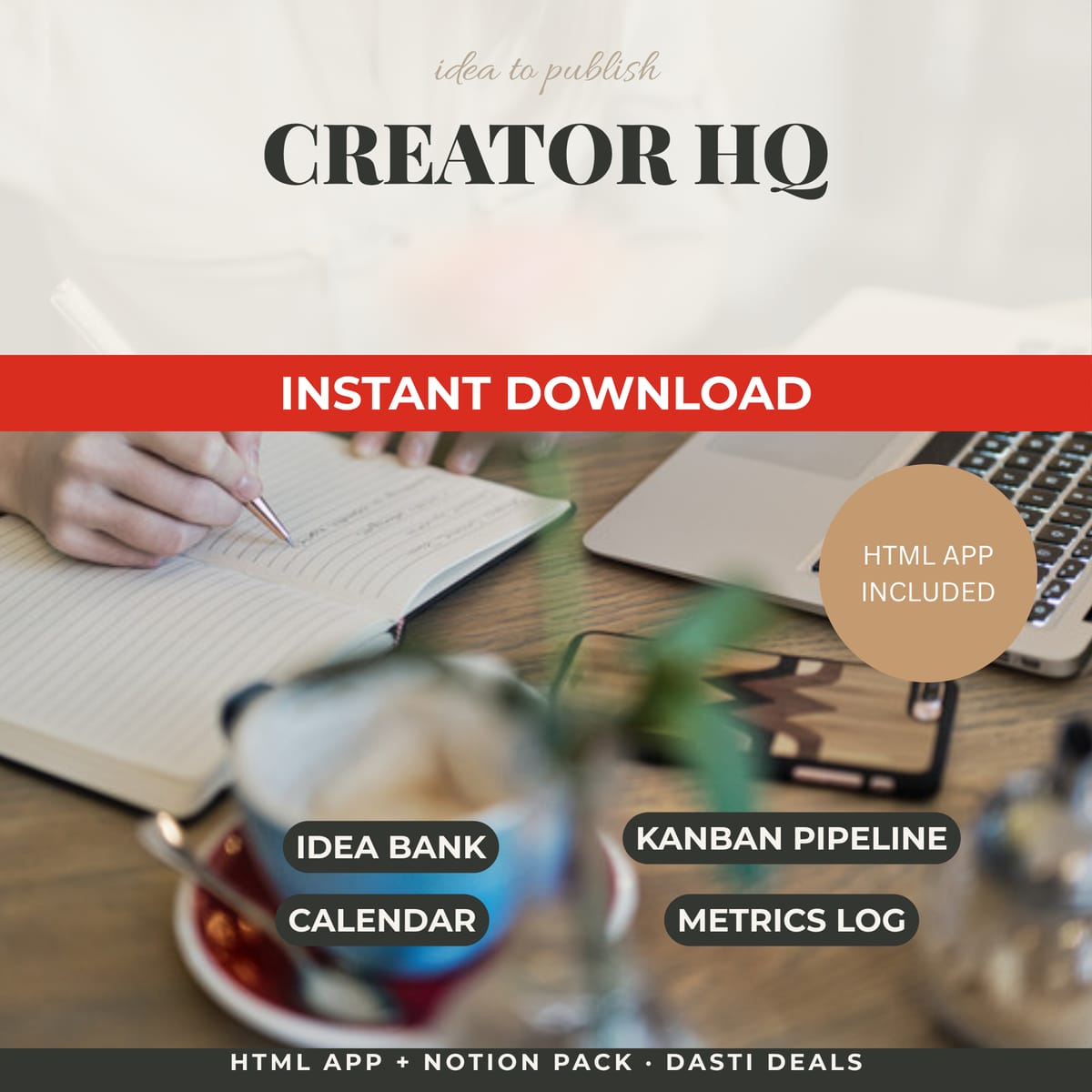
One home for your content: a kanban pipeline, scored idea bank, publishing calendar, newsletter metrics log, and repurpose tracker. Instant offline app + Notion rebuild pack.
Never lose a deal to a forgotten follow-up. A simple CRM for freelancers: kanban pipeline, client directory, and a due/overdue follow-up tracker. Instant offline app + Notion rebuild pack.
Professional invoices in minutes — one self-contained file, no subscription, works offline. Live totals, 3 themes, discounts, taxes, multi-currency, print to PDF, and a saved-invoice manager.
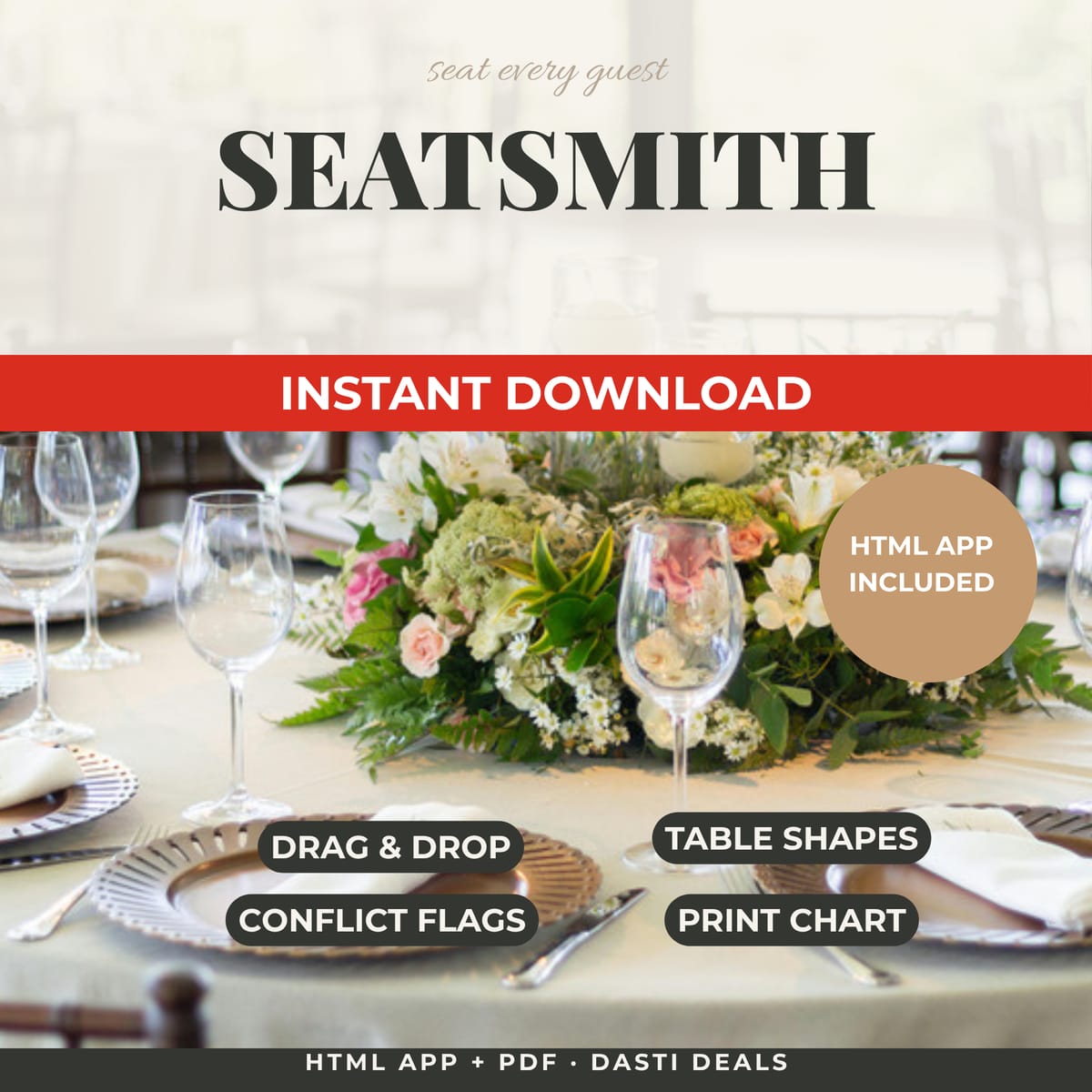
Seating is the most political wedding task. SeatSmith gives it a home: drag guests onto tables, flag keep-apart pairs, and print a clean chart plus guest directory. One offline file, no account.
Stop dreading paperwork. ContractCraft is a single offline HTML tool that turns fill-in-the-blank forms into clean, printable contracts — services agreements, contractor agreements, NDAs, loan notes — with live preview and one-click PDF export.