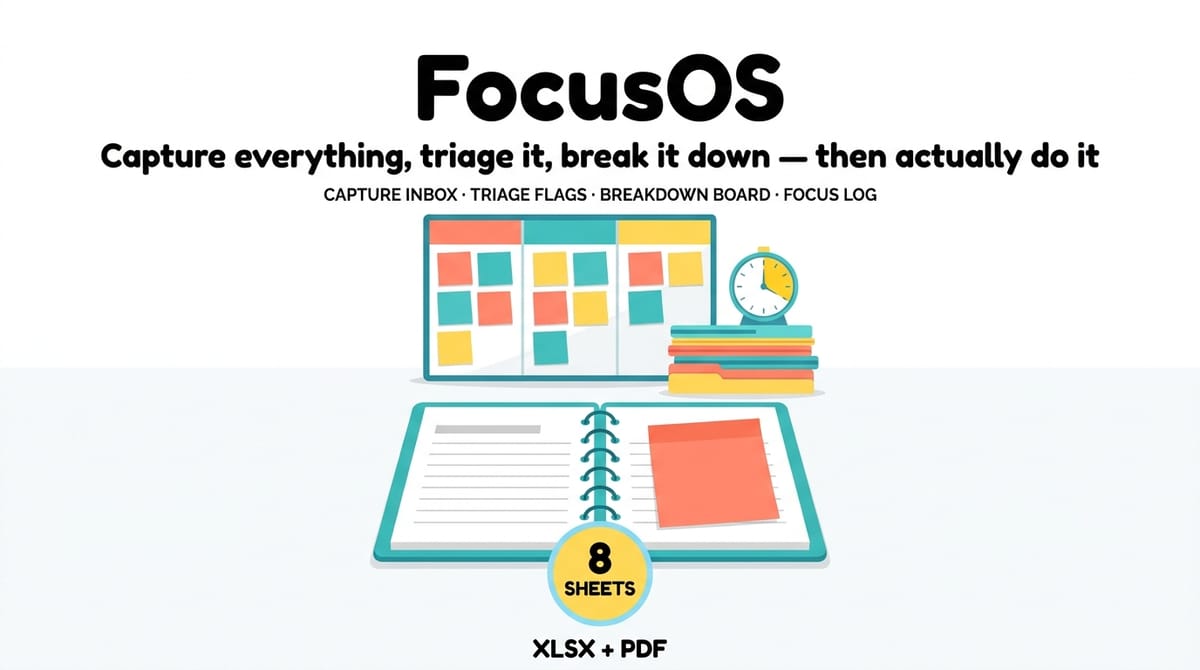
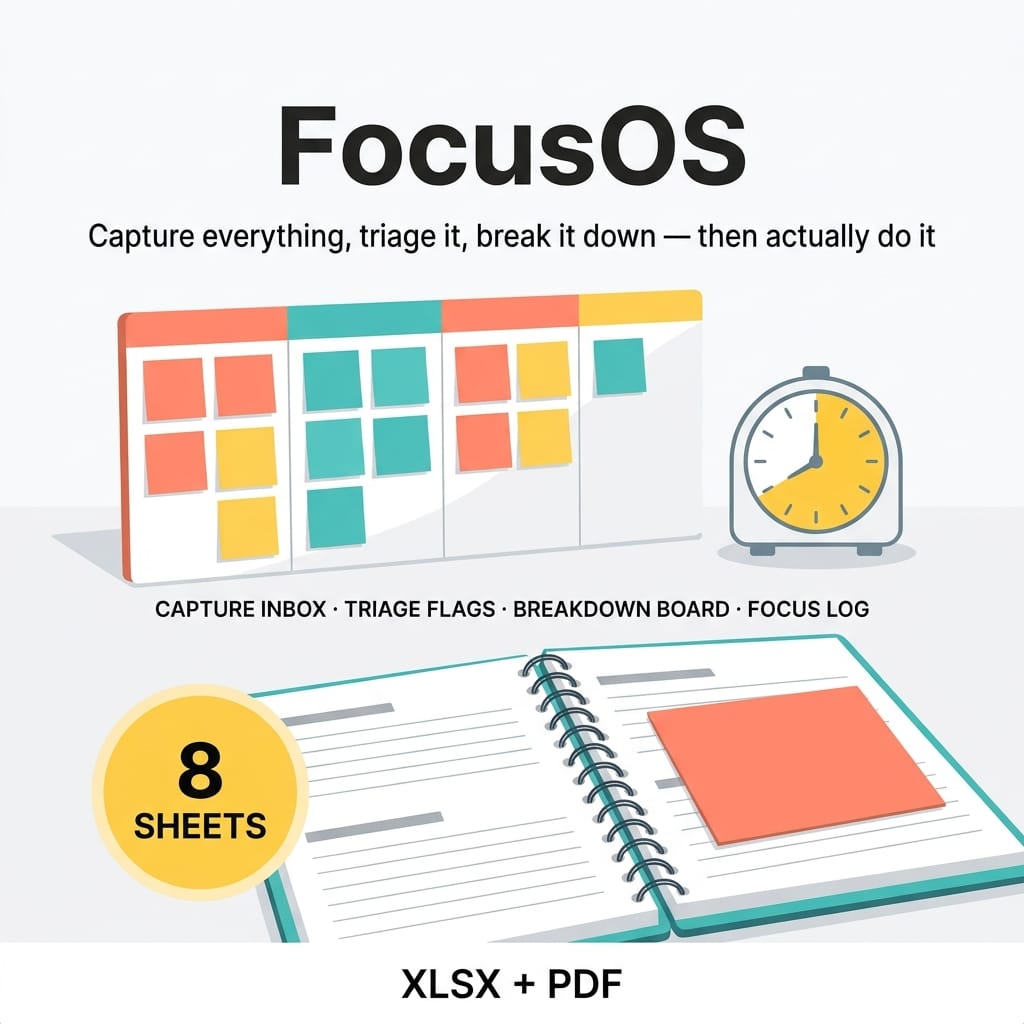

FocusOS — ADHD Visual Executive Function & Task Operating System — product cover

Category: Spreadsheets · Productivity Spreadsheets

About this product

Most planners fail at capture: the task never makes it onto the page. FocusOS runs the whole capture-to-done workflow in one 8-sheet workbook: CAPTURE everything, TRIAGE it with automatic priority flags, BREAK scary projects into micro-steps, schedule it on a WEEK board with overload warnings, log FOCUS sessions against your estimates, and keep ROUTINE streaks alive — with a DASHBOARD that shows all eight numbers at a morning glance.

(How it differs from The 5-Minute Day, Product 3 in this store: The 5-Minute Day plans the single day. FocusOS runs the whole workflow behind it — capture, triage, breakdown, schedule, focus. They pair well.)

README, CAPTURE, TRIAGE, BREAKDOWN, WEEK, FOCUS, ROUTINES, DASHBOARD

  • Quick-Start-Guide.pdf — the capture-to-done loop, one page per stage
  • README-license.txt

HOW IT WORKS

  • CAPTURE: brain-dump inbox (15 sample rows) with an untriaged counter that drops to zero as you triage
  • TRIAGE: Effort (S/M/L), Energy, Due date, Next micro-action, Status — the Flag column derives OVERDUE / DUE SOON / QUICK WIN / QUEUED / DONE automatically against today's date
  • BREAKDOWN: split big projects into ordered micro-steps; % complete updates itself (sample: 3 projects, 19 steps)
  • WEEK: place tasks on days with time blocks; per-day counts vs your own capacity — exceed it and the Load column flags OVERLOAD
  • FOCUS: log planned vs actual minutes; weekly totals, completion rate, session count, best session
  • ROUTINES: morning + evening check-off grids with days-done totals and current 7-day streaks
  • DASHBOARD: 8 formula-driven numbers — tasks captured, % triaged, untriaged inbox, done this week, focus minutes, completion rate, projects in progress, avg completion

DETAILS

  • Works in Excel, Google Sheets, and LibreOffice. No macros. 100% universal formulas.
  • Dropdowns throughout (Yes/No, S/M/L, Low/Medium/High, New/Doing/Done, Y/N, days of week).
  • Sample dates stay perpetually live (TODAY-relative); type plain dates for your own entries.
  • This is an organizational system, not medical advice. It does not diagnose or treat any condition. Sample data is fictional.

INSTANT DOWNLOAD — start your first capture loop today.

What's included

  • FocusOS-ADHD-Executive-Function-OS.xlsx — 8-sheet workbook:

Key features

  • Capture inbox with untriaged counter → brain-dump everything; the counter drops to zero as you triage
  • Automatic priority flags → OVERDUE / DUE SOON / QUICK WIN / QUEUED / DONE derived from due date, effort, and status against today's date
  • Micro-step breakdown → big projects split into ordered steps, with % complete updating itself
  • Week board with overload warnings → per-day counts against your own capacity; exceed it and the day flags OVERLOAD
  • Focus log → planned vs. actual minutes, weekly totals, completion rate, session count, and best session
  • Routine streaks → morning + evening check-off grids with days-done totals and current 7-day streaks
  • 8-number dashboard → tasks captured, % triaged, untriaged inbox, done this week, focus minutes, completion rate, projects in progress, avg completion — at a morning glance
  • Dropdowns throughout → Yes/No, S/M/L, Low/Medium/High, New/Doing/Done, Y/N, days of week
  • Perpetually live samples → sample dates are TODAY-relative, so the flags always demonstrate live; type plain dates for your own entries
  • QA-verified → 196/196 checks passed against an independent Python model + LibreOffice recalc, 0 error cells

Frequently asked questions

How is this different from The 5-Minute Day (Product 3 in this store)?

The 5-Minute Day plans the single day. FocusOS runs the whole workflow behind it — capture, triage, breakdown, schedule, focus. They pair well.

Is this medical advice?

No — this is an organizational system, not medical advice. It does not diagnose or treat any condition.

Is the sample data real?

No — sample data is fictional. Sample dates stay perpetually live (TODAY-relative) so the flags demonstrate themselves; type plain dates for your own entries.

What software do I need?

Excel, Google Sheets, or LibreOffice. No macros — 100% universal formulas.

What if I overload a day?

The WEEK sheet counts tasks per day against your own capacity and flags OVERLOAD when you exceed it.

Do the priority flags update themselves?

Yes — the Flag column derives OVERDUE / DUE SOON / QUICK WIN / QUEUED / DONE automatically against today's date.

FocusOS — ADHD Visual Executive Function & Task Operating System — product image

FocusOS — ADHD Visual Executive Function & Task Operating System

Most planners fail at capture: the task never makes it onto the page. FocusOS runs the whole workflow in one 8-sheet workbook — CAPTURE everything, TRIAGE it with automatic priority flags, BREAK scary projects into micro-steps, schedule the WEEK with overload warnings, log FOCUS sessions against your estimates, and keep ROUTINE streaks alive.

$24

Buy Now on Gumroad

Related products

More Spreadsheets
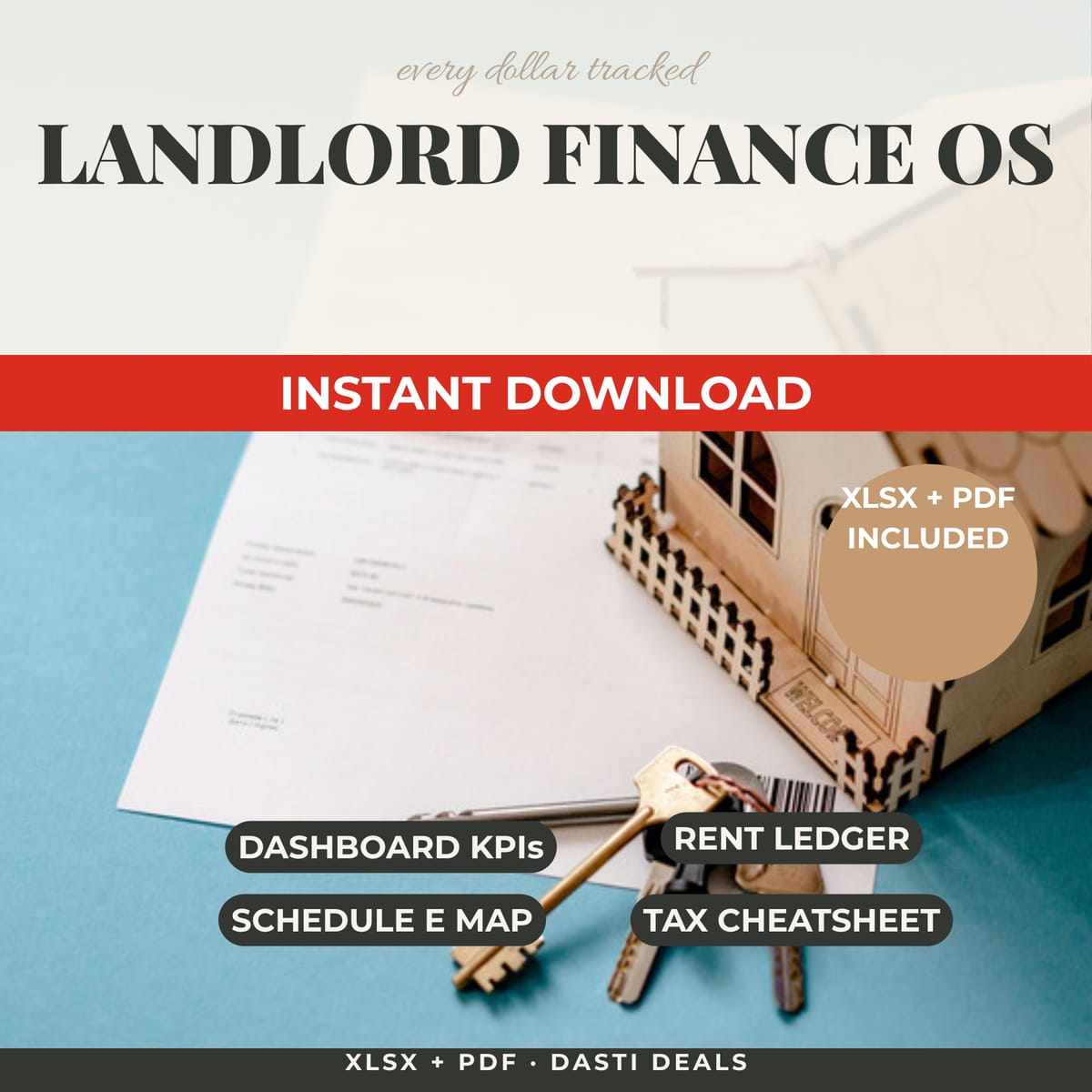
Landlord Finance OS — product image
Spreadsheets

Landlord Finance OS

Stop drowning in one-spreadsheet-per-property chaos. Track rent, expenses, and cashflow for up to 10 properties — and turn your year into a CPA-ready tax packet mapped to IRS Schedule E lines. Works in Excel & Google Sheets.

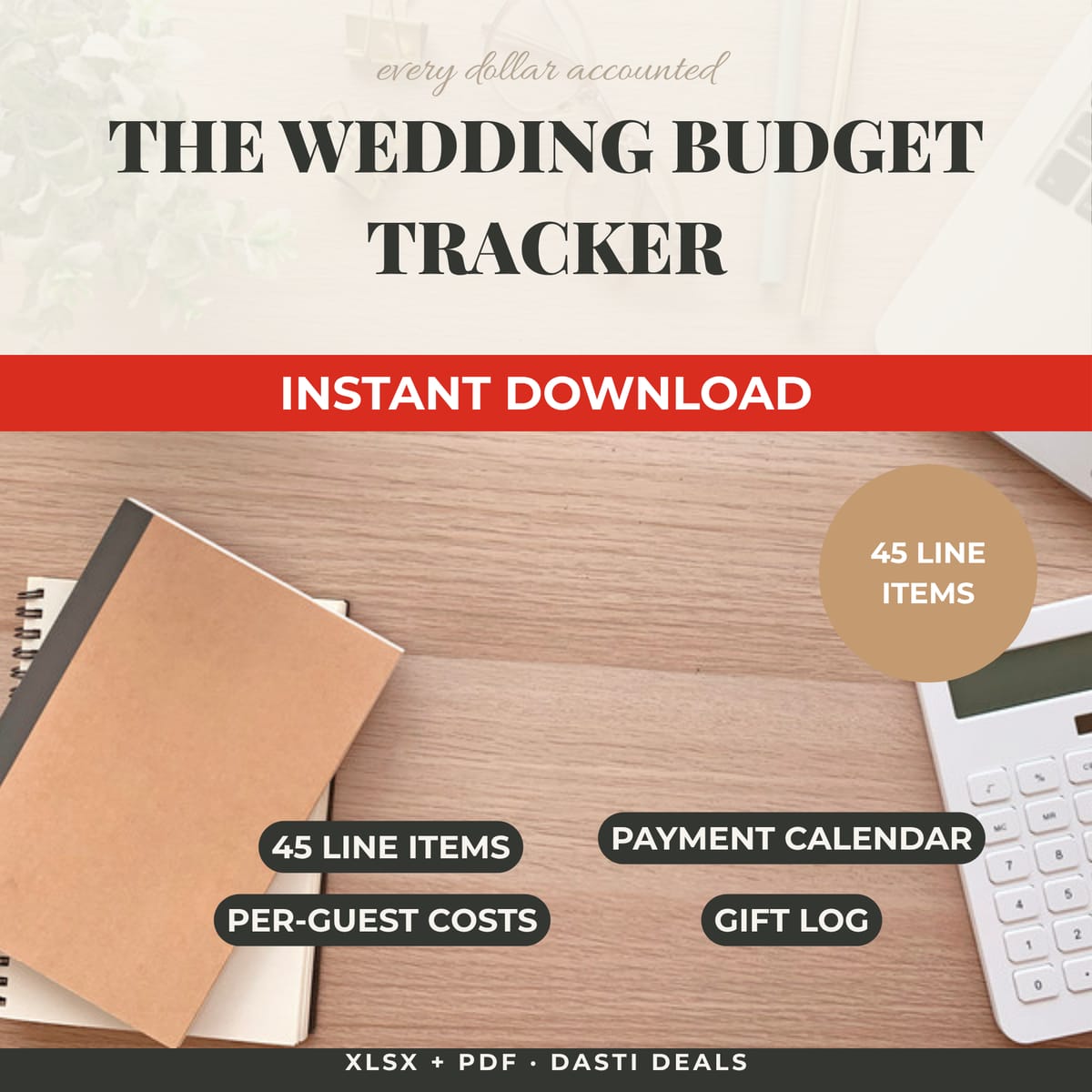
The Wedding Budget Tracker — product image
Spreadsheets

The Wedding Budget Tracker

A live financial model of your wedding in one spreadsheet: 45 line items across 12 categories, a payment calendar, per-guest cost scenarios, and a dashboard that flags over-budget categories. Every total is a real formula.