One spreadsheet that behaves like a financial model: type your budget and every total, variance flag, payment reminder, and per-guest scenario updates itself.
WHO THIS IS FOR
Couples who think in spreadsheets and want numbers, not another app to learn
Anyone who wants per-guest cost clarity (the #1 budget surprise in weddings)
Couples coordinating with family contributors who want a clean money picture
Planners who want a client-ready budget workbook (one copy per wedding — see license)
THE PROBLEM
Wedding budgets don't blow up on the big decisions — they bleed out through forgotten deposits, per-guest creep, and "we'll figure it out later" line items. A static budget template can't warn you: by the time you add everything up by hand, the damage is done.
THE SOLUTION
A formula-driven budget workbook with an explicit money model: total funds = your budget + contributions. The dashboard tells you exactly which category is over, the payment calendar shows what's due in the next 30 days, and the per-guest scenarios answer "what does each extra table really cost?" — before you commit.
WHAT'S INCLUDED (exact files)
Wedding-Budget-Tracker.xlsx — the complete 6-sheet system, 100% live formulas, no macros:
START HERE: how the sheets connect, the 10-minute setup, color key, the money model
DASHBOARD: budget input, total funds (budget + contributions), estimated/actual/paid/balance, % of budget used, cost per guest, your share to cover, and a 12-category variance table with automatic OVER BUDGET flags
BUDGET: 45 sample line items across 12 categories (Venue, Catering, Photo/Video, Attire, Flowers & Decor, Music, Cake, Stationery, Rings, Beauty, Transport, Misc) — Estimated / Actual / Paid / Balance, vendor, due date, status dropdown, notes. All totals cover rows 5–150, so added rows always count
PAYMENTS: a payment calendar pulled live from BUDGET — set today's date and get days-until-due, OVERDUE flags, and the total due in the next 30 days
GUESTS & COSTS: guest counts, per-guest cost breakdown (catering, rentals, favors, stationery) that feeds the Catering line automatically, plus what-if scenarios at 100–200 guests
GIFTS: family contribution log that increases your available funds on the dashboard
Quick-Start-Guide.pdf — 10-minute setup, the monthly 15-minute routine, a worked example, customizing categories, FAQ
README-license.txt — contents, formats, license, support
HOW IT WORKS
Download the ZIP → open the spreadsheet → type your budget on the DASHBOARD → replace the sample items with your own (type only in the gold input cells) → set today's date on PAYMENTS → update Paid/Status as deposits go out. First Sunday of each month: 15 minutes with the routine in the guide.
IDEAL CUSTOMER
An engaged couple 6–12 months out who lives in spreadsheets, wants to model "what if we add 20 guests?" in seconds, and will spend 15 minutes a month keeping the numbers honest.
WHO IT IS NOT FOR
Spreadsheet-averse couples: if formulas intimidate you, the app-based Wedding Command Center (same store) is a better fit.
Anyone who needs automatic tax and service-charge computation: there is no tax engine — bake taxes and service charges into your Estimated/Actual figures.
People who need partner-to-partner split tracking: the GIFTS sheet logs family contributions and BUDGET tracks vendor payments; personal split-tracking between partners isn't built in.
REQUIREMENTS & LIMITATIONS
Prerequisites: basic spreadsheet comfort (typing in cells, inserting rows). No finance background needed.
Compatibility: XLSX — Microsoft Excel, Google Sheets (upload and open), LibreOffice Calc. No macros.
Ships with a FICTIONAL sample wedding preloaded ("Ava & Noah") so every formula has live numbers to learn from — overwrite the gold input cells with your own; there is no separate blank file.
Sample figures are planning examples, not vendor quotes; your market will differ.
This is a budgeting aid, not financial advice.
FAQ
I'm not a spreadsheet person — is this for me? If formulas intimidate you, the app-based Wedding Command Center (in this store) may suit you better. This tracker is built for people who like living in spreadsheets.
Excel or Google Sheets? Both, plus LibreOffice. Upload the .xlsx to Google Drive and open with Sheets.
What if I break a formula? Re-download from your Gumroad library (free v1.x updates). Only type in gold cells and you'll never break one.
Can I add my own categories? Yes — rename or add freely; the variance table groups by exact category text, so keep names consistent in column B.
Does it track who paid what? The GIFTS sheet logs family contributions; the BUDGET sheet tracks what you've paid vendors. Personal split-tracking between partners isn't built in.
DELIVERY & ACCESS
Instant download as a ZIP file (Wedding-Budget-Tracker-v1/) after purchase. Yours to keep; free updates to v1.x.
LICENSE
Licensed to you, the buyer, for planning YOUR wedding (personal use). A hired coordinator may use this copy for your wedding. Coordinators/planners: one purchased copy per client wedding planned with it. You may not resell, share, redistribute, or republish these files.
SUPPORT & UPDATES
Questions or problems with the files: contact the seller via the Gumroad product page. All v1.x updates are free for life.
What's included
Wedding-Budget-Tracker.xlsx — the complete 6-sheet system, 100% live formulas, no macros:
START HERE: how the sheets connect, the 10-minute setup, color key, the money model
DASHBOARD: budget input, total funds (budget + contributions), estimated/actual/paid/balance, % of budget used, cost per guest, your share to cover, and a 12-category variance table with automatic OVER BUDGET flags
BUDGET: 45 sample line items across 12 categories (Venue, Catering, Photo/Video, Attire, Flowers & Decor, Music, Cake, Stationery, Rings, Beauty, Transport, Misc) — Estimated / Actual / Paid / Balance, vendor, due date, status dropdown, notes. All totals cover rows 5–150, so added rows always count
PAYMENTS: a payment calendar pulled live from BUDGET — set today's date and get days-until-due, OVERDUE flags, and the total due in the next 30 days
GUESTS & COSTS: guest counts, per-guest cost breakdown (catering, rentals, favors, stationery) that feeds the Catering line automatically, plus what-if scenarios at 100–200 guests
GIFTS: family contribution log that increases your available funds on the dashboard
Quick-Start-Guide.pdf — 10-minute setup, the monthly 15-minute routine, a worked example, customizing categories, FAQ
README-license.txt — contents, formats, license, support
Key features
Genuinely formula-driven: change 3 cells and watch a dozen numbers update — verified by 88 automated recalculation checks — so the workbook can't silently drift out of sync the way hand-added templates do.
The money model is explicit: Total funds = your budget + contributions; "your share to cover" never goes below $0 — you always see the real bottom line.
Payment discipline built in: due dates, balances, and a 30-day outlook in one view — deposits stop slipping through the cracks.
Per-guest scenarios answer "what does each extra table cost?" instantly — the most expensive wedding question, answered before you commit.
No macros, no plugins, no accounts — opens in Excel, Google Sheets, and LibreOffice; currency-agnostic ($ is formatting only).
Frequently asked questions
I'm not a spreadsheet person — is this for me?
If formulas intimidate you, the app-based Wedding Command Center (in this store) may suit you better. This tracker is built for people who like living in spreadsheets.
Excel or Google Sheets?
Both, plus LibreOffice. Upload the .xlsx to Google Drive and open with Sheets.
What if I break a formula?
Re-download from your Gumroad library (free v1.x updates). Only type in gold cells and you'll never break one.
Can I add my own categories?
Yes — rename or add freely; the variance table groups by exact category text, so keep names consistent in column B.
Does it track who paid what?
The GIFTS sheet logs family contributions; the BUDGET sheet tracks what you've paid vendors. Personal split-tracking between partners isn't built in.
The Wedding Budget Tracker
A live financial model of your wedding in one spreadsheet: 45 line items across 12 categories, a payment calendar, per-guest cost scenarios, and a dashboard that flags over-budget categories. Every total is a real formula.
See your exact debt-free date under both payoff strategies. A 360-month simulation engine compares Avalanche vs Snowball with your debts, your extra payment — month-by-month balances, total interest, and payoff order. Excel & Google Sheets.
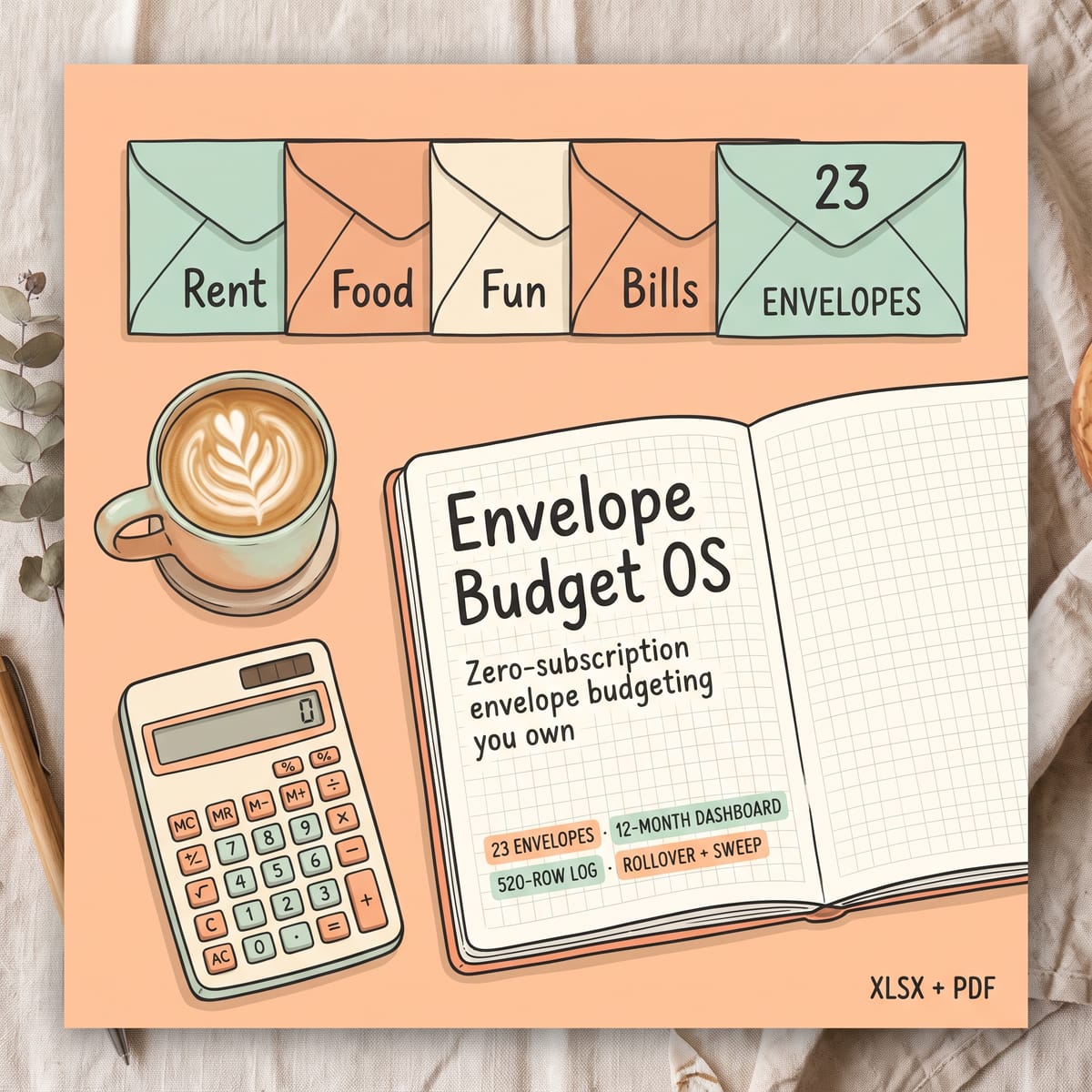
The cash-envelope method, rebuilt as a spreadsheet you own forever. Allocate income into 23 envelopes, log spending, and see exactly what is left — with automatic OVER/NEAR warnings, rollover-or-sweep savings, and a 12-month dashboard. No app, no subscription, no macros.
Stop drowning in one-spreadsheet-per-property chaos. Track rent, expenses, and cashflow for up to 10 properties — and turn your year into a CPA-ready tax packet mapped to IRS Schedule E lines. Works in Excel & Google Sheets.
Pay yourself a steady salary from irregular freelance income — and never fear quarterly taxes again. Automatic income splitting, quarterly tax-reserve tracker, invoice aging, and salary runway. 7-sheet spreadsheet system, 104 formula checks passed.