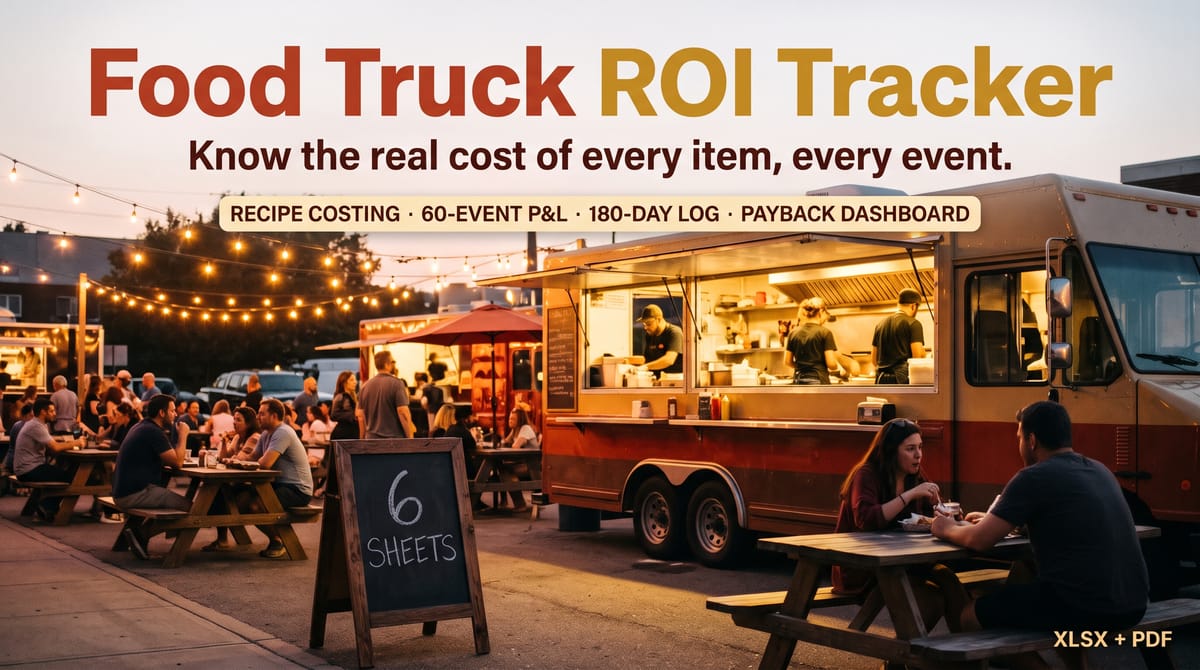
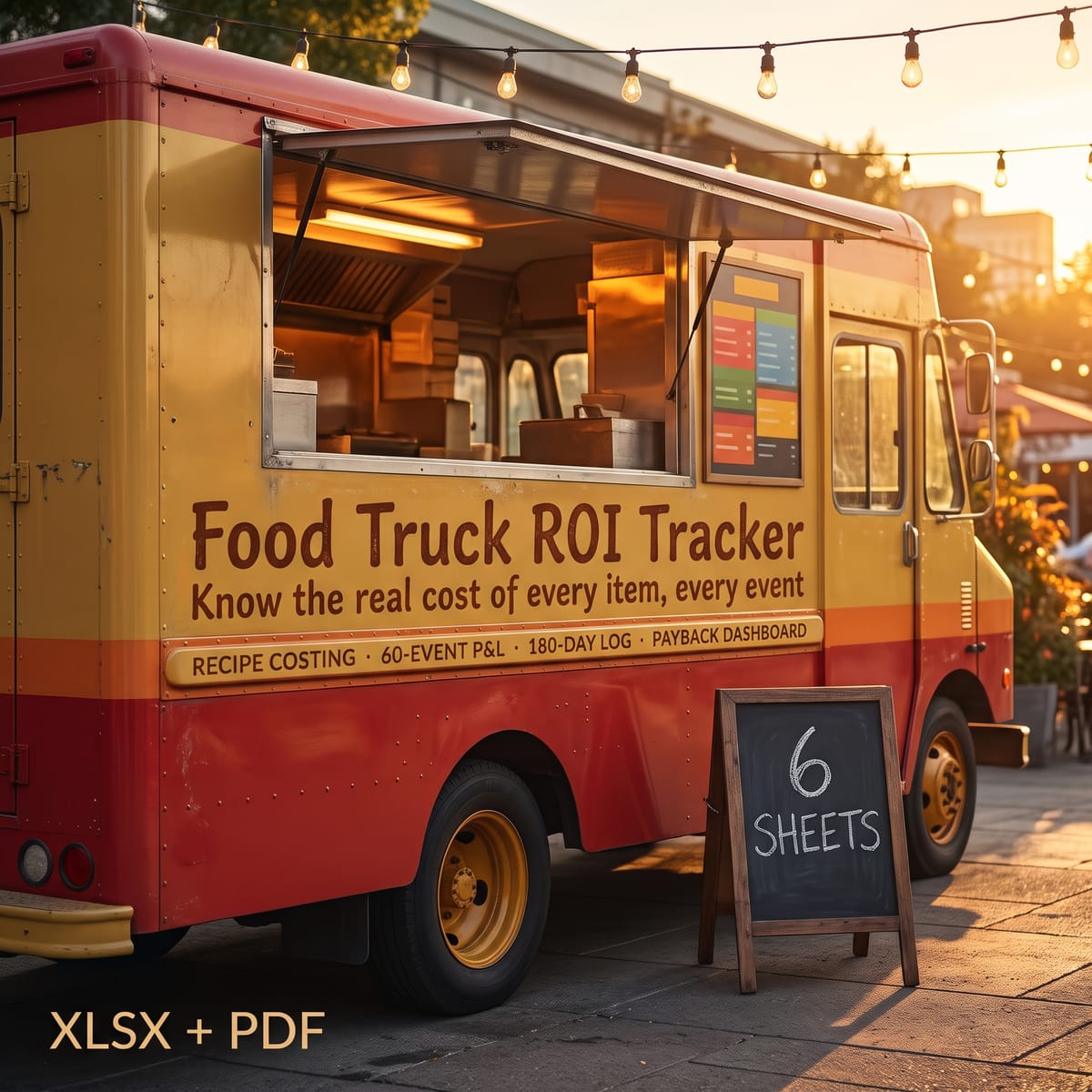
Food Truck ROI Tracker — Prep, Commissary Log & Event ROI System — product cover

Category: Spreadsheets · Financial Spreadsheets

About this product

Most food trucks run on gut feel: prices set by copying the truck next door, events judged by vibes, and no honest answer to "has this truck paid for itself yet?" Food Truck ROI Tracker replaces the guesswork with your own numbers — in one native-formula workbook (no macros, works in Excel, Google Sheets, and LibreOffice).

WHAT'S INSIDE (6 sheets):

  • START HERE — 5-minute setup walkthrough, how to clear the sample data, and disclosures.
  • SETUP — truck purchase price, down payment, loan rate and term (monthly payment auto-computes via PMT), one-time cash setup costs, and your fixed monthly costs (permits, insurance, commissary, storage, phone, accounting, other). Total truck investment, monthly fixed total, and total monthly nut compute automatically.
  • MENU COSTING — a 20-ingredient library (pack unit, pack size, pack cost → automatic cost per oz/each, with lb/oz/kg/g/each conversions) plus 15 menu items: pick up to 6 ingredients per item, enter qty per serving, add packaging cost, and get total cost per serving, suggested price from YOUR target food-cost %, your actual price, and margin dollars + margin %.
  • EVENT P&L — 60 events: date, location, hours, gross sales, food cost, labor, fuel, event fee % (dollar amount auto), other costs → net per event, net per hour, and automatic BEST / WORST flags.
  • DAILY LOG — 180 street-service days: gross, food cost, refunds → daily net plus a 7-day rolling average.
  • ROI DASHBOARD — cumulative profit (events + daily), payback progress % against your truck investment, tracked service days, average profit per service day, projected monthly profit at your current run rate, months-to-payback (guarded: "—" until you have data, "PAID OFF" when you get there), a 12-month P&L rollup, loan watch (payment, months elapsed, months remaining), and break-even gross sales per service day computed from YOUR real cost structure.

ALSO INCLUDED: Quick-Start Guide (PDF) and README with license and disclosures.

DISCLOSURES:

This tracker organizes your numbers; it does not predict or guarantee any earnings, and every result depends on the real numbers you enter. Nothing in it is financial, tax, or legal advice. All sample ingredients, menu items, events, and figures are fictional and labeled SAMPLE — replace them with your own. Enter each service in only one log (Event P&L or Daily Log) so profit is never double-counted.

What's included

  • Food-Truck-ROI-Tracker.xlsx — 6-sheet native-formula workbook (no macros):
  • START HERE — 5-minute setup walkthrough, how to clear the sample data, and disclosures
  • SETUP — truck purchase price, down payment, loan rate and term (monthly payment auto-computes via PMT), one-time cash setup costs, and your fixed monthly costs (permits, insurance, commissary, storage, phone, accounting, other). Total truck investment, monthly fixed total, and total monthly nut compute automatically
  • MENU COSTING — a 20-ingredient library (pack unit, pack size, pack cost → automatic cost per oz/each, with lb/oz/kg/g/each conversions) plus 15 menu items: pick up to 6 ingredients per item, enter qty per serving, add packaging cost, and get total cost per serving, suggested price from YOUR target food-cost %, your actual price, and margin dollars + margin %
  • EVENT P&L — 60 events: date, location, hours, gross sales, food cost, labor, fuel, event fee % (dollar amount auto), other costs → net per event, net per hour, and automatic BEST / WORST flags
  • DAILY LOG — 180 street-service days: gross, food cost, refunds → daily net plus a 7-day rolling average
  • ROI DASHBOARD — cumulative profit (events + daily), payback progress % against your truck investment, tracked service days, average profit per service day, projected monthly profit at your current run rate, months-to-payback (guarded: "—" until you have data, "PAID OFF" when you get there), a 12-month P&L rollup, loan watch (payment, months elapsed, months remaining), and break-even gross sales per service day computed from YOUR real cost structure
  • Quick-Start-Guide.pdf — 5-minute setup, how to read every number, clearing sample data, tips
  • README-license.txt — license and disclosures

Key features

  • Real recipe costing → a 20-ingredient library with automatic cost per oz/each (lb/oz/kg/g/each conversions) rolling into 15 menu items with cost per serving, margin $ and margin %
  • Suggested price from YOUR target → enter your target food-cost % and the sheet suggests a price, then shows your actual price against it
  • Events judged by numbers → 60-event P&L with net per event, net per hour, and automatic BEST / WORST flags
  • 180-day daily log → daily net plus a 7-day rolling average, so good and bad runs are visible at a glance
  • Payback on the dashboard → cumulative profit, payback progress % against your truck investment, months-to-payback, a 12-month P&L rollup, loan watch, and break-even gross sales per service day
  • Native formulas, no macros → works in Excel, Google Sheets, and LibreOffice

Frequently asked questions

Does the workbook work in Google Sheets and LibreOffice?

Yes — it is a native-formula workbook with no macros and works in Excel, Google Sheets, and LibreOffice.

Does it guarantee my truck will pay back?

No. This tracker organizes your numbers; it does not predict or guarantee any earnings, and every result depends on the real numbers you enter.

Is the sample data real?

No — all sample ingredients, menu items, events, and figures are fictional and labeled SAMPLE. Rows labeled SAMPLE: select their input values and press Delete to start fresh (keep the formula columns).

How is the suggested menu price calculated?

From YOUR target food-cost %: the sheet takes the item's total cost per serving and suggests a price from that target, then shows your actual price, margin dollars and margin % alongside.

Why does months-to-payback sometimes show "—"?

It is guarded: it shows "—" until you have data, and "PAID OFF" when you get there — instead of a made-up number.

Can I log the same service in both logs?

No — enter each service in only ONE log (Event P&L or Daily Log) so profit is never double-counted on the dashboard.

Food Truck ROI Tracker — Prep, Commissary Log & Event ROI System — product image

Food Truck ROI Tracker — Prep, Commissary Log & Event ROI System

A 6-sheet native-formula Excel/Google Sheets system for food-truck and pop-up catering owners: recipe costing with automatic cost-per-oz, a 60-event P&L with net-per-hour, a 180-day sales log, and a dashboard with payback progress %, months-to-payback, and break-even sales per service day.

$24

Buy Now on Gumroad

Related products

More Spreadsheets
Landlord Finance OS — product image
Spreadsheets

Landlord Finance OS

Stop drowning in one-spreadsheet-per-property chaos. Track rent, expenses, and cashflow for up to 10 properties — and turn your year into a CPA-ready tax packet mapped to IRS Schedule E lines. Works in Excel & Google Sheets.

BRRRR Deal Analyzer — product image
Spreadsheets

BRRRR Deal Analyzer

Know your numbers before you buy. This BRRRR spreadsheet computes cash left in the deal, refinance proceeds, cashflow, cash-on-cash return and cap rate — and compares 3 deals side by side. 4 sheets, live formulas, 3 sample deals. For Excel, Google Sheets & LibreOffice.