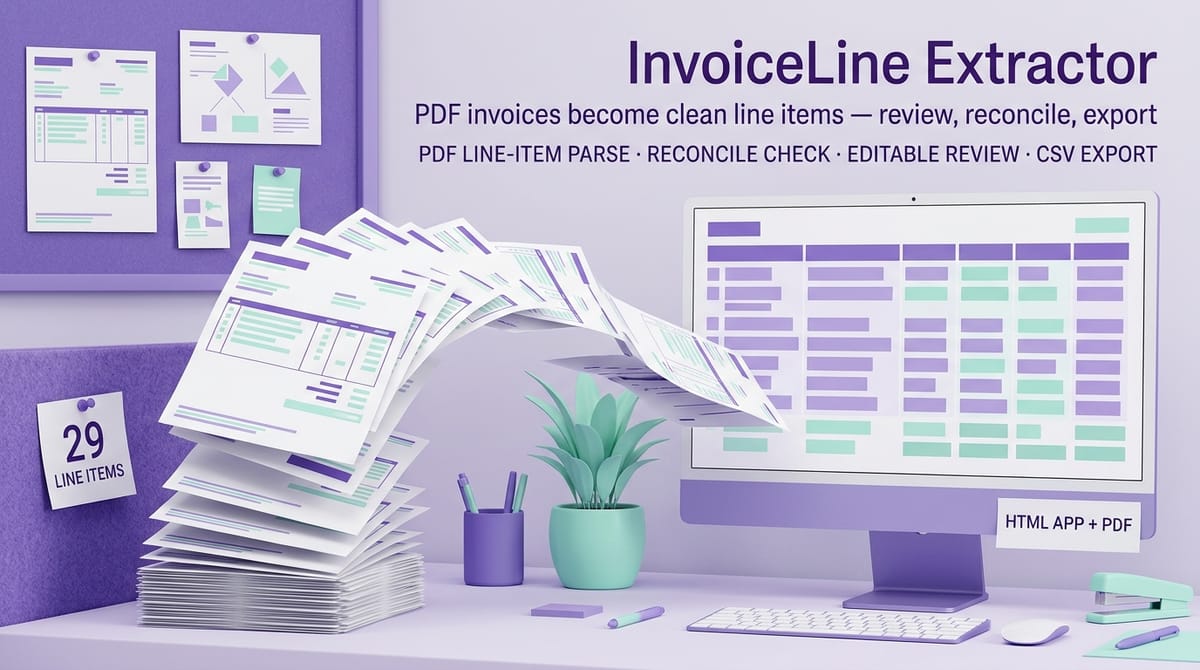
InvoiceLine Extractor — PDF Vendor Invoice to Sheets Line-Item Tool — product cover

Category: AI Tools & Resources · AI Business Resources

About this product

Stop retyping vendor invoices. Drop a PDF into InvoiceLine Extractor and get clean, editable line items — description, quantity, unit price, amount — ready to export as CSV for Google Sheets or Excel.

WHAT IT DOES

  • Reads a text-based vendor invoice PDF and pulls every line item into a review table
  • Extracts the invoice number, date, subtotal, tax, freight and total where it finds them
  • Reconciles: green banner when your rows add up to the extracted subtotal, red with the exact difference when they don't
  • Every cell is editable — fix a misread row, delete strays, add rows by hand
  • One-click CSV export (properly quoted) + copy-to-clipboard
  • Paste-text mode for invoices the PDF reader chokes on
  • 3 fictional sample invoices included so you can try it in 60 seconds

WHAT IT DOES NOT DO (read before you buy)

  • Text-based PDFs ONLY. A scanned or photo-only PDF has no text layer — there is NO OCR, so scans and photos cannot be processed. If you can't select the text in your PDF reader, this tool can't read it either.
  • Extraction is a best guess from the invoice's layout. Unusual tables may need a couple of manual fixes — that's what the review table is for.

PRIVACY

  • 100% offline. One HTML file, no install, no account, no uploads, no tracking. Your invoices never leave your computer.

What's included

  • InvoiceLine-Extractor.html (the tool — opens in Chrome, Edge, Firefox, Safari)
  • 3 sample invoice PDFs (fictional)
  • Quick-Start-Guide.pdf (the 3-minute workflow)
  • README-license.txt
  • FORMAT: single HTML file + PDFs. Works on Windows and Mac. No Excel needed.

Key features

  • PDF line-item extraction → reads a text-based vendor invoice PDF and pulls every line item into a review table
  • Header extraction → invoice number, date, subtotal, tax, freight and total where found
  • Reconciliation → green banner when rows add up to the extracted subtotal, red with the exact difference when they don't
  • Fully editable review table → fix a misread row, delete strays, add rows by hand
  • One-click CSV export → properly quoted, plus copy-to-clipboard
  • Paste-text mode → for invoices the PDF reader chokes on
  • 100% offline → one HTML file, no uploads, no tracking; invoices never leave your computer
  • QA-verified → 52/52 checks passed (33 unit tests + 19 end-to-end tests), 0 failures
  • Proven on samples → Sample A: 8 rows, cell-for-cell, MATCH; Sample B: 15 rows over 2 pages with a negative discount line, tax + freight; Sample C: 6 rows with wrapped 2-line descriptions, MATCH; CSV export byte-identical to the independently generated expected file; zero network requests during full test sessions

Frequently asked questions

Will it read a scanned invoice?

No — text-based PDFs only. A scanned or photo-only PDF has no text layer and there is no OCR, so scans and photos cannot be processed. If you can't select the text in your PDF reader, this tool can't read it either.

Is extraction perfect?

No — extraction is a best guess from the invoice's layout. Unusual tables may need a couple of manual fixes; that is what the review table is for.

Do my invoices leave my computer?

No — the tool is 100% offline, with no uploads and no tracking.

Are the sample invoices real?

No — the 3 sample invoices are fictional.

Do I need Excel?

No — the CSV export works in Google Sheets or Excel, and the tool itself needs only a browser.
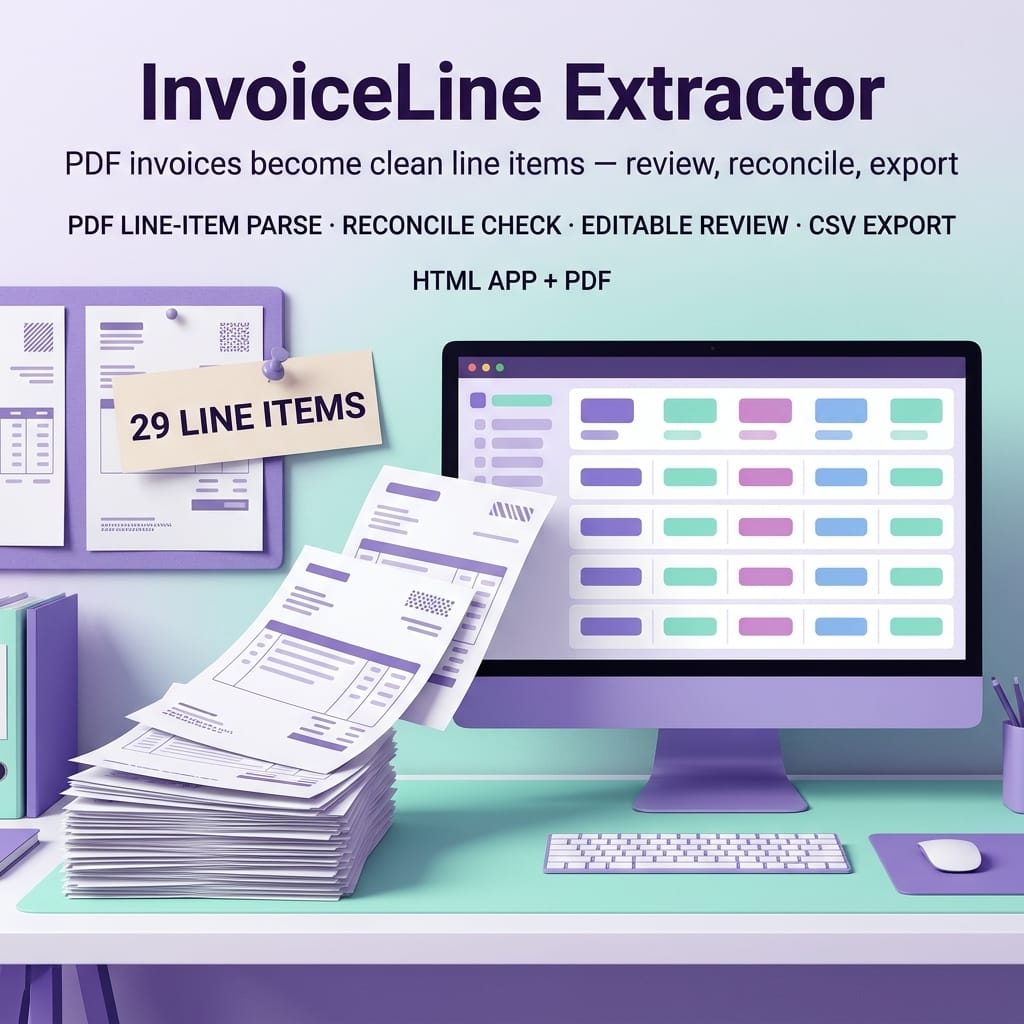
InvoiceLine Extractor — PDF Vendor Invoice to Sheets Line-Item Tool — product image

InvoiceLine Extractor — PDF Vendor Invoice to Sheets Line-Item Tool

Drop a text-based vendor invoice PDF into one offline HTML file and get clean, editable line items — description, quantity, unit price, amount — reconciled against the invoice total and ready to export as CSV for Google Sheets or Excel.

$24

Buy Now on Gumroad

Related products

More AI Tools & Resources
ClientFlow CRM — product image
AI Tools & Resources

ClientFlow CRM

Never lose a deal to a forgotten follow-up. A simple CRM for freelancers: kanban pipeline, client directory, and a due/overdue follow-up tracker. Instant offline app + Notion rebuild pack.