Agencies and consultants pay $79–$199/month for reporting SaaS just to turn a weekly Stripe, Shopify, ads or CRM export into a client-ready PDF. SheetToDeck does it for a one-time $29 — two ways:
THE LOCAL HTML UTILITY (the star of the show)
A single HTML file. Double-click it — it opens in any browser and works fully offline.
Drop in any CSV: auto-detects date, revenue, quantity, cost, impressions, clicks, conversions and a "group by" column (product/campaign/deal). Correct any mapping with one click.
Add your business name, client name, period label and logo for a white-labeled report.
Live KPI cards: total revenue, transactions, average order value, cost, ROAS, conversions, daily average.
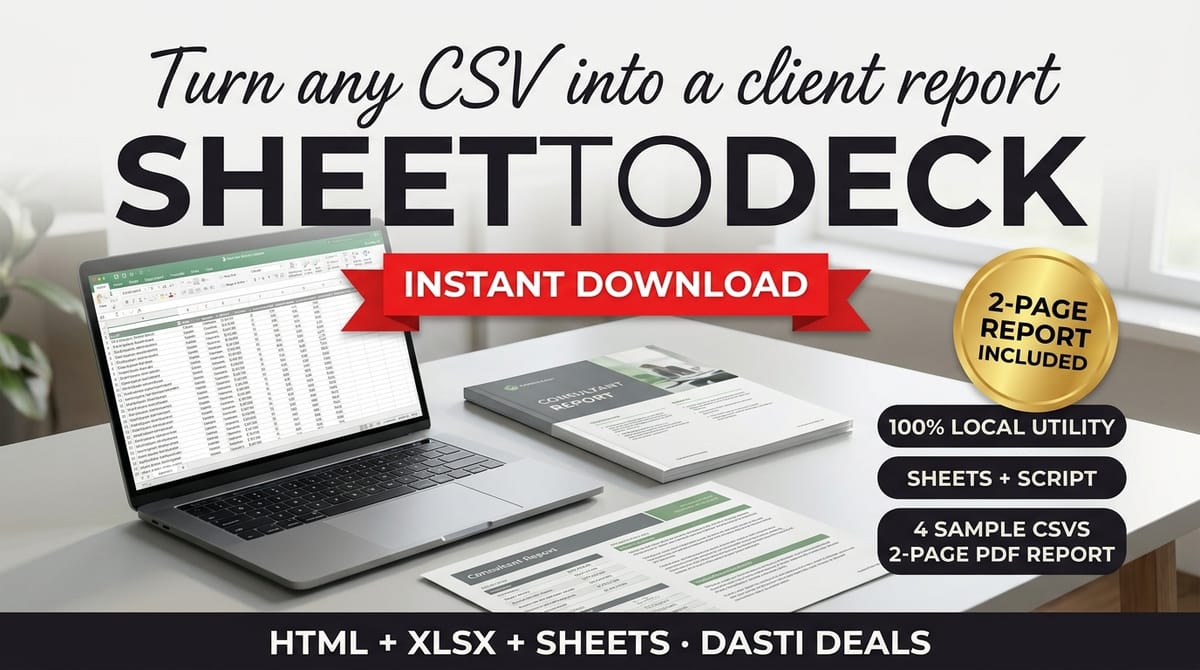
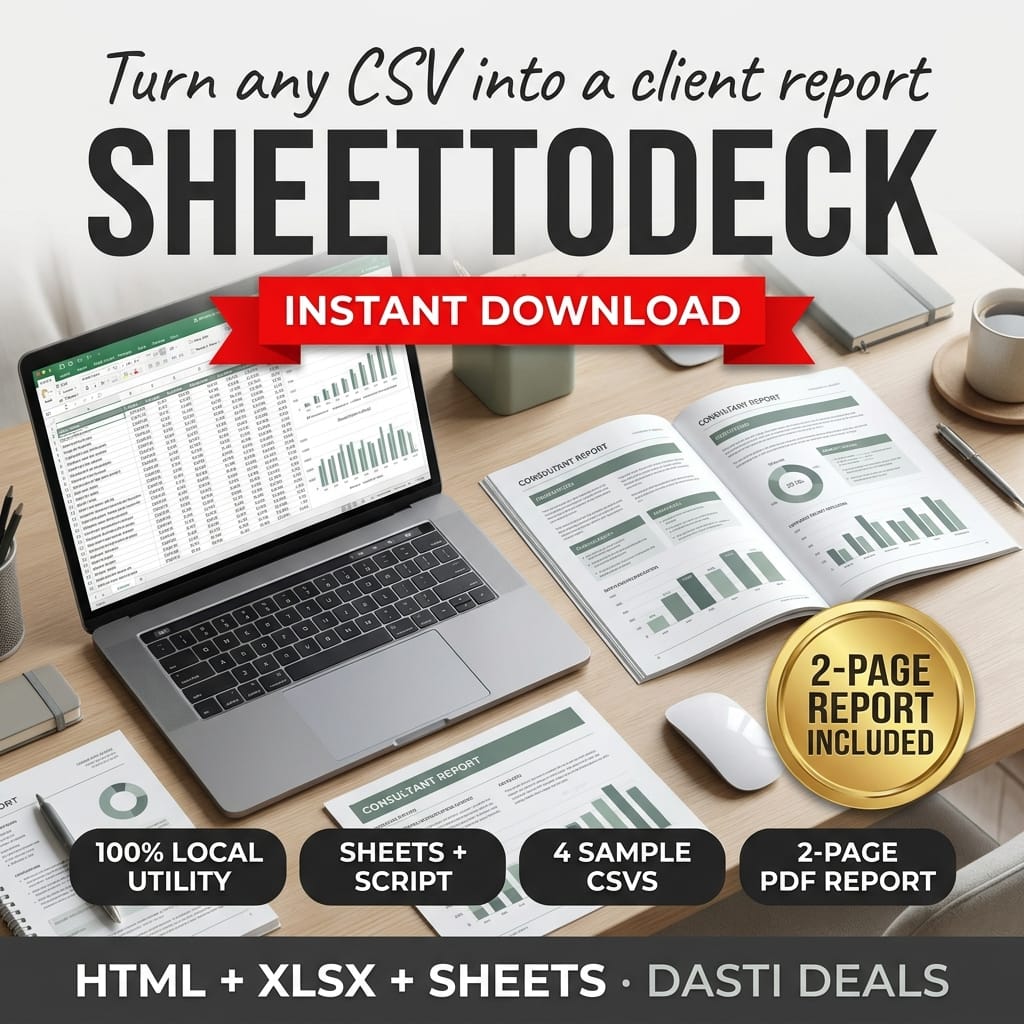
A branded 2-page A4 report: page 1 = KPI cards + top-5 days; page 2 = daily revenue chart + top-5 groups + your analyst notes. Print → Save as PDF.
100% LOCAL: the file makes zero network requests — no CDNs, no fonts, no analytics, no servers. Your data never leaves your computer. (Open it with Wi-Fi off to prove it.)
THE GOOGLE SHEETS ROUTE
A master template (PASTE_DATA / CONFIG / REPORT / PRINT) with live formulas that read whatever column layout you configure.
A paste-in Apps Script adds a "SheetToDeck" menu with 1-click client PDF export and a KPI-math verifier that cross-checks the formulas.
ALSO INCLUDED
4 fictional sample CSVs (Stripe-style, Shopify-style, Google Ads-style, CRM-style) so you can run your first report in 60 seconds.
Setup & User Guide PDF covering both routes, KPI definitions and troubleshooting.
Smart CSV parsing: quoted fields, commas inside values, "$1,234.56", "(123.45)" negatives and European "1.234,56" numbers; ISO, US and EU date formats.
WHAT'S IN THE DOWNLOAD (9 files): SheetToDeck.html · SheetToDeck-Master.xlsx · SheetToDeck-Script.gs · Setup-and-User-Guide.pdf · 4 sample CSVs · README-license.txt
PLEASE NOTE:
SheetToDeck is a reporting formatter, not accounting software. It does not validate your data or give financial advice.
The Sheets route requires your own Google account; authorizing the script (normal one-time Google prompt) lets it work on your spreadsheet only.
Works in any modern desktop browser. Mobile browsers can open the file but the print-to-PDF flow is best on desktop.
Single-user license.
INSTANT DOWNLOAD · NO SUBSCRIPTION · YOUR DATA STAYS YOURS
What's included
The download has 9 files:
SheetToDeck.html — the local HTML utility (the star of the show). A single file: double-click it, it opens in any browser and works fully offline. Drop in any CSV: it auto-detects date, revenue, quantity, cost, impressions, clicks, conversions and a "group by" column (product/campaign/deal), and any mapping can be corrected with one click. Add your business name, client name, period label and logo for a white-labeled report. Live KPI cards: total revenue, transactions, average order value, cost, ROAS, conversions, daily average. The branded 2-page A4 report: page 1 = KPI cards + top-5 days; page 2 = daily revenue chart + top-5 groups + your analyst notes. Print → Save as PDF. 100% local: the file makes zero network requests — no CDNs, no fonts, no analytics, no servers.
SheetToDeck-Master.xlsx — the Google Sheets master template (PASTE_DATA / CONFIG / REPORT / PRINT) with live formulas that read whatever column layout you configure.
SheetToDeck-Script.gs — a paste-in Apps Script that adds a "SheetToDeck" menu with 1-click client PDF export and a KPI-math verifier that cross-checks the formulas.
4 fictional sample CSVs (Stripe-style, Shopify-style, Google Ads-style, CRM-style) so you can run your first report in 60 seconds.
Setup-and-User-Guide.pdf — covers both routes, KPI definitions and troubleshooting.
README-license.txt — license terms + disclosures. Plus smart CSV parsing: quoted fields, commas inside values, "$1,234.56", "(123.45)" negatives and European "1.234,56" numbers; ISO, US and EU date formats.
Key features
100% local HTML utility → zero network requests, no CDNs, no analytics, no servers — your data never leaves your computer (open it with Wi-Fi off to prove it)
Auto-detected column mapping → date, revenue, quantity, cost, impressions, clicks, conversions and a group-by column, correctable with one click
White-labeled 2-page A4 report → your business name, client name, period label and logo; KPI cards and top-5 days on page 1, daily revenue chart, top-5 groups and analyst notes on page 2
Live KPI cards → total revenue, transactions, average order value, cost, ROAS, conversions, daily average
A second route in Google Sheets → master template with live formulas plus an Apps Script menu for 1-click PDF export and a KPI-math verifier
Smart CSV parsing → quoted fields, commas inside values, currency and negative formats, European numbers, and ISO/US/EU dates
Frequently asked questions
Does the HTML utility send my data anywhere?
No — it makes zero network requests: no CDNs, no fonts, no analytics, no servers. Your CSV and logo are processed entirely in your browser; you can verify this by opening the file with your internet disconnected.
What kinds of CSVs does it handle?
Any CSV export — the samples cover Stripe-style, Shopify-style, Google Ads-style and CRM-style layouts. It parses quoted fields, commas inside values, "$1,234.56", "(123.45)" negatives and European "1.234,56" numbers, plus ISO, US and EU date formats.
What does the report contain?
A branded 2-page A4 report: page 1 has KPI cards (total revenue, transactions, average order value, cost, ROAS, conversions, daily average) plus top-5 days; page 2 has the daily revenue chart, top-5 groups and your analyst notes.
How does the Google Sheets route work?
The master template (PASTE_DATA / CONFIG / REPORT / PRINT) uses live formulas that read the column layout you configure, and the paste-in Apps Script adds a "SheetToDeck" menu with 1-click client PDF export and a KPI-math verifier. It requires your own Google account.
Is this accounting software?
No — SheetToDeck is a reporting formatter, not accounting software. It does not validate your data or give financial advice.
What if I need help with the files?
Contact Dasti Deals through your Gumroad library.
SheetToDeck — CSV-to-Client PDF KPI Report Utility
Turn any raw CSV export into a clean, white-labeled 2-page client PDF report — with zero subscriptions and zero servers.
Never lose a deal to a forgotten follow-up. A simple CRM for freelancers: kanban pipeline, client directory, and a due/overdue follow-up tracker. Instant offline app + Notion rebuild pack.
Professional invoices in minutes — one self-contained file, no subscription, works offline. Live totals, 3 themes, discounts, taxes, multi-currency, print to PDF, and a saved-invoice manager.
Seating is the most political wedding task. SeatSmith gives it a home: drag guests onto tables, flag keep-apart pairs, and print a clean chart plus guest directory. One offline file, no account.
Stop dreading paperwork. ContractCraft is a single offline HTML tool that turns fill-in-the-blank forms into clean, printable contracts — services agreements, contractor agreements, NDAs, loan notes — with live preview and one-click PDF export.